Daily Task Manager Excel & Google Sheets Template (Digital Download)
$4.49 $5.99
📝 DESCRIPTION
________________________________________
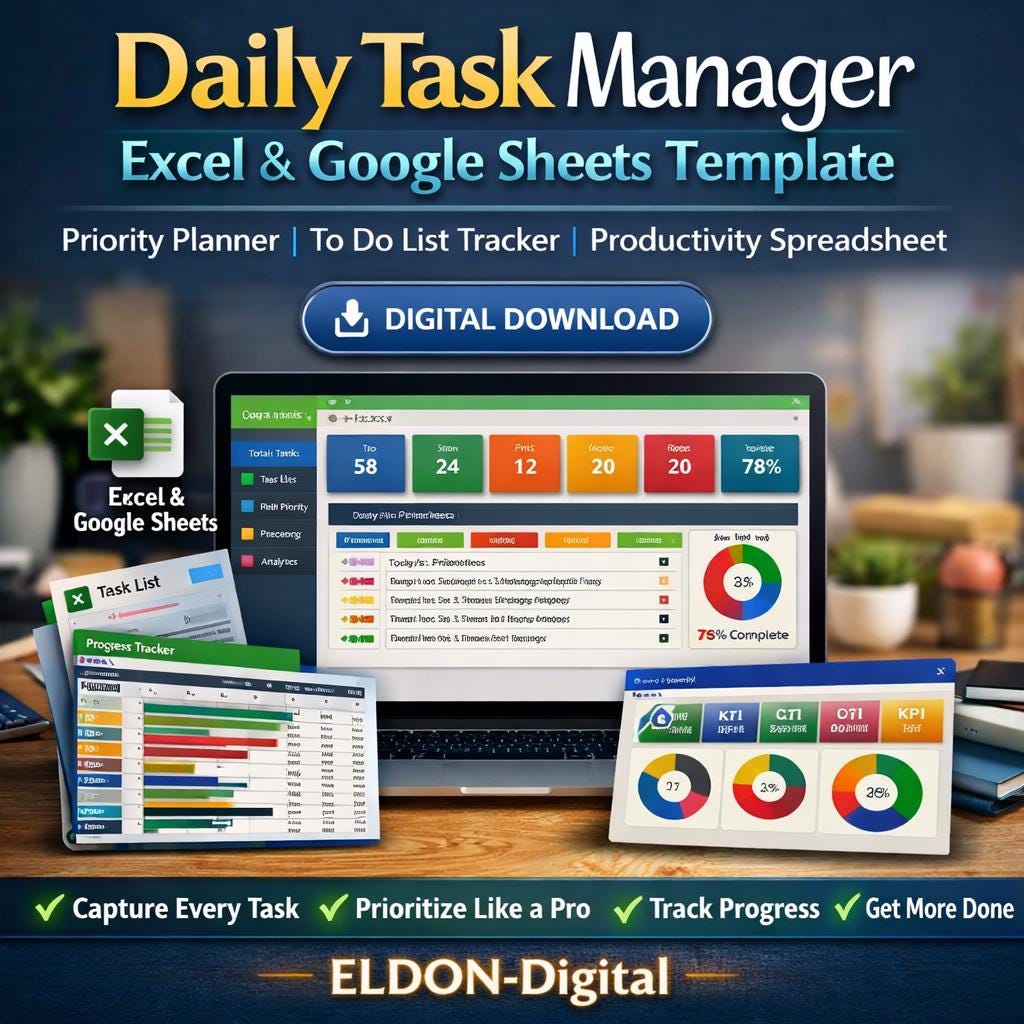
✅ ELDON-Digital Daily Task Manager Pro -Stop Forgetting. Start Finishing. Capture Every Task · Prioritize Like a Pro · Track Progress · Get More Done
________________________________________
🔥 Does your to-do list feel like it's running YOU? This professionally designed, fully automated Daily Task Manager spreadsheet gives you one powerful system to capture, organize, prioritize, and complete every single task in your life -work, personal, health, finance, and beyond. Built by ELDON-Digital, this is not a basic to-do list. It's a complete task command center. 💪
________________________________________
📦 WHAT'S INCLUDED
🔹 1 Excel Workbook (.xlsx) -works in Microsoft Excel 2016, 2019, 2021, and 365 🔹 1 Google Sheets Version -upload to Google Drive and use instantly in any browser 🔹 8 fully formatted, color-coded sheets -every sheet with its own unique color theme 🔹 20 pre-filled mock tasks -see exactly how the finished product looks with real data 🔹 Instant digital download -start managing your tasks within minutes of purchase!
________________________________________
🗂️ INSIDE YOUR TASK MANAGER -8 POWERFUL SHEETS
________________________________________
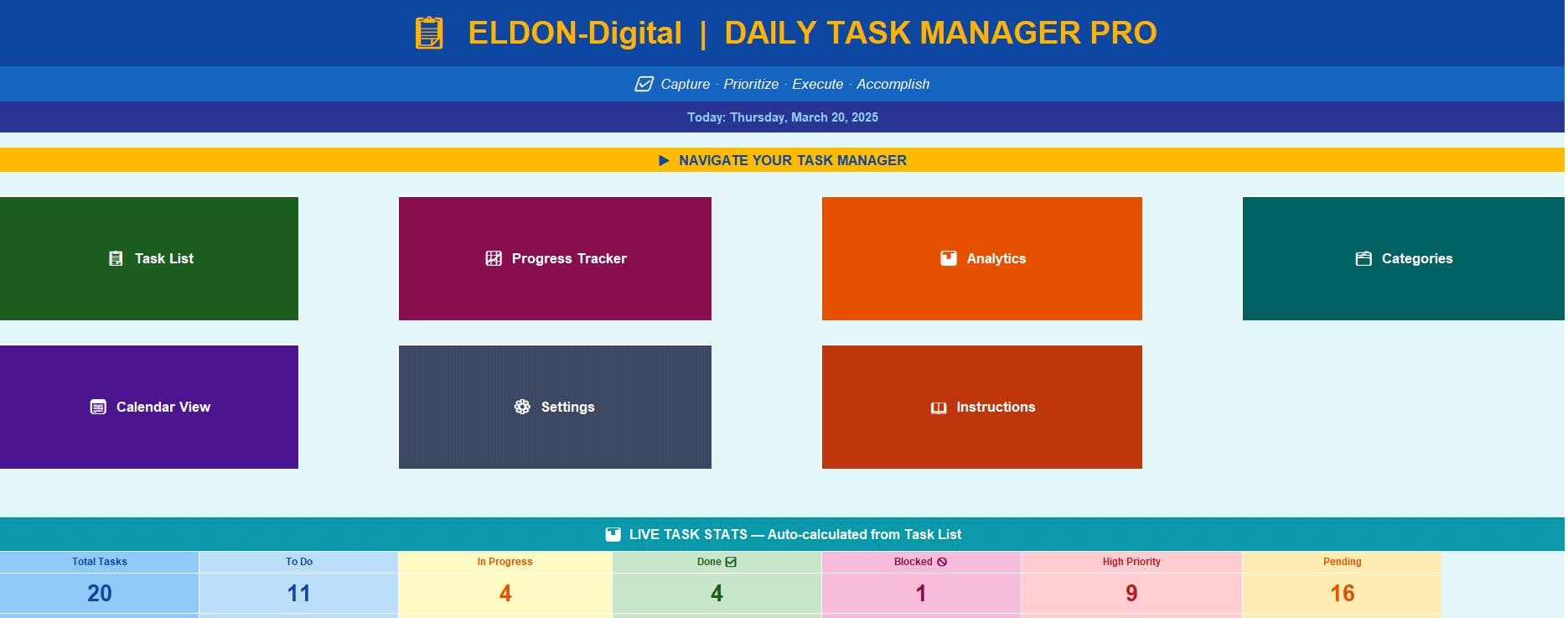
🏠 1. Dashboard -Your Command Center A stunning, branded navigation hub that shows your entire task system at a glance. Features: ✅ 7 one-click navigation buttons to jump between sheets instantly ✅ 8 LIVE stat cards -auto-calculated from your Task List in real time ✅ Today's High Priority task feed -auto-populated every time you open the file ✅ Total Tasks · To Do · In Progress · Done · Blocked · High Priority · Pending counts ✅ Overall completion percentage -always up to date, zero manual effort
________________________________________
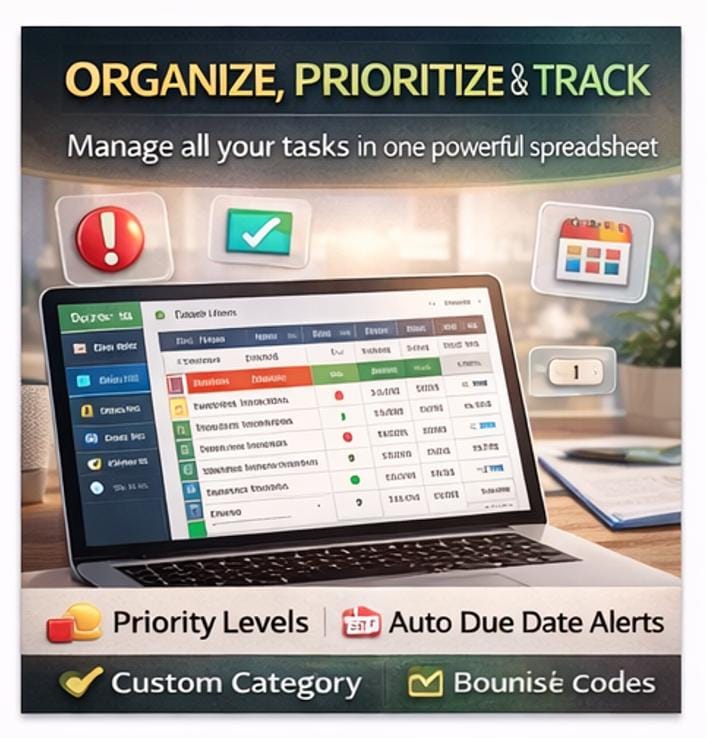
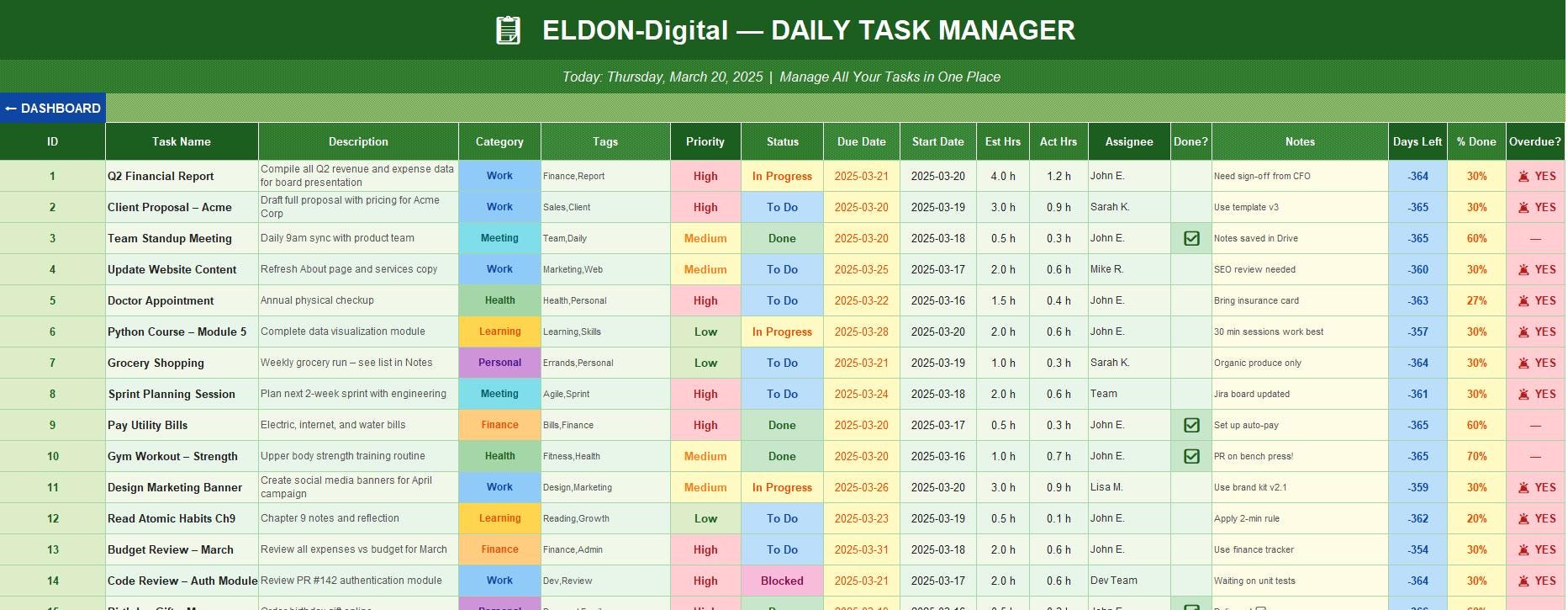
📋 2. Task List -The Heart of the System A powerful, 17-column task database with everything you need to manage any task: ✅ Task Name, Description, Category, Tags, Priority, Status, Due Date, Start Date ✅ Priority dropdown -High 🔴 / Medium 🟡 / Low 🟢 with automatic color-coded rows ✅ Status dropdown -To Do / In Progress / Done / Blocked / In Review ✅ Category dropdown -Work, Meeting, Health, Learning, Personal, Finance ✅ Calendar date picker -click any due date cell to choose from a calendar popup 📅 ✅ Estimated Hours vs Actual Hours columns for time tracking ✅ Auto Days Left formula -counts down days until due date automatically ✅ Auto % Done formula -calculates task completion based on actual vs estimated hours ✅ Auto Overdue alert 🚨 -flags any task past due that isn't marked Done ✅ Auto-count of all pending tasks -no manual counting ever again ✅ Built-in pie chart showing task distribution by status ✅ Conditional formatting -rows change color automatically based on priority and status ✅ Pre-filled with 20 realistic mock tasks across all categories to show the system in action
________________________________________
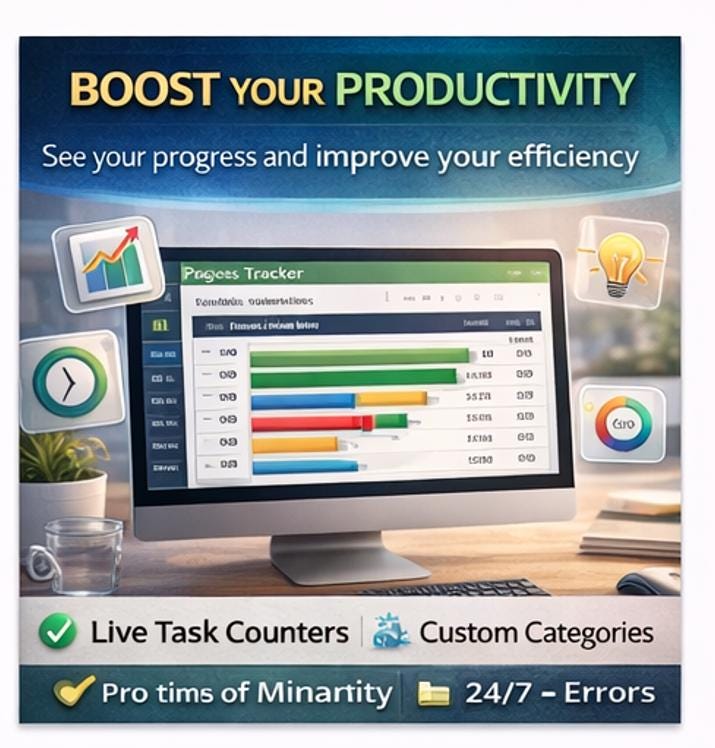
📈 3. Progress Tracker -See Every Task Move Forward A real-time view of how far along every task is: ✅ Visual progress bars using ████████░░ style for every single task ✅ Estimated Hours vs Actual Hours comparison per task ✅ Auto-calculated % Complete for each task ✅ Summary stats: Average Completion %, Total Est Hours, Total Actual Hours, Overdue Count ✅ Clustered bar chart -Est vs Actual hours for your top 10 tasks at a glance
________________________________________
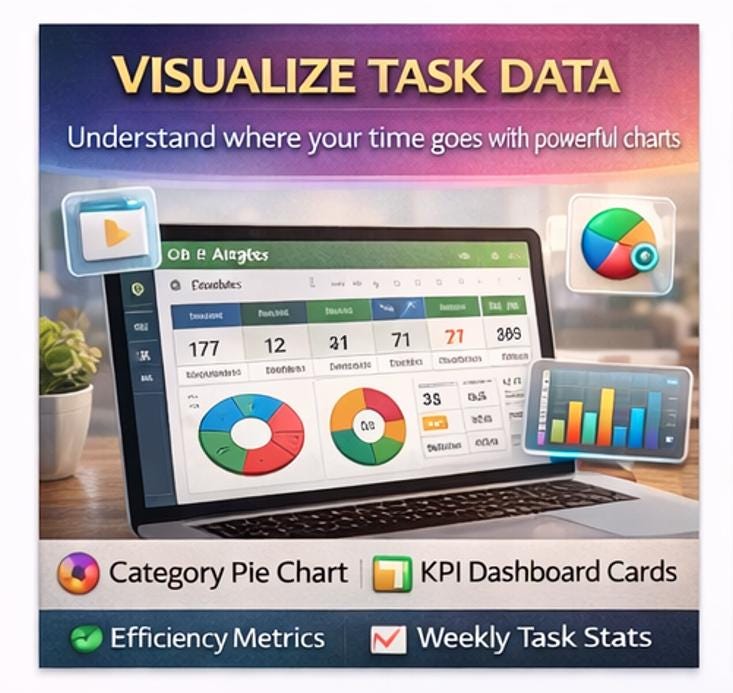
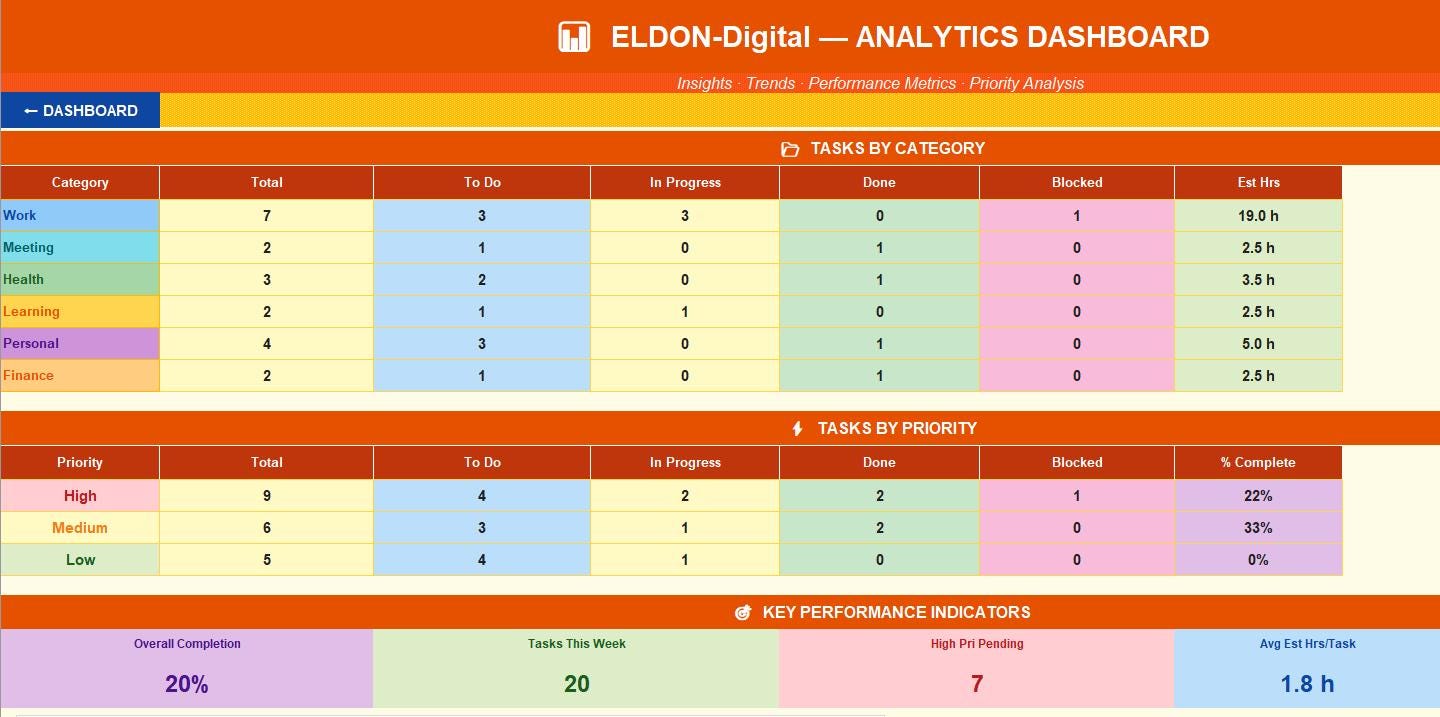
📊 4. Analytics -Big-Picture Insights Weekly performance analytics that update automatically as your tasks change: ✅ Tasks by Category table -6 categories × 5 status breakdowns (Total, To Do, In Progress, Done, Blocked, Est Hrs) ✅ Tasks by Priority table -High/Medium/Low breakdown with completion % per tier ✅ 6 KPI Cards -Overall Completion %, Tasks This Week, High Priority Pending, Avg Est Hrs, Total Hours, Efficiency % ✅ Efficiency metric -tracks actual vs estimated hours so you can improve planning over time ✅ Category pie chart -beautiful visual of how your time and tasks are distributed
________________________________________
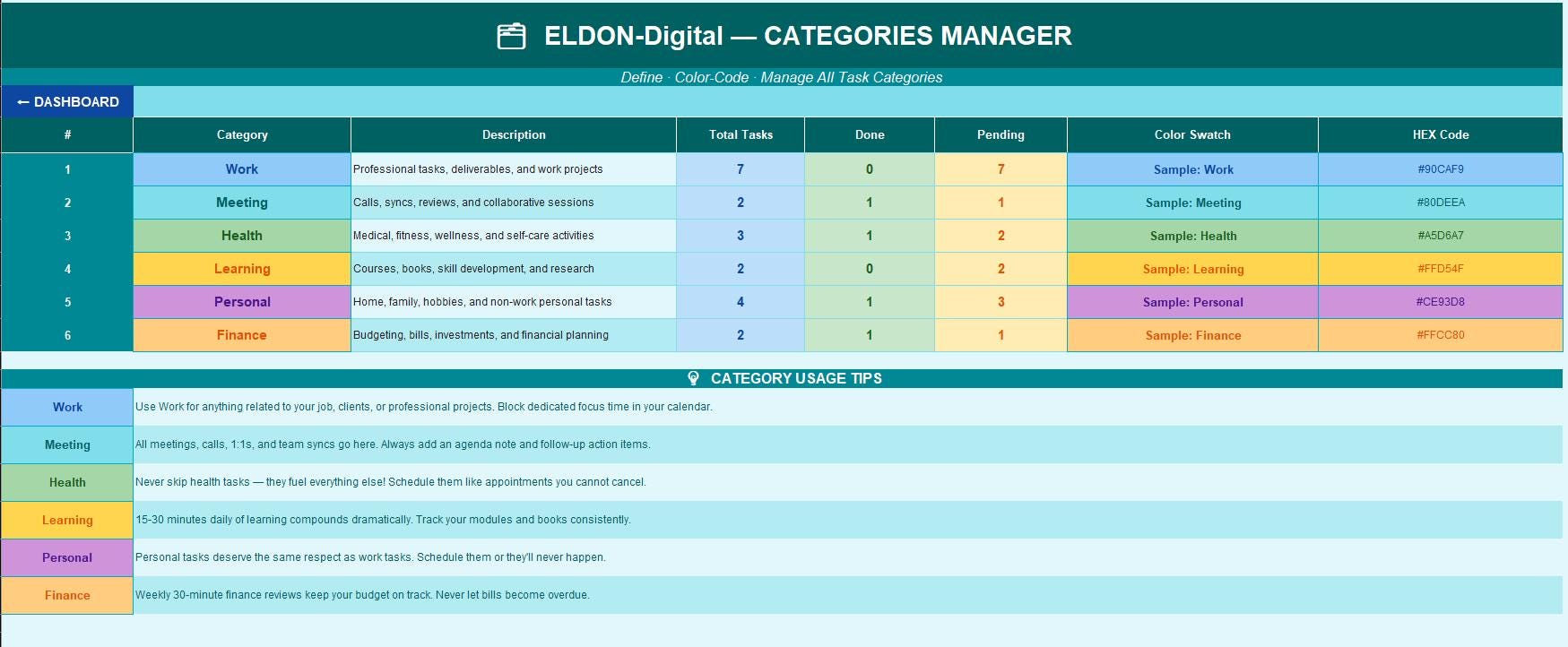
🗂️ 5. Categories Manager -Stay Organized A dedicated reference and stats sheet for all 6 task categories: ✅ Color swatches with exact HEX codes for each category ✅ Live COUNTIF formulas -Total, Done, and Pending tasks per category, auto-updated ✅ Category descriptions, usage guidelines, and pro tips for each type ✅ Add your own custom categories with personalized color codes
________________________________________
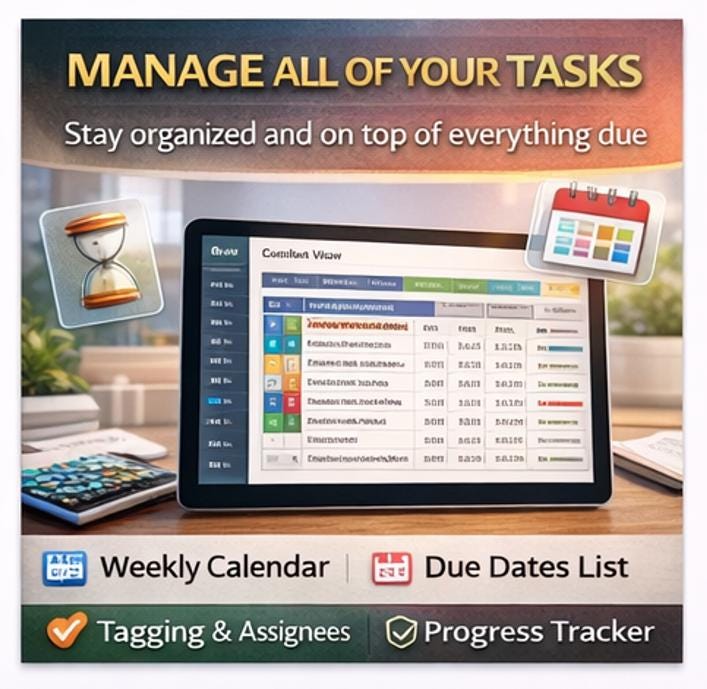
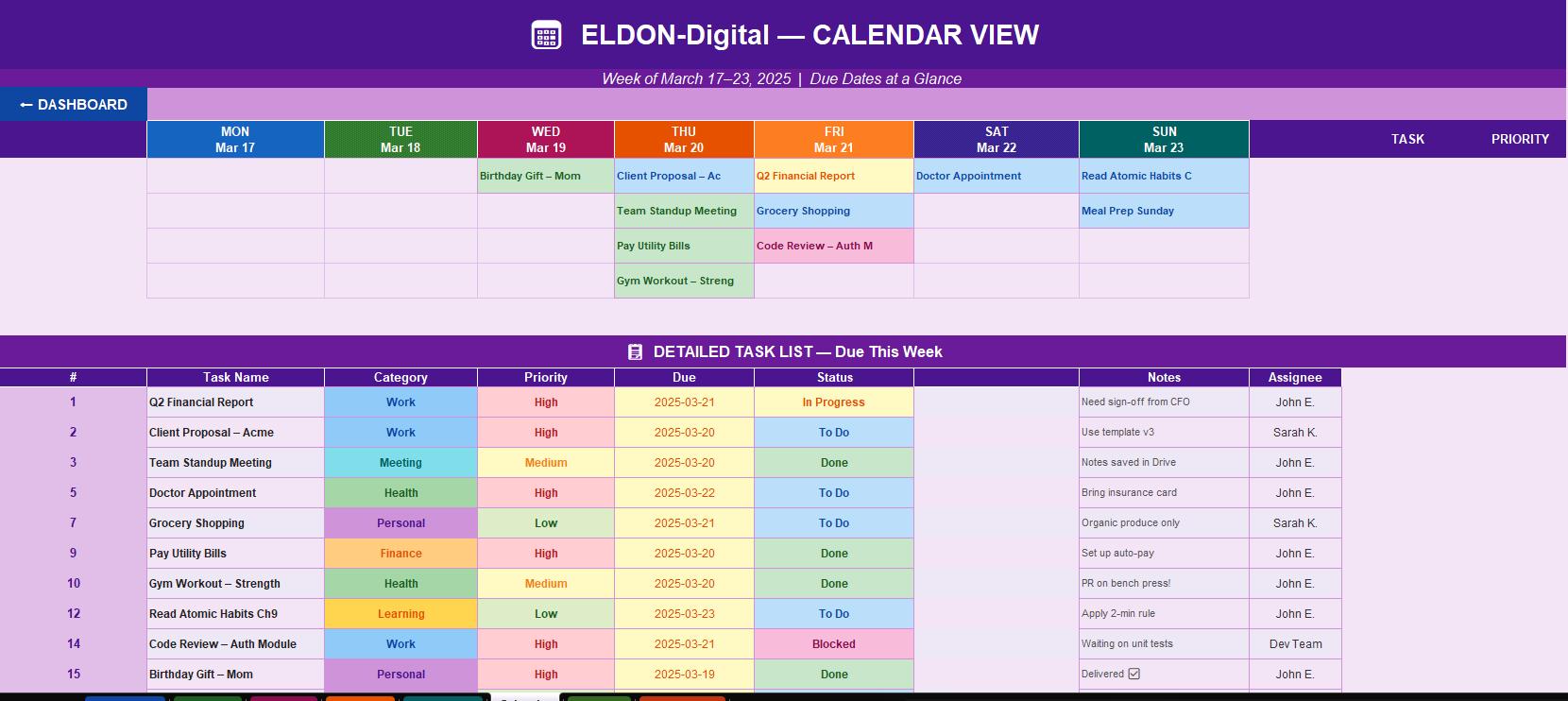
📅 6. Calendar View -Plan Your Week Visually See all your tasks mapped out across the full week: ✅ 7-day grid (Mon–Sun) showing tasks due each day, color-coded by status ✅ Detailed task list below the grid with full task info for every due-this-week item ✅ Priority and assignee visible at a glance for every day of the week
________________________________________
⚙️ 7. Settings -Make It Yours Fully personalize the system to match your workflow: ✅ User Profile -name, email, default assignee, work hours, timezone ✅ Notifications -toggle task reminders, overdue alerts, daily summaries ✅ Display -font choice, theme, default view, row count, chart style ✅ Productivity Goals -daily task target, weekly target, max High priority tasks, focus block length
________________________________________
📖 8. Instructions & User Guide -Never Get Stuck A comprehensive, step-by-step guide covering every single feature: ✅ 6 full sections with 45+ detailed explanations ✅ Column-by-column breakdown of the entire Task List ✅ Progress Tracker & Analytics interpretation guide ✅ Calendar View usage instructions ✅ Pro tips, daily/weekly rituals, best practices, and efficiency strategies ✅ Google Sheets upload and usage instructions
________________________________________
🌈 DESIGN HIGHLIGHTS
🎨 8 unique color themes -every sheet has a completely different palette 🔤 Professional Arial font throughout for clean, business-ready readability 🧭 Dashboard button on every sheet -one click back to your command center 📅 Calendar date picker on all date fields -no manual date typing 📊 5 embedded charts -pie charts and bar charts auto-linked to live data 💡 20 mock tasks pre-filled -see exactly what the finished product looks like 🔒 Zero formula errors -every formula tested and verified across 205 calculations ✅ Conditional formatting -color changes automatically based on priority and status 🖨️ Print-ready -professional headers and brand footer on every page
________________________________________
💼 PERFECT FOR
👩💼 Professionals managing complex workloads and deadlines 🎯 Goal-setters who want a structured, repeatable system 🧠 Students balancing coursework, projects, and personal tasks 💼 Freelancers & entrepreneurs tracking client tasks and projects 🏋️ Anyone who wants to balance work, health, learning, and personal life 📊 Managers assigning and tracking team tasks in one shared spreadsheet 🛒 People who love beautifully designed productivity tools that actually work
________________________________________
⚡ HOW TO GET STARTED
1️⃣ Download your .xlsx file instantly after purchase confirmation 2️⃣ Open in Microsoft Excel or upload to Google Drive → Open With → Google Sheets 3️⃣ Go to ⚙️ Settings -enter your name, work hours, and daily task goals 4️⃣ Open 📋 Task List -start entering your real tasks, replacing the mock data 5️⃣ Check 🏠 Dashboard daily for your live stats and today's high-priority items 6️⃣ Review 📊 Analytics weekly to spot patterns and improve your productivity
________________________________________
📁 FILE DETAILS
📌 Format: .xlsx -fully compatible with Microsoft Excel and Google Sheets 📌 Compatibility: Excel 2016 · 2019 · 2021 · Microsoft 365 · Google Sheets 📌 Delivery: Instant digital download -no physical item shipped 📌 Editable: 100% -add rows, change colors, rename categories, customize freely 📌 Sheets: 8 fully formatted sheets + 1 hidden chart data sheet 📌 Print Ready: Landscape, US Letter & A4, branded headers and footers included
________________________________________
❓ QUESTIONS OR ISSUES?
💬 Message ELDON-Digital on Etsy anytime -we respond within a few hours and are committed to making sure you love your purchase!
⭐ Loving your Task Manager? Please leave a review -it makes a huge difference for small digital creators and helps other productive people find this tool!
________________________________________
© 2026 ELDON-Digital | All Rights Reserved | For Personal & Small Business Use This digital product may not be redistributed, resold, or shared without written permission.