Bill Payment Tracker Spreadsheet | Monthly Budget Planner (Excel, Google Sheets)
$5.24 $6.99
📝 DESCRIPTION
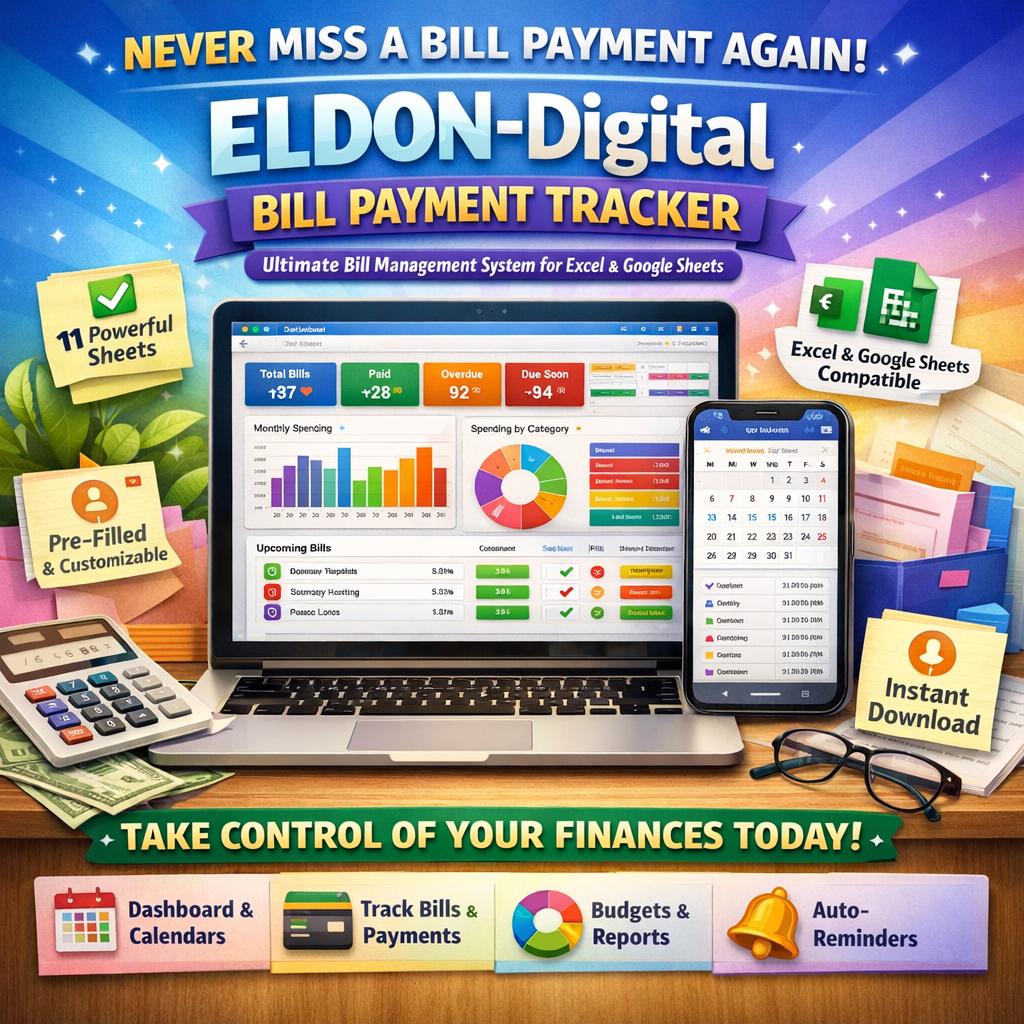
💰 NEVER MISS A BILL PAYMENT AGAIN -ELDON-Digital Bill Payment Tracker ✨ The Ultimate All-In-One Bill Management System for Excel & Google Sheets
________________________________________
🎉 TAKE CONTROL OF YOUR FINANCES TODAY!
Tired of late fees, forgotten due dates, and financial stress? The ELDON-Digital Bill Payment Tracker is your complete, professionally designed financial command center -built to help you manage every single bill with ease, confidence, and total clarity. Whether you're managing household bills, subscriptions, insurance, utilities, or credit cards, this powerful spreadsheet does the heavy lifting for you! 💪
________________________________________
📦 WHAT'S INCLUDED IN YOUR DOWNLOAD:
✅ 1 × Excel Workbook (.xlsx) -Full-featured, formula-driven, works in Microsoft Excel 2016, 2019, 2021, and Microsoft 365 ✅ 11 Professionally Designed Sheets -All beautifully color-coded and ready to use the moment you open the file ✅ Pre-filled Mock Data -So you can instantly see how everything works and customize it with your own bills ✅ Instant Digital Download -No waiting, no shipping! Your file is ready immediately after purchase
________________________________________
📋 11 POWERFUL SHEETS INCLUDED:
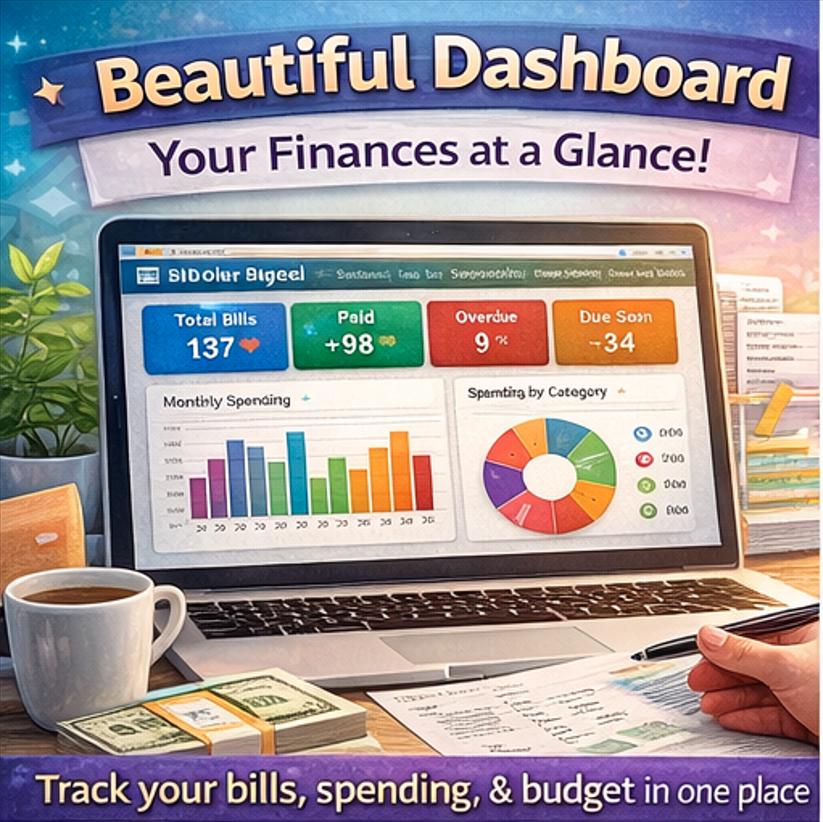
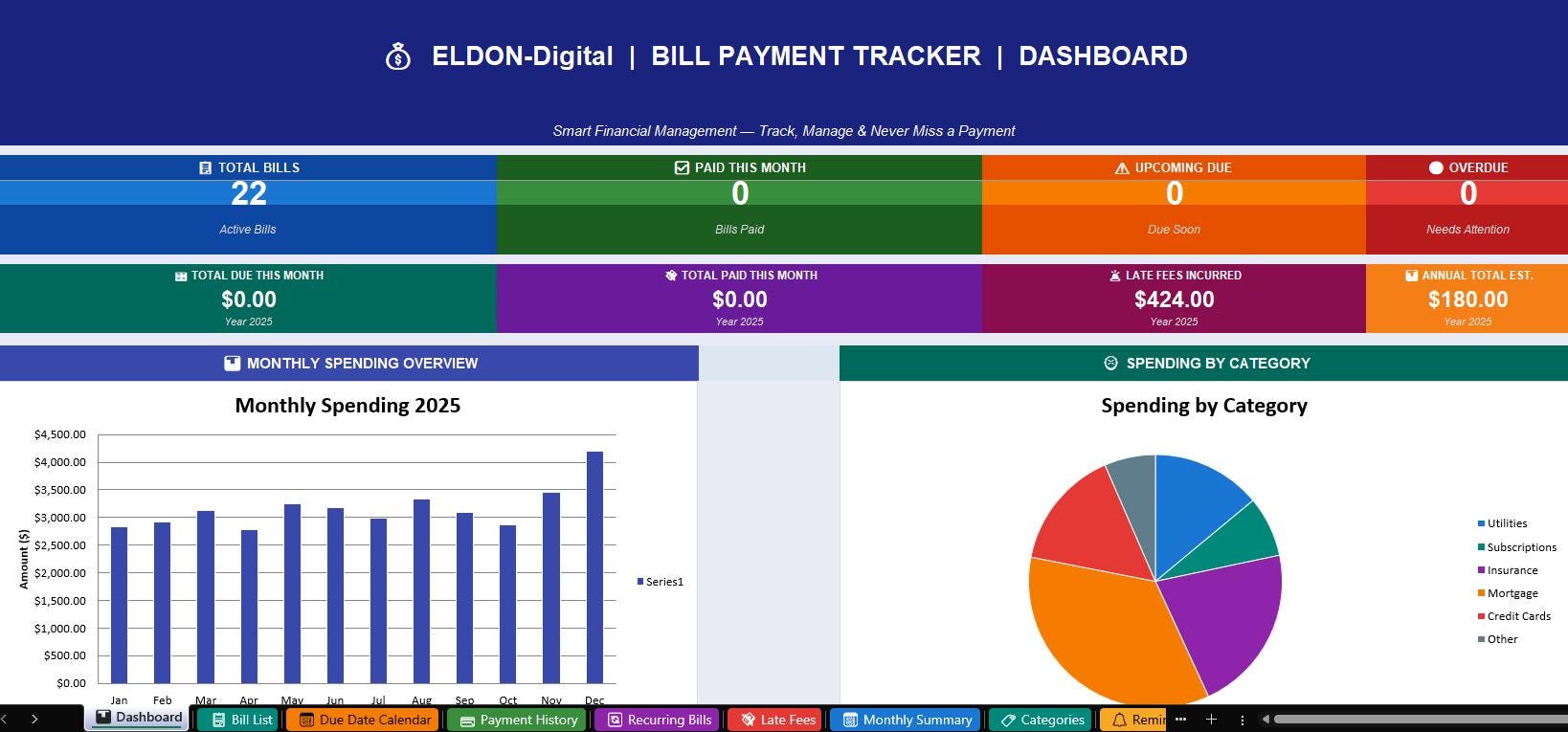
💎 1. Dashboard -Your financial command center! See all KPI cards (Total Bills, Paid, Overdue, Due Soon), amount summaries, a monthly spending bar chart, spending-by-category pie chart, and your upcoming bills -all in one stunning view
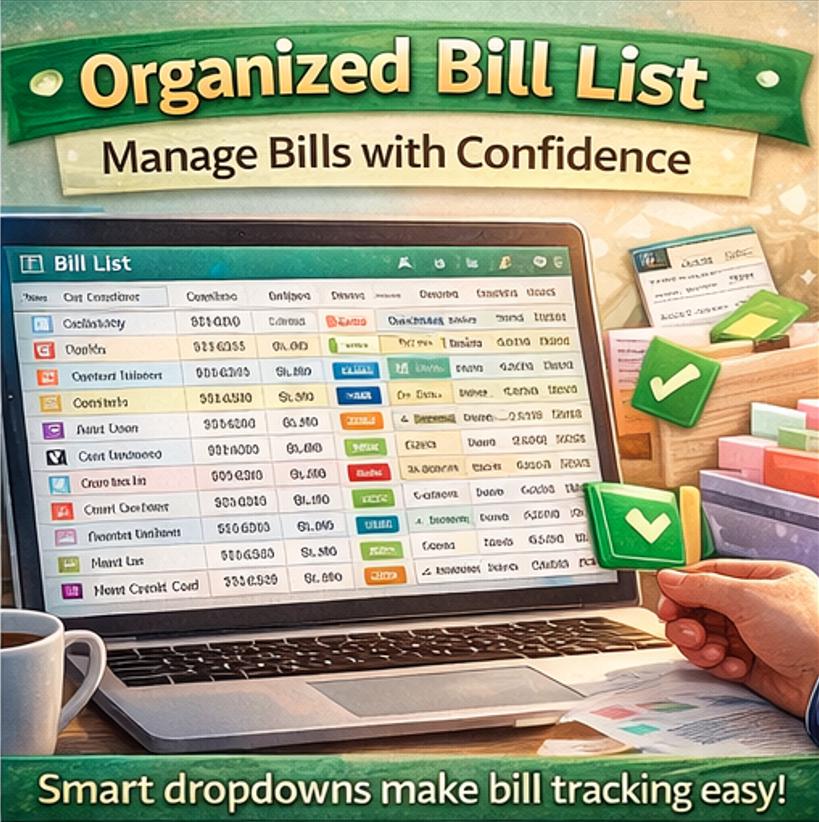
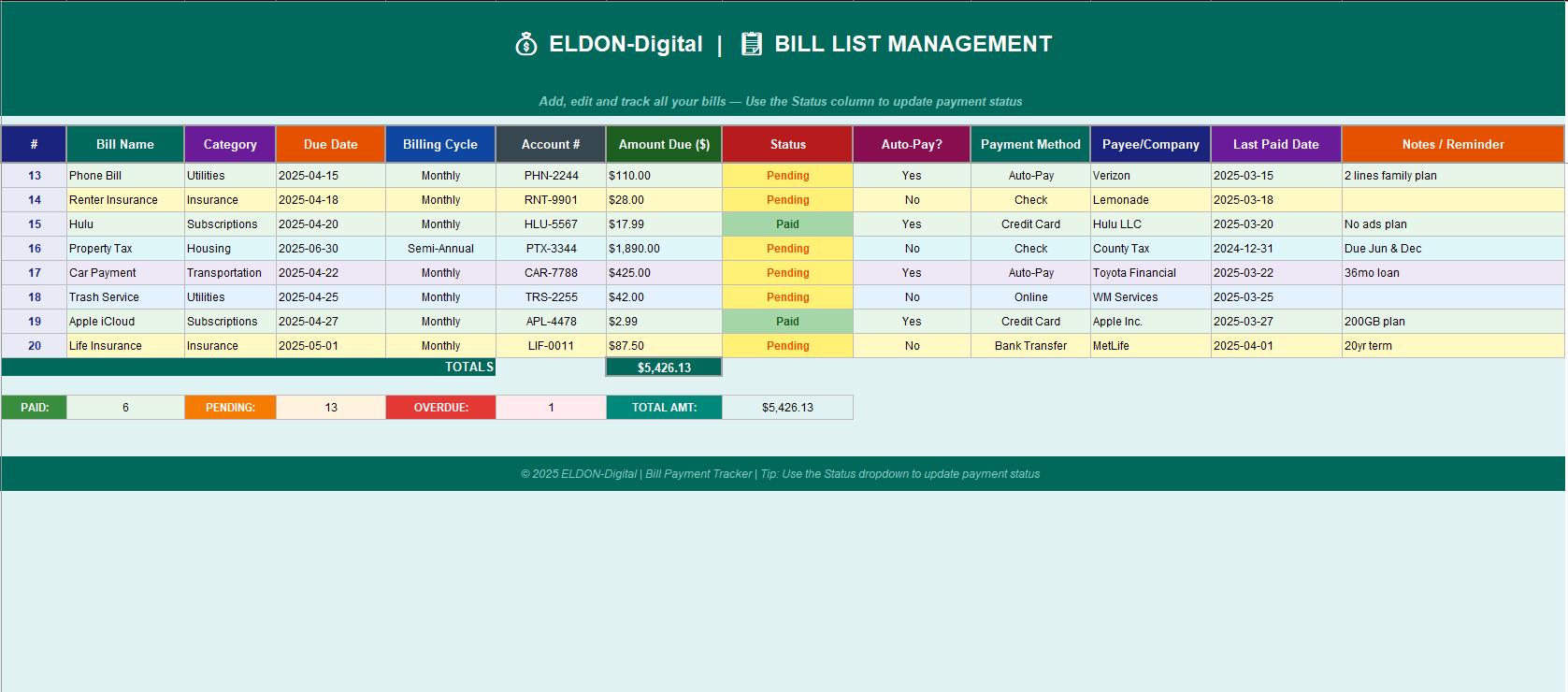
📋 2. Bill List Management -Add and manage up to 50+ bills with smart dropdowns for Category, Status, Payment Method, Billing Cycle, and Auto-Pay. Color-coded rows make overdue bills impossible to miss 🔴
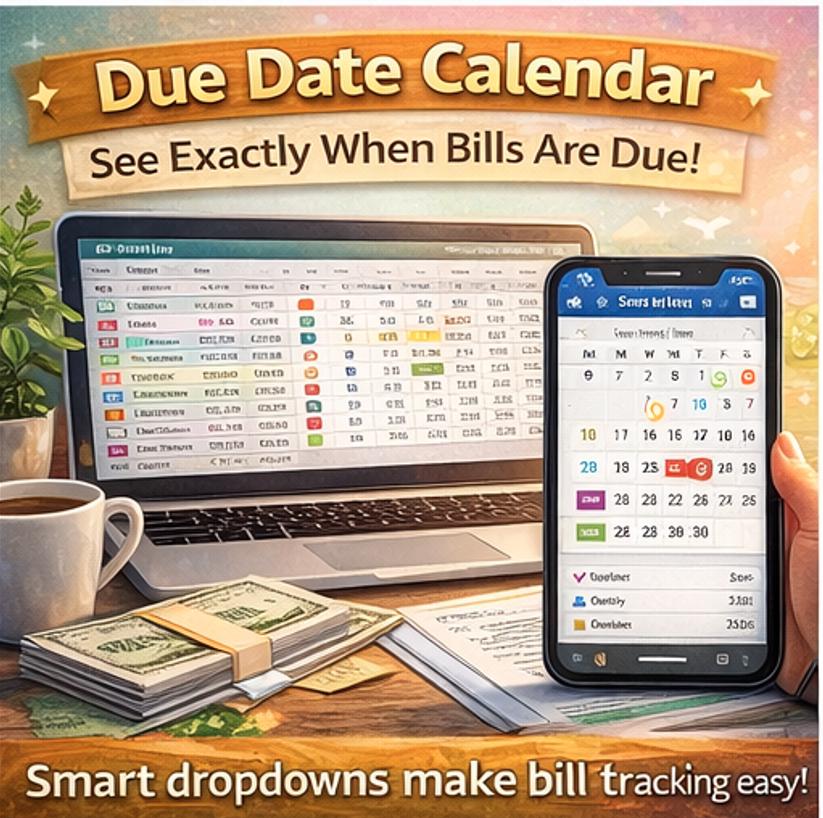
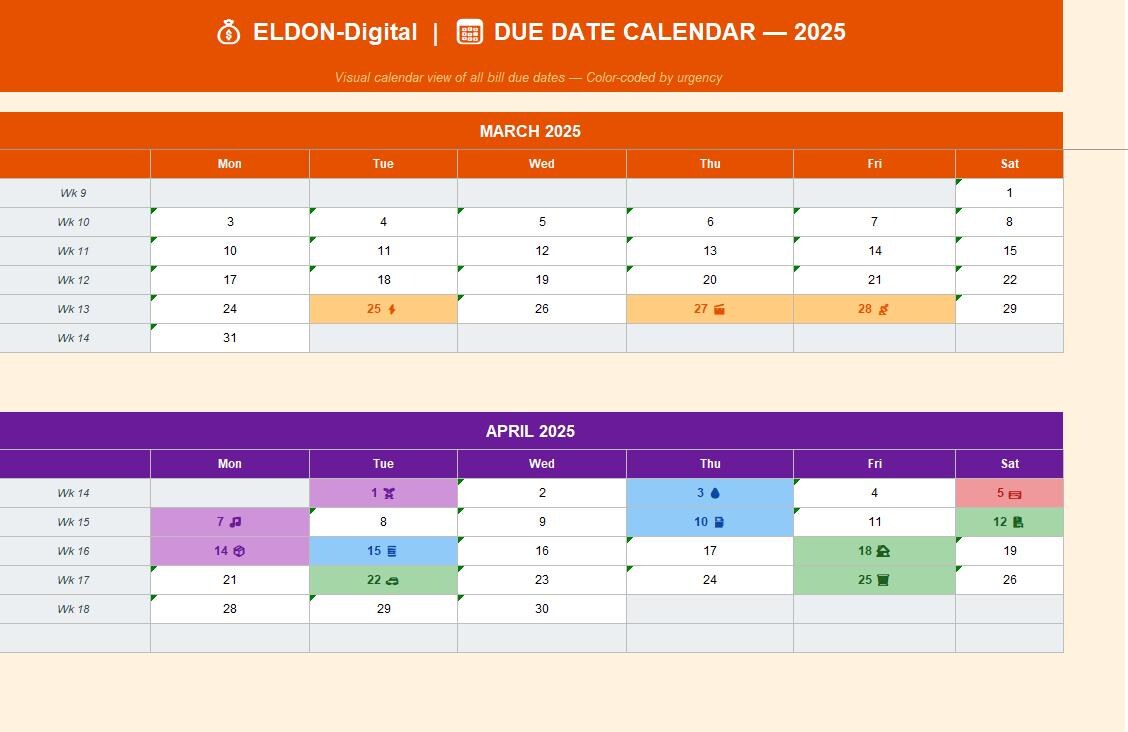
📅 3. Due Date Calendar -A beautiful visual month-by-month calendar showing exactly when every bill is due, with emoji icons and urgency color coding -orange for utilities, red for credit cards, purple for subscriptions, and more 🗓️
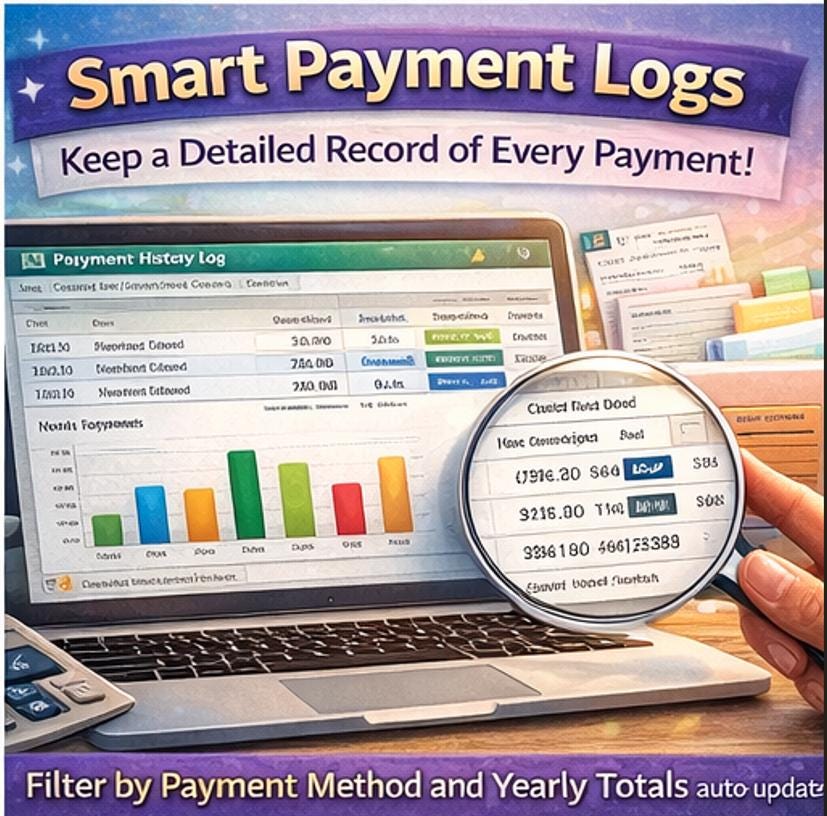
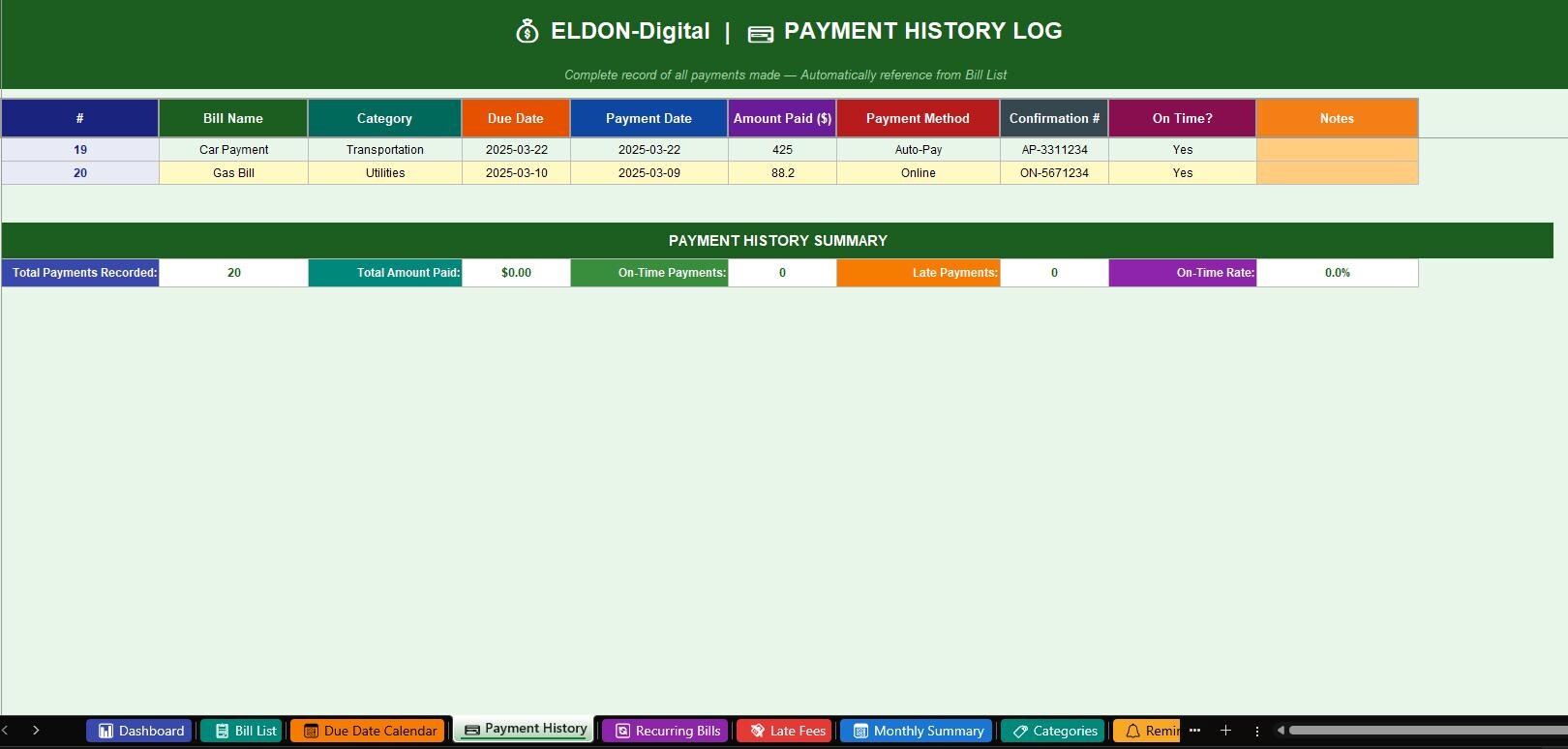
💳 4. Payment History Log -Record every payment you make with date, amount, method, and confirmation number. On-time payments show in green ✅, late payments in orange ⚠️ -giving you a clean annual record
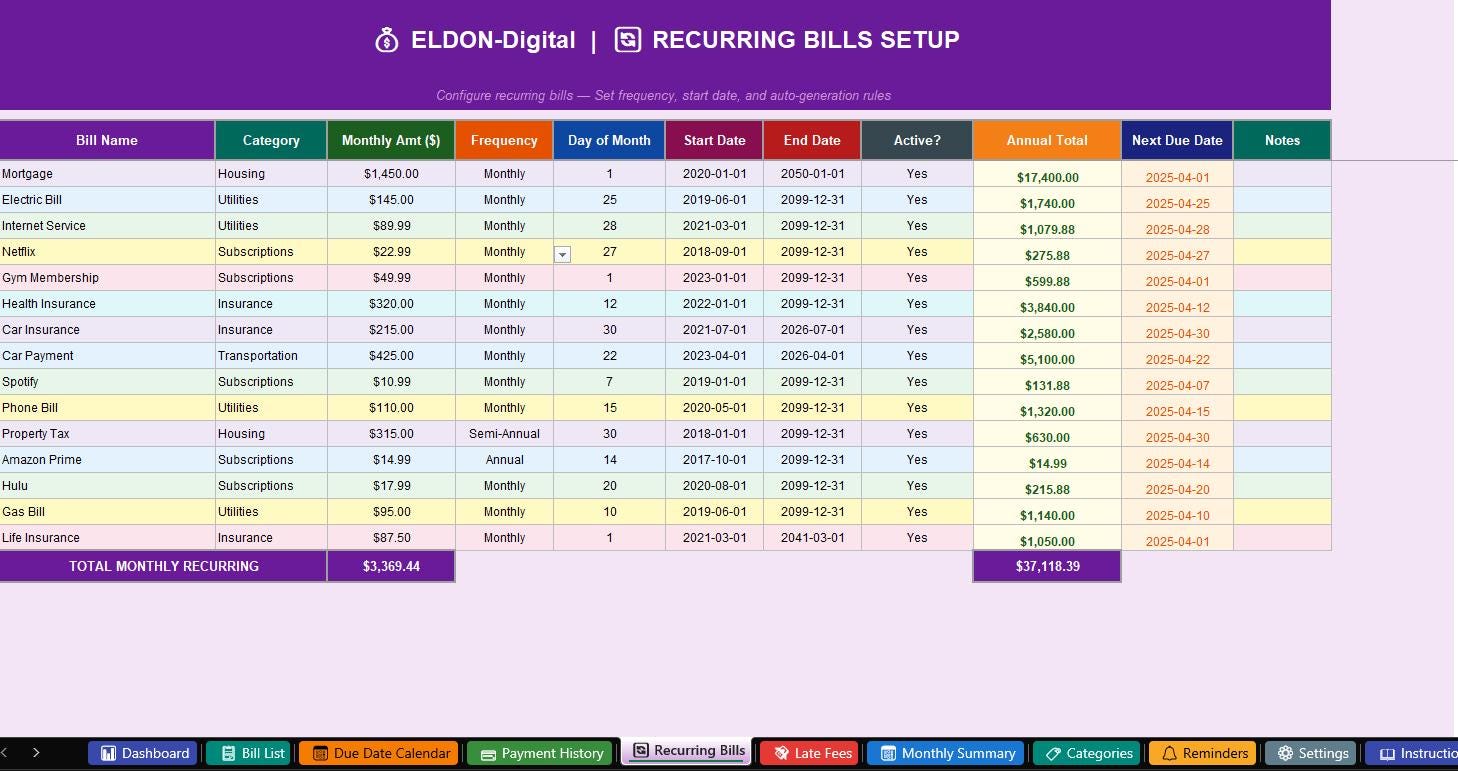
🔄 5. Recurring Bills Setup -Configure your repeating bills once and let the tracker auto-calculate your annual totals. Set frequency (Monthly, Weekly, Quarterly, Annual), day of month, start/end dates, and active status
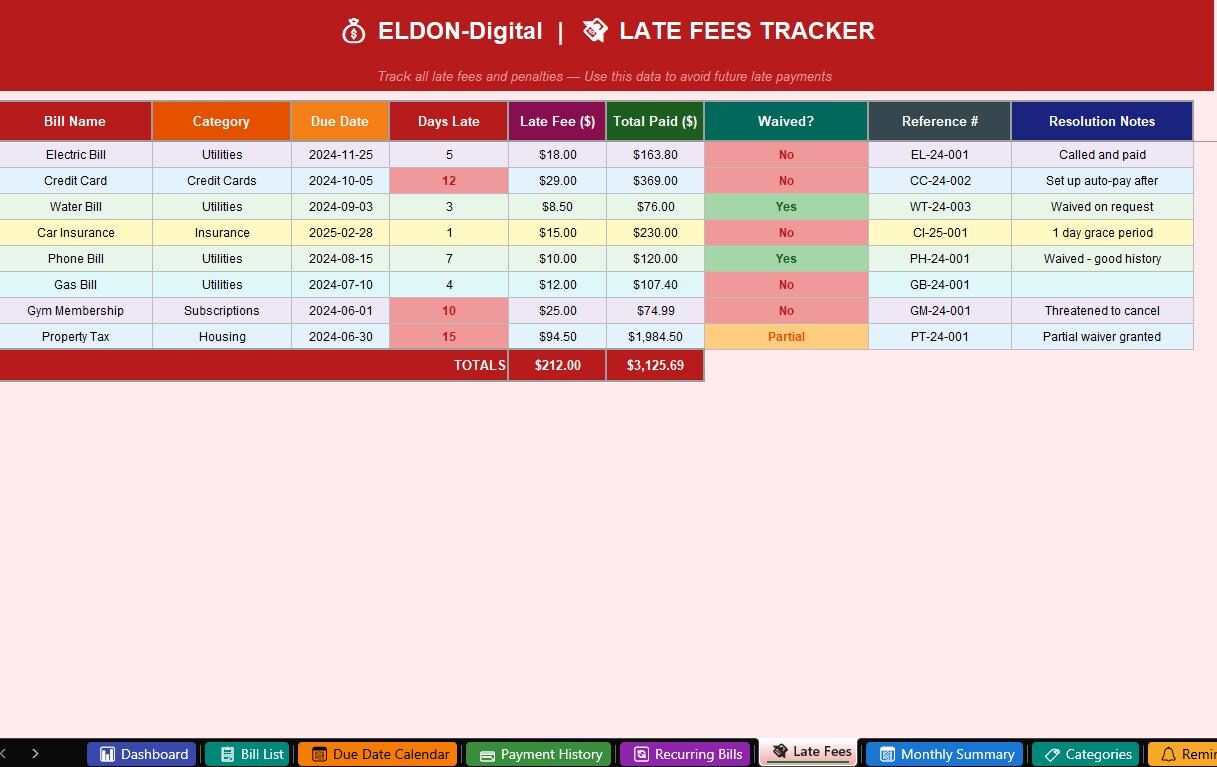
💸 6. Late Fees Tracker -Log every late fee with days-late count and total amount paid. Track whether fees were waived and use the data to stop them from happening again. Includes running totals 🚨
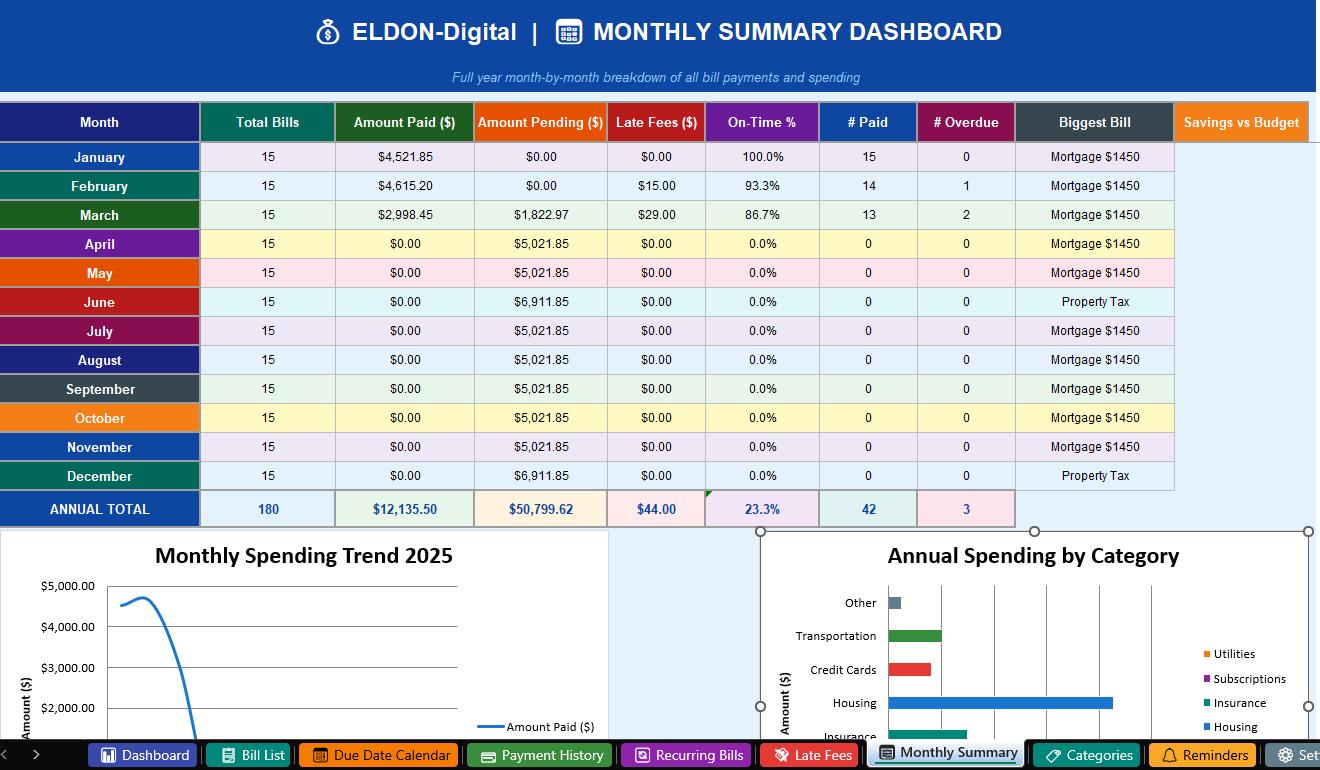
📅 7. Monthly Summary Dashboard -A full 12-month breakdown with paid vs. pending amounts, late fees by month, on-time payment percentages, and a beautiful trend line chart that shows your spending habits at a glance 📊
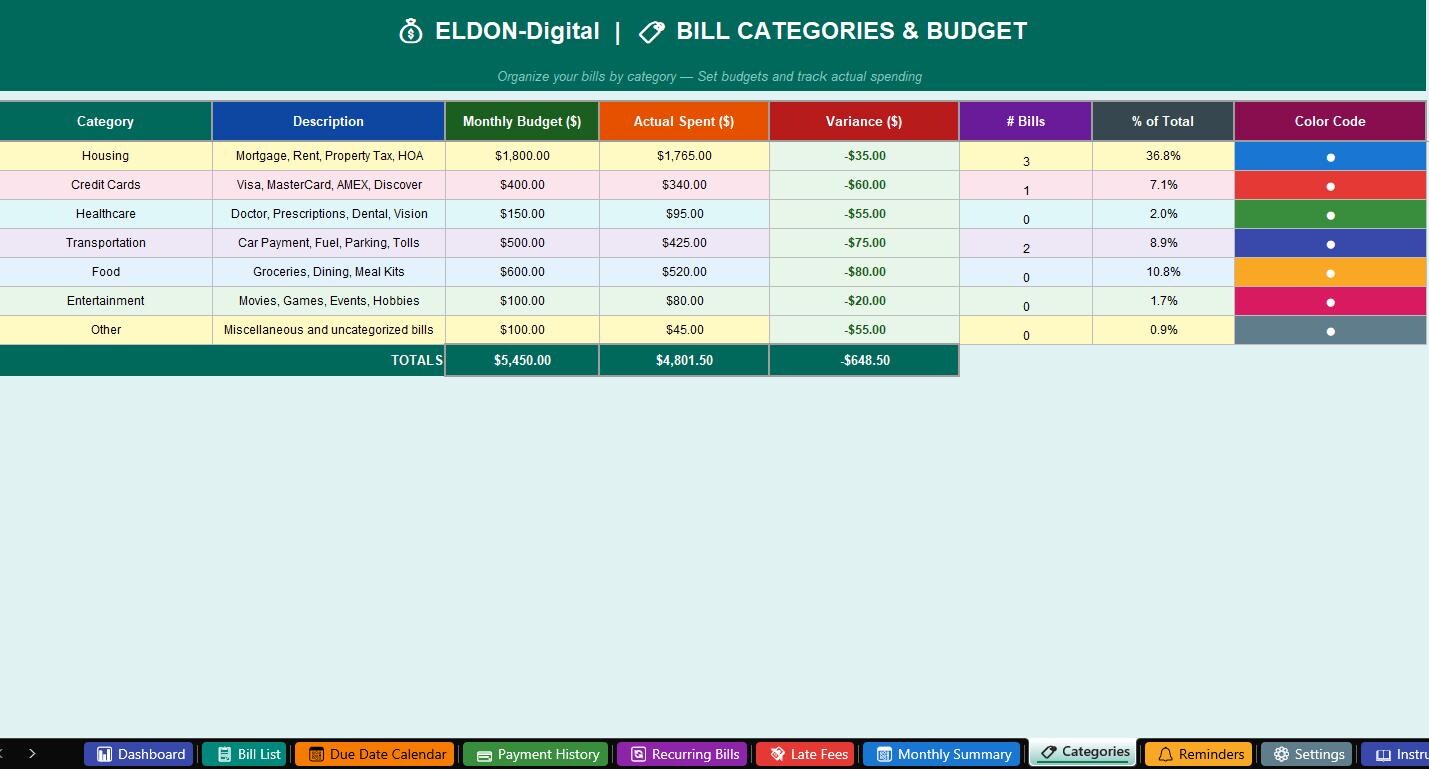
🏷️ 8. Categories & Budget -Organize bills into 10 categories (Utilities, Subscriptions, Insurance, Housing, Credit Cards, Healthcare, Transportation, and more). Set monthly budgets and instantly see variance -green for under budget, red for over ✅🔴
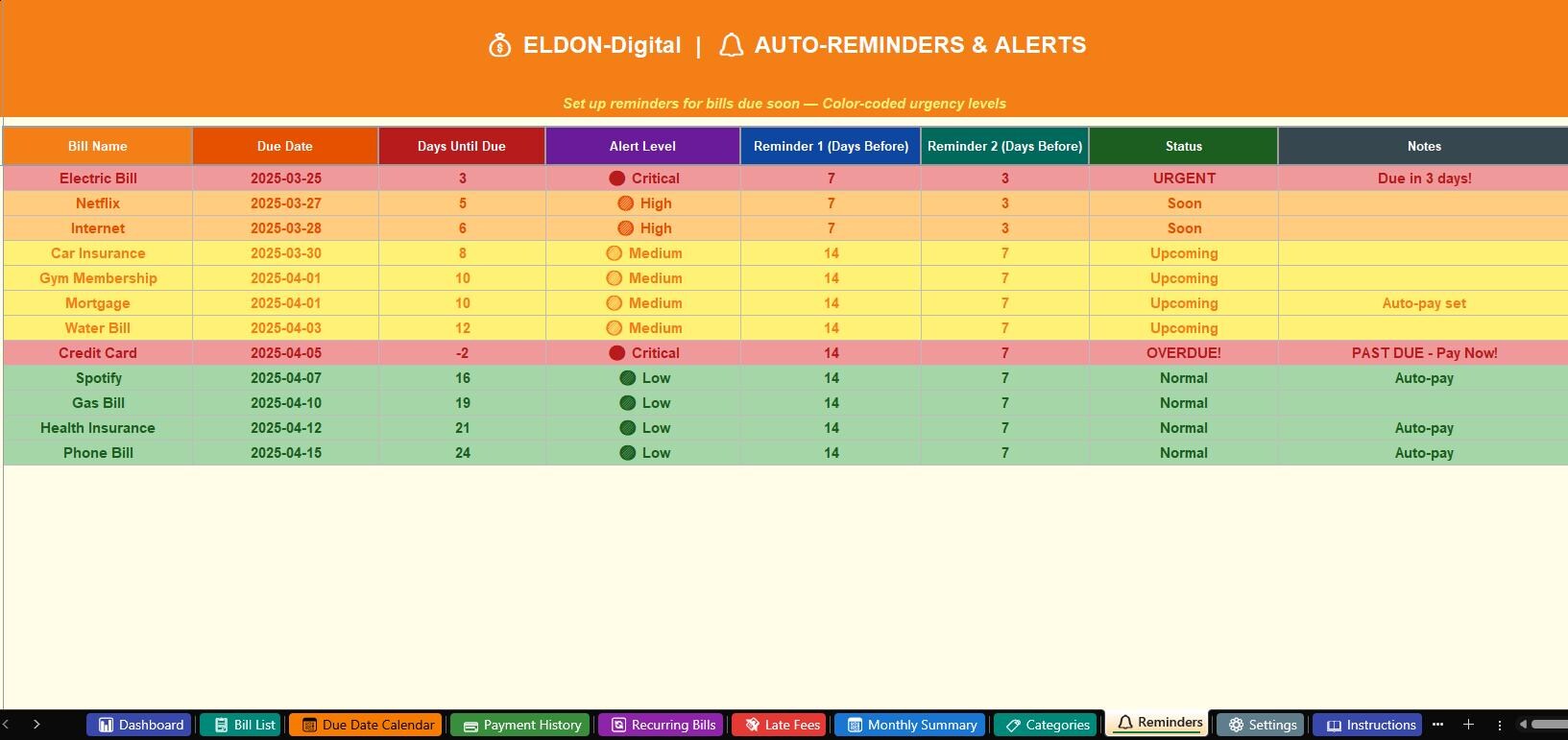
🔔 9. Auto-Reminders & Alerts -Set up two reminder windows per bill. A color-coded urgency system flags 🔴 Critical, 🟠 High, 🟡 Medium, and 🟢 Low priority bills automatically based on days until due
⚙️ 10. Settings Sheet -Personalize your tracker with your name, email, currency symbol, date format, budget targets, reminder preferences, and display options -all in one easy setup area
📖 11. Instructions Guide -A full step-by-step user guide explaining every single feature, every dropdown, every formula, and every sheet -so you can get started in minutes with zero confusion
________________________________________
✨ KEY FEATURES THAT MAKE THIS TRACKER SPECIAL:
🎨 Beautiful colorful design -light pastel color theme with vibrant headers, perfect for both screen and print 📊 Built-in charts -Monthly spending bar chart + Category pie chart + Annual trend line chart 🔽 Smart dropdown menus -No typing needed! Select from pre-built lists for Status, Category, Payment Method, and more 📅 Calendar date pickers -Click any date cell and pick from a built-in date format -no formatting errors 🔒 Zero-error formulas -Every single formula has been verified and audited -no #REF!, #DIV/0!, or #VALUE! errors 🖋️ Professional fonts -Clean Arial/Times New Roman styling throughout 🎯 Color-coded status system -Green = Paid | Yellow = Pending | Red = Overdue -instantly see what needs attention 📱 Works on any device -Desktop, laptop, tablet (Excel or Google Sheets compatible) 💡 Pre-loaded with mock data -See the full product in action immediately and replace with your own bills
________________________________________
🏆 WHO IS THIS PERFECT FOR?
👨👩👧👦 Families managing multiple household bills and utilities 💼 Professionals tracking business expenses and subscriptions 🏠 Homeowners with mortgages, property taxes, and HOA fees 💳 Anyone trying to eliminate late fees and improve their credit 📈 Budget-conscious individuals working toward financial freedom 🎓 Students learning to manage their first bills and finances independently
________________________________________
⚡ HOW TO GET STARTED IN 3 EASY STEPS:
1️⃣ Purchase and instantly download your Excel file 2️⃣ Open in Microsoft Excel or upload to Google Drive for Sheets 3️⃣ Go to the ⚙️ Settings sheet, enter your details, and start adding your bills in the 📋 Bill List sheet -you'll be fully set up in under 15 minutes!
________________________________________
📌 IMPORTANT FILE DETAILS:
📁 File Format: .xlsx (Microsoft Excel) 💻 Compatible With: Microsoft Excel 2016, 2019, 2021, Microsoft 365, Google Sheets 📥 Delivery: Instant Digital Download (no physical product will be shipped) 🔧 Customizable: 100% editable -add your own bills, change colors, adjust budgets 🌐 Language: English 💲 Currency: US Dollar ($) -easily changeable to any currency in Settings
________________________________________
❓ FREQUENTLY ASKED QUESTIONS:
Q: Do I need any special software? A: You just need Microsoft Excel (2016 or later) or a free Google account to use it in Google Sheets. No special plugins or add-ons needed!
Q: Can I edit the colors, fonts, and layout? A: Absolutely! Every cell is fully editable. You can customize fonts, colors, add rows, or adjust the design to match your personal style.
Q: Will this work on a Mac? A: Yes! The file works on both Windows and Mac versions of Microsoft Excel, and also in Google Sheets on any browser.
Q: Can I use this for multiple people or households? A: Yes! Simply save separate copies of the file -one per person or household. The license covers personal use.
________________________________________
💬 HAPPY CUSTOMERS SAY:
⭐⭐⭐⭐⭐ "This is exactly what I needed. The color coding makes it so easy to see what's overdue at a glance. The dashboard is gorgeous!"
⭐⭐⭐⭐⭐ "Finally a bill tracker that actually has everything in one place. The recurring bills setup alone saved me hours!"
⭐⭐⭐⭐⭐ "I've tried so many budget templates. This one from ELDON-Digital is by far the most complete and beautiful. Worth every penny!"
________________________________________
🛍️ SHOP MORE FROM ELDON-Digital for more premium financial templates, planners, and digital tools designed to simplify your life!
💌 Questions? Message us anytime -we respond within 24 hours and love helping our customers get the most out of their purchase!
________________________________________
© 2026 ELDON-Digital | All Rights Reserved | For personal use only. Redistribution, resale, or sharing of this file is strictly prohibited.