Task Workload Manager Spreadsheet | Team Project Tracker, Productivity Dashboard (Excel/Sheets)
$7.49 $9.99
📝 DESCRIPTION
________________________________________
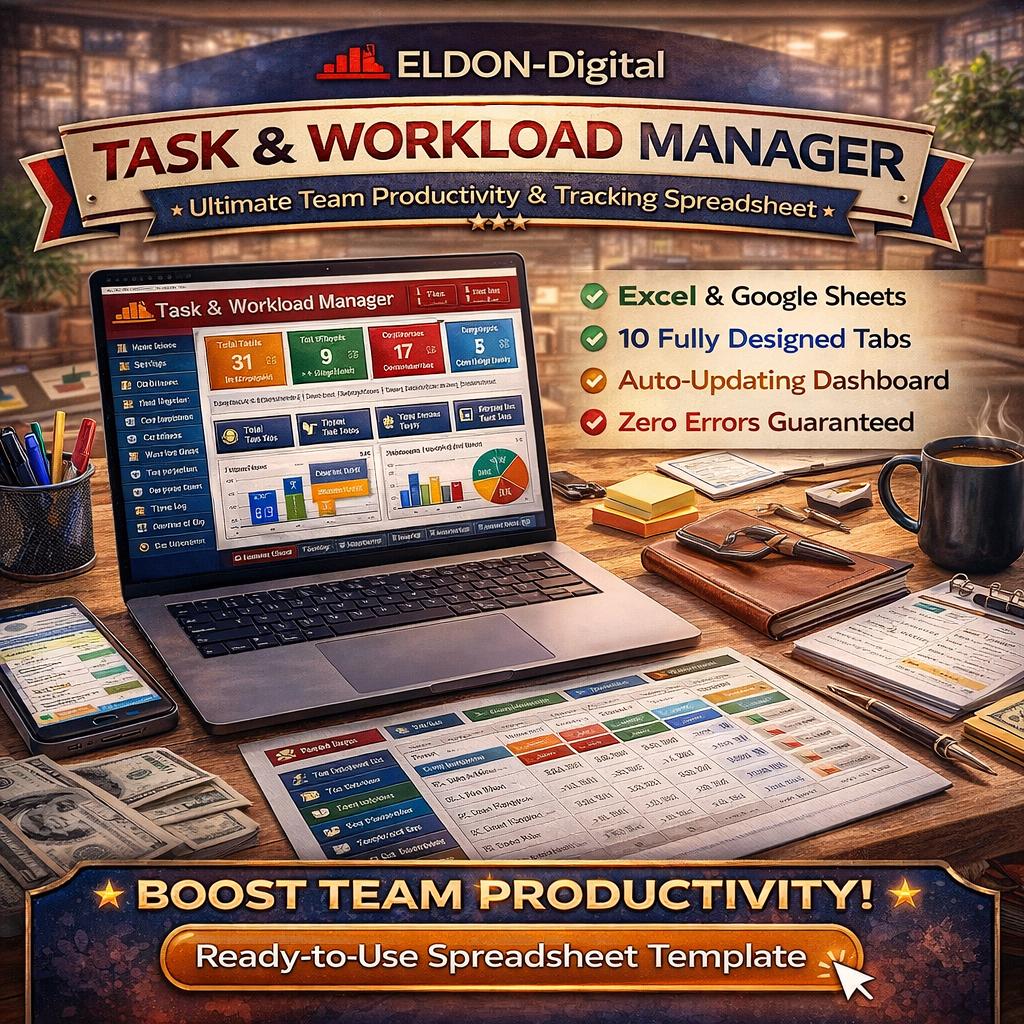
✅ TASK & WORKLOAD MANAGER - by ELDON-Digital The ultimate team productivity & project tracking spreadsheet - built for professionals.
________________________________________
🔥 Stop juggling tasks in your head, on sticky notes, or across a dozen different apps. The ELDON-Digital Task & Workload Manager is a fully automated, beautifully designed productivity system built entirely inside Excel and Google Sheets. No subscriptions. No software to install. No learning curve. Just open it, add your team and tasks, and take full control of your workload from day one. 💼
________________________________________
🌟 WHAT'S INCLUDED - 10 FULLY DESIGNED SHEETS:
📖 Instructions Sheet (first tab) - Detailed step-by-step guide explaining every feature, formula column, color code, navigation button, and setting in the entire workbook. Perfect for onboarding your whole team.
⚙️ Settings Sheet (second tab) - Fully configurable: set your Company Name, Team Name, Fiscal Year, Default Weekly Capacity hours, Overdue Warning Days, Manager Name, and Currency. Change the year and all date-driven formulas update automatically. Includes a Priority & Status color reference guide.
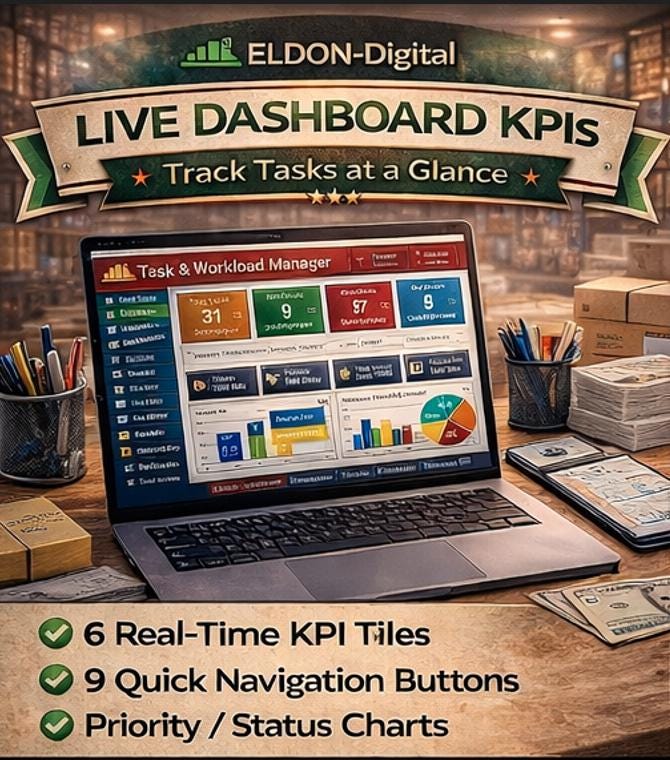
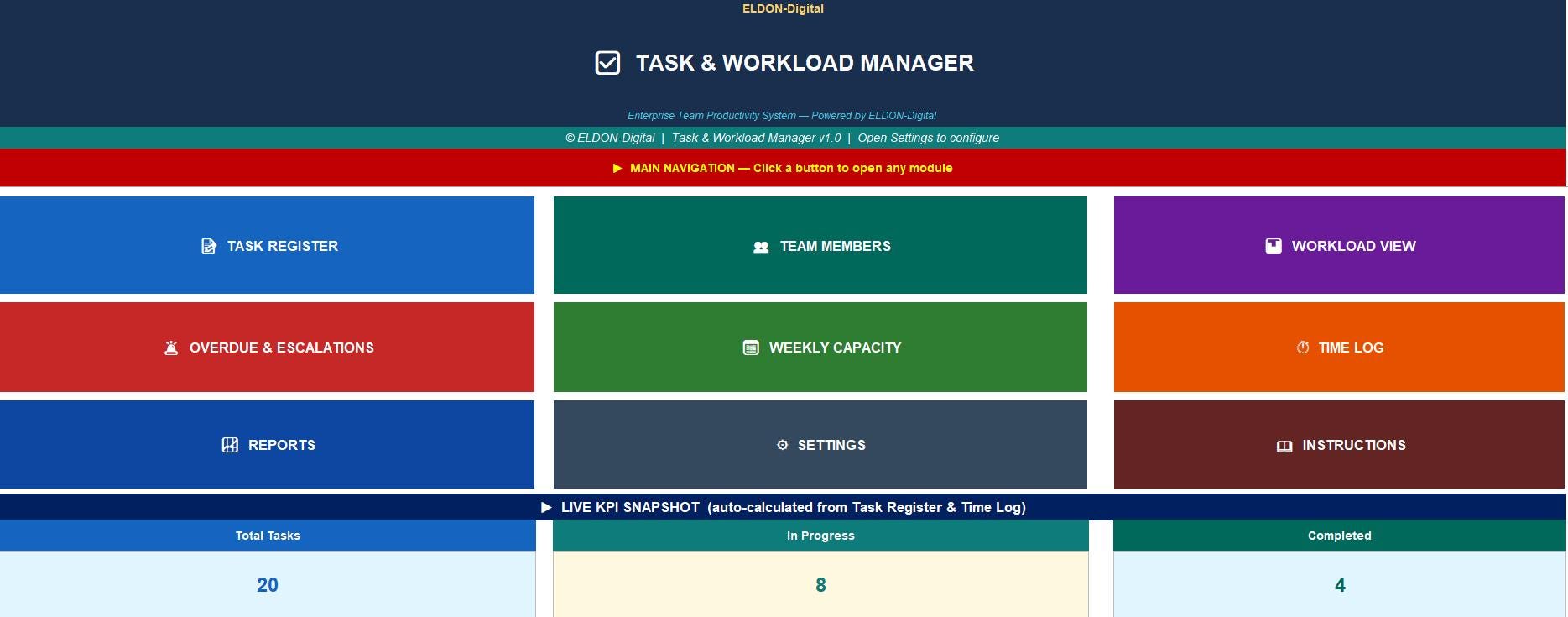
🏠 Dashboard - A stunning command center with 9 large navigation buttons and 6 live KPI tiles showing Total Tasks, In Progress, Completed, Overdue Tasks, Active Team Members, and Average Completion % - all auto-updating in real time as you work.
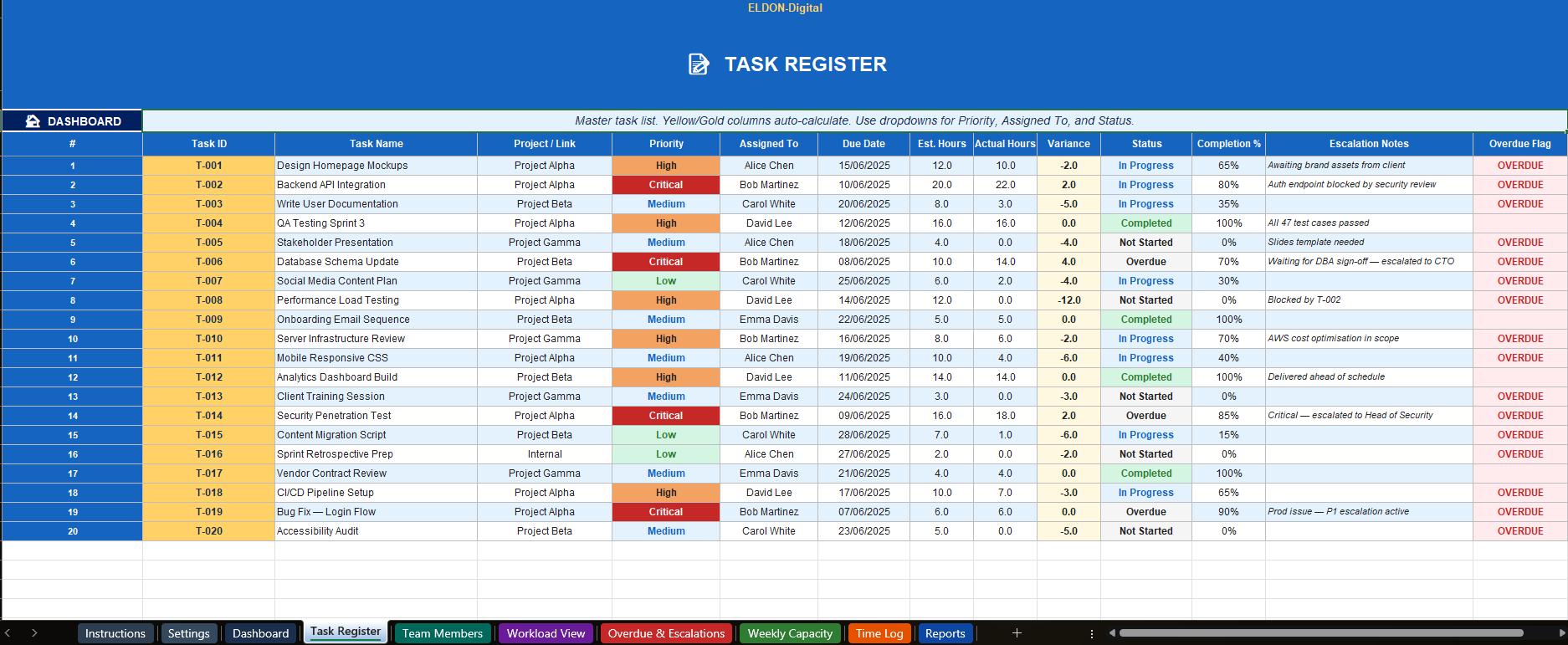
📝 Task Register - The heart of the system. Track every task with: Task ID, Task Name, Project / Link, Priority (Critical / High / Medium / Low dropdown), Assigned To (team member dropdown), Due Date (date validation), Estimated Hours, Actual Hours Logged, auto-calculated Variance (Actual − Estimated), Status dropdown, Completion %, Escalation Notes, and an auto Overdue Flag that fires the moment a deadline is missed.
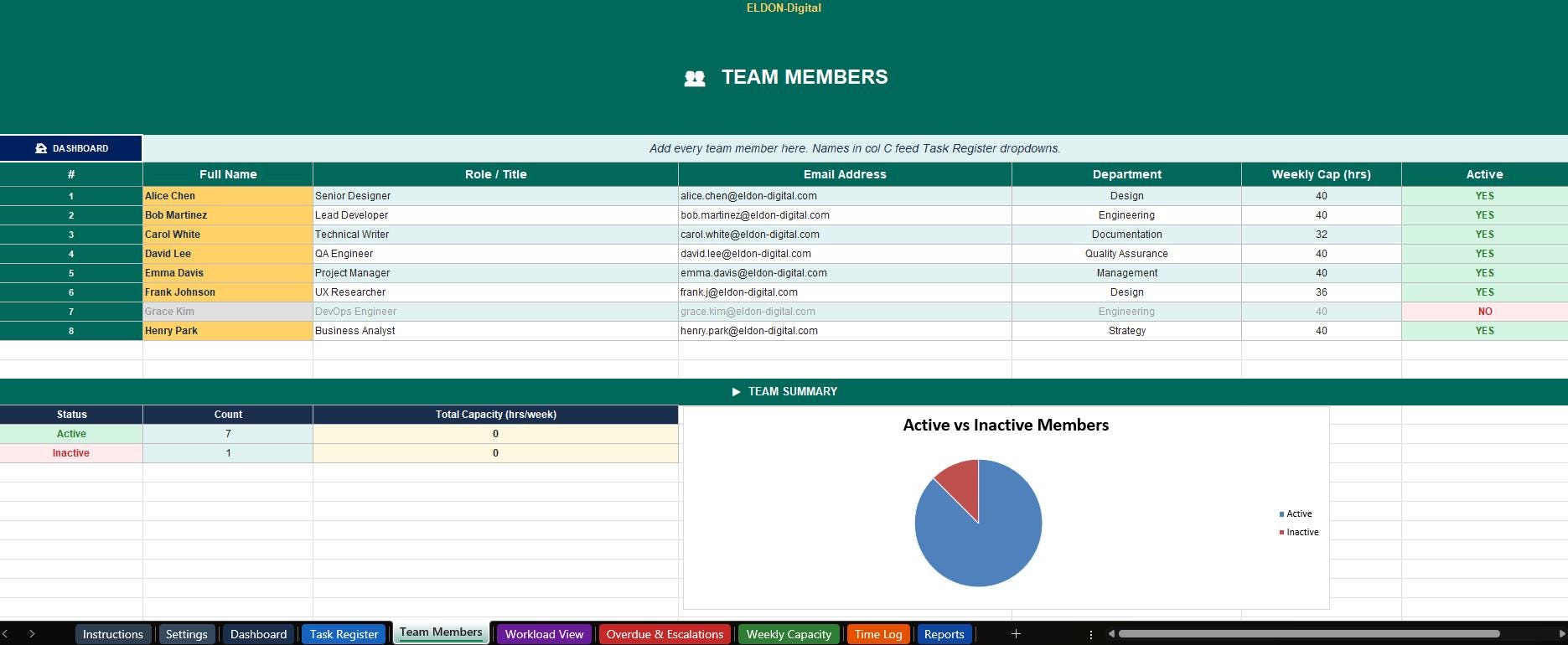
👥 Team Members - Build your full team roster with Name, Role, Email, Department, individual Weekly Capacity hours, and an Active / Inactive toggle. Team member names feed the Task Register dropdown automatically.
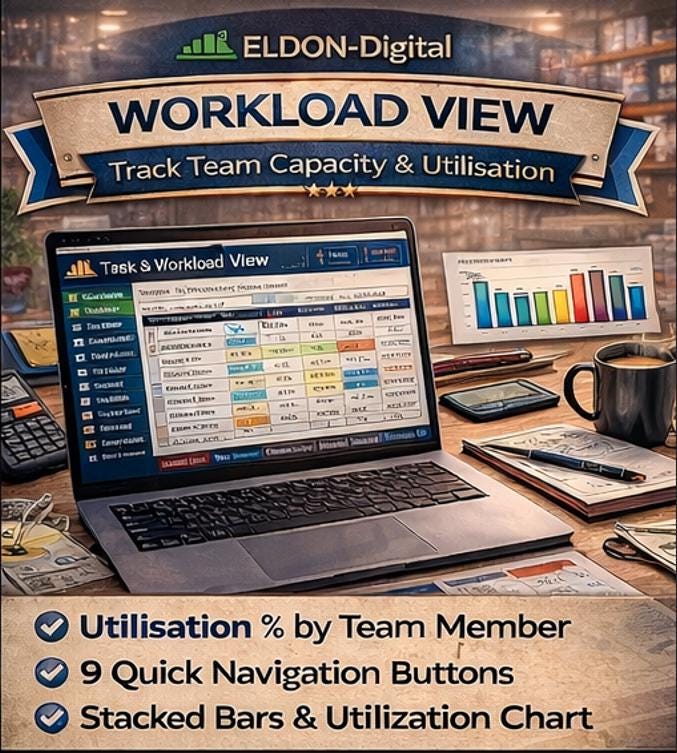
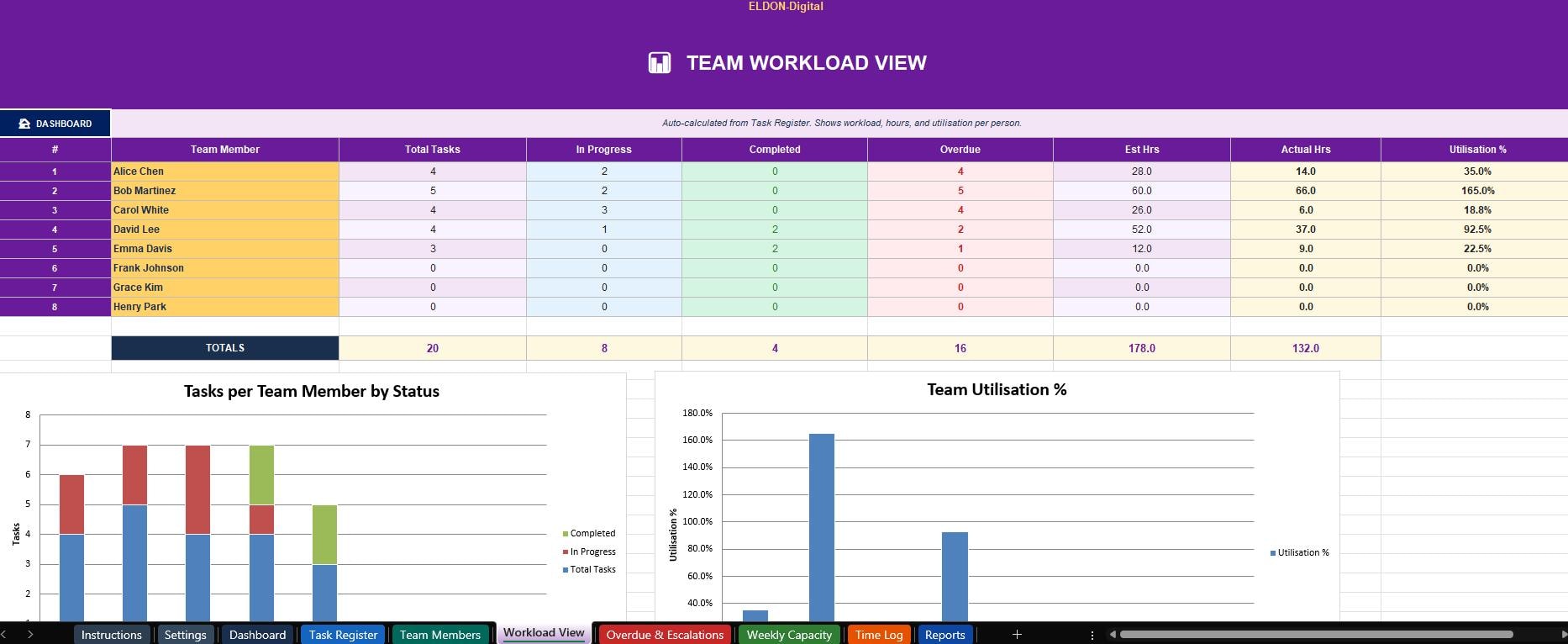
📊 Workload View - See exactly who is doing what. Auto-calculates per person: Total Tasks assigned, In Progress count, Completed count, Overdue count, Total Estimated Hours, Total Actual Hours, and Utilization % (actual hours ÷ individual weekly capacity). Includes a stacked bar chart and utilization bar chart.
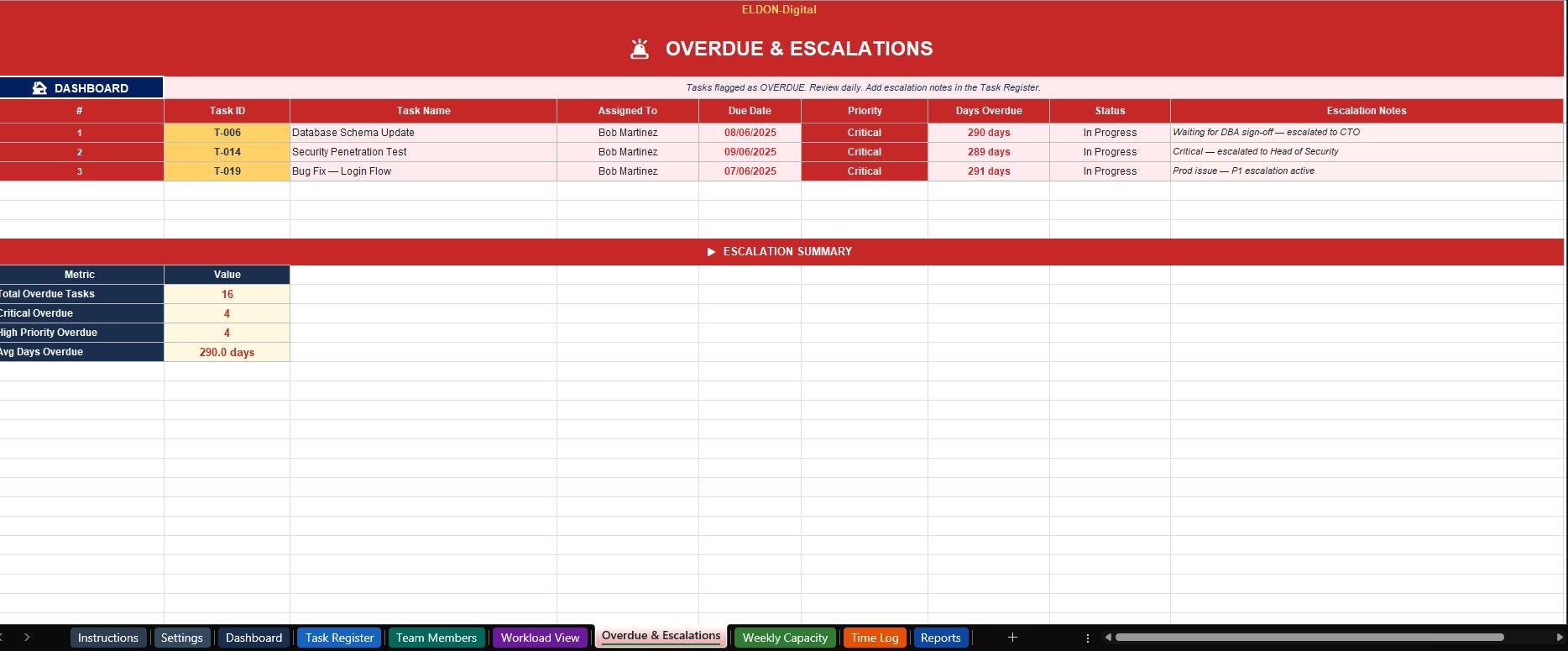
🚨 Overdue & Escalations - Your daily escalation radar. Instantly flags every overdue task with Days Overdue (auto-calculated), current status, and escalation notes. Includes a summary KPI table showing total overdue, critical overdue, and average days overdue.
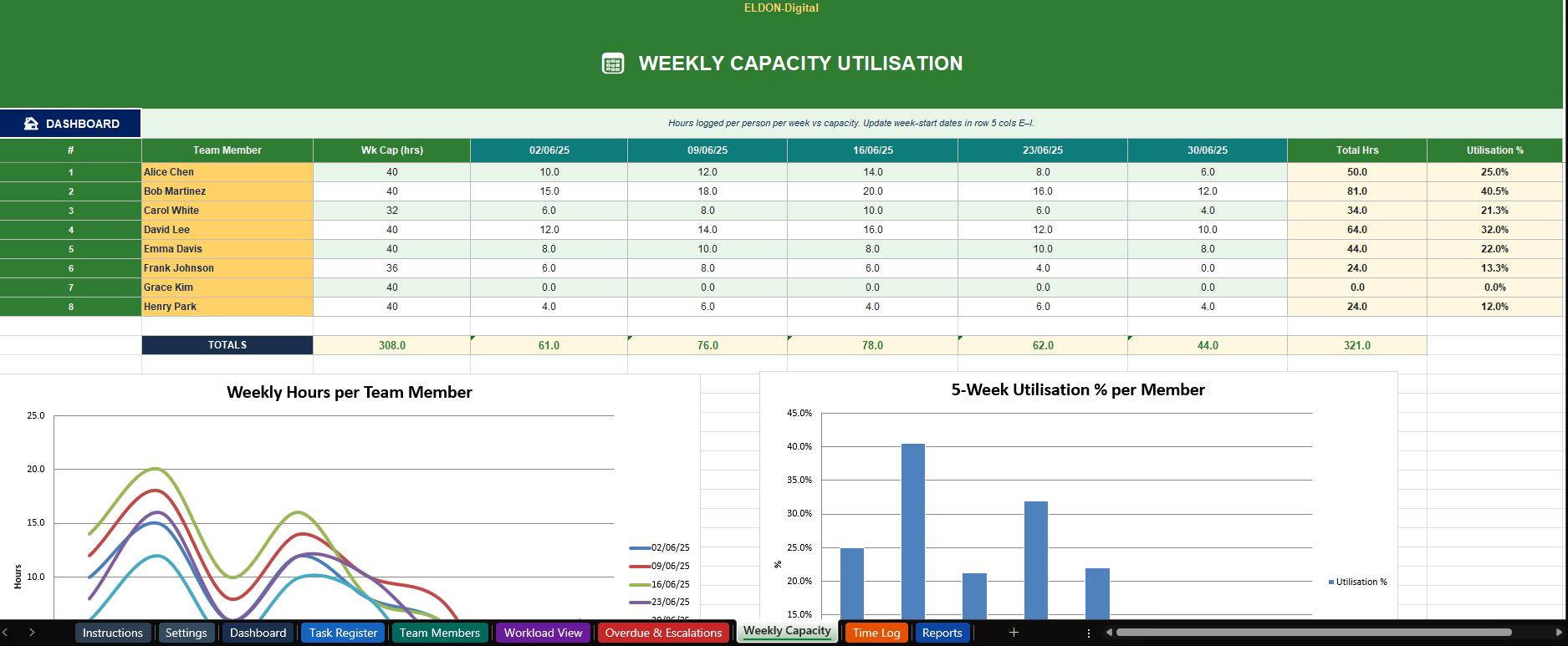
📅 Weekly Capacity Chart - 5-week rolling capacity view per team member. See hours logged each week vs individual capacity, total hours, and 5-week utilization %. Includes a line chart for trend analysis and a utilization bar chart. Update the week-start dates to roll the window forward.
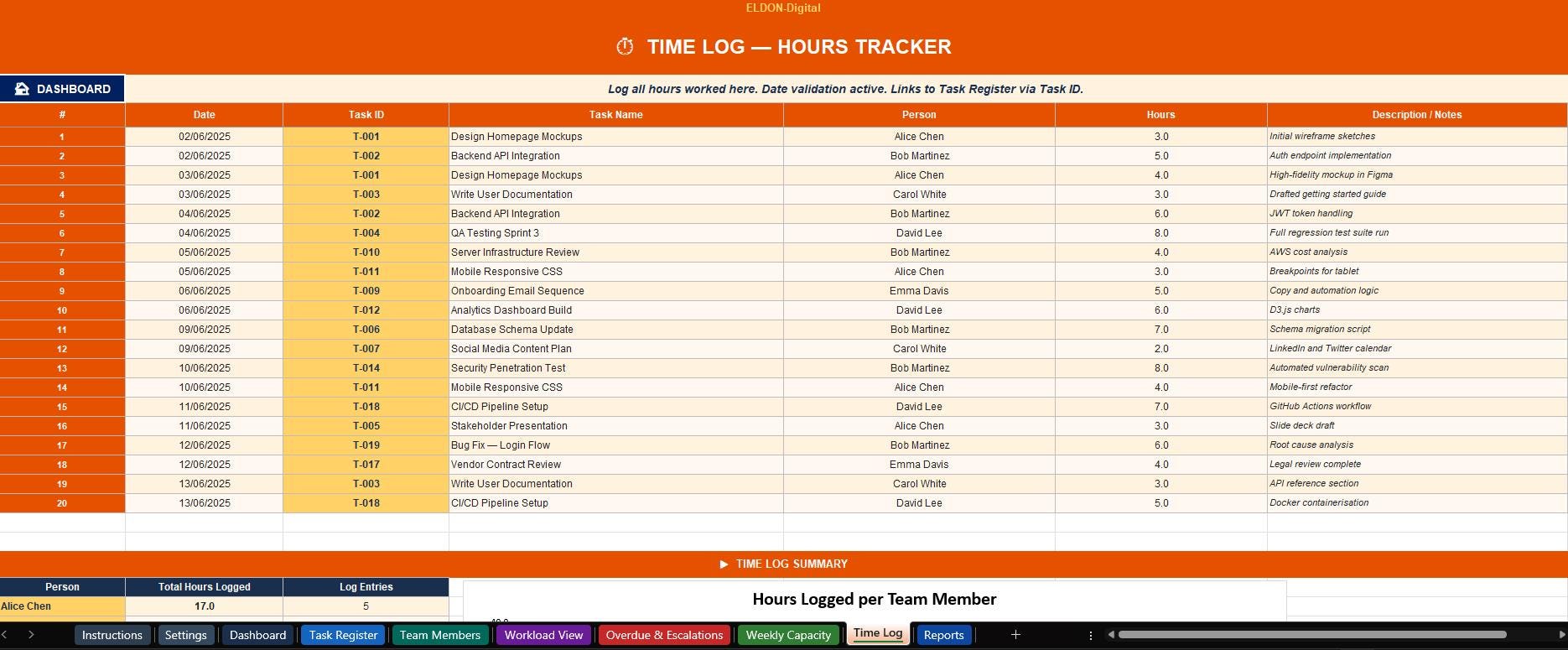
⏱️ Time Log - A clean daily timesheet. Log every session with Date (date picker), Task ID, Task Name, Person (dropdown), Hours, and a Description. Totals and entry counts per person auto-calculate. Hours feed back into Workload View and Weekly Capacity charts automatically.
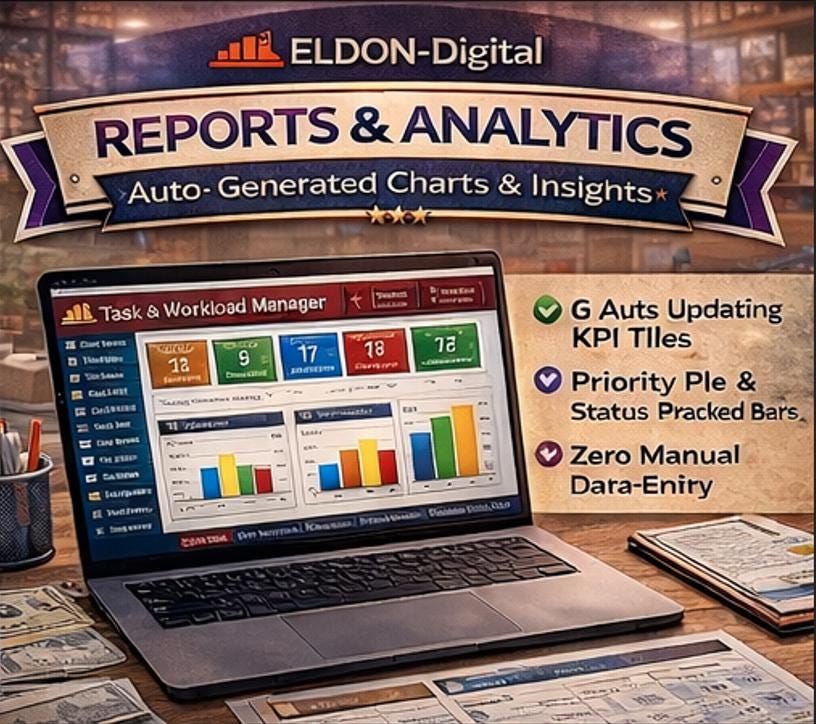
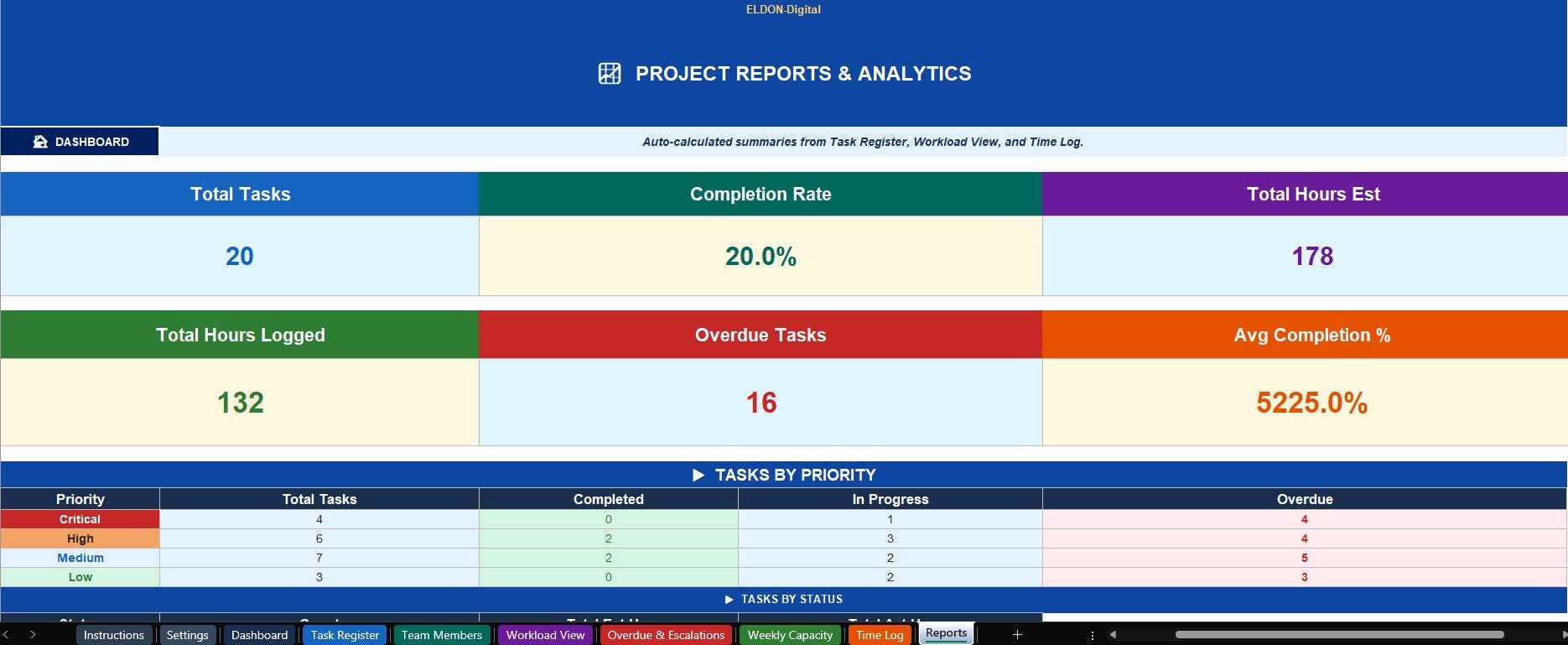
📈 Reports & Analytics - Auto-generated reports requiring zero data entry. Includes 6 KPI metric cards, a Tasks by Priority breakdown table, a Tasks by Status table, a priority pie chart, and a task count bar chart - all updating live from your data.
________________________________________
✨ KEY FEATURES AT A GLANCE:
✅ Works in Microsoft Excel AND Google Sheets ✅ Zero formula errors - every formula audited, verified, and IFERROR-protected ✅ 10 color-coded sheets - each with its own unique accent color theme ✅ Live Dashboard with 9 navigation buttons and 6 real-time KPI tiles ✅ 🏠 Back-to-Dashboard button on every single sheet ✅ Overdue Flag formula - auto-detects missed deadlines with configurable grace period ✅ Variance formula - tracks time over/under budget per task automatically ✅ Utilization % - per-person capacity tracking using individual weekly hours ✅ VLOOKUP-powered - team capacity feeds automatically from Team Members to all views ✅ Date validation popups on all date entry cells across every sheet ✅ Dropdown menus for Priority, Status, Assigned To, and Person fields ✅ 8 built-in charts - bar, stacked bar, pie, and line charts across sheets ✅ Pre-filled with realistic mock data - 20 tasks, 8 team members, 20 time log entries ✅ Settings-driven - one sheet controls the year, capacity defaults, and company name ✅ Instructions & Settings sheets first - ready to use straight out of the box ✅ Arial & Times New Roman fonts - clean, professional, print-ready ✅ Instant digital download - no waiting, no shipping
________________________________________
🎯 PERFECT FOR:
👉 Team managers and project leads tracking multiple tasks and people 👉 Freelancers managing client projects and time budgets 👉 Marketing, design, engineering, and ops teams 👉 HR and operations teams tracking internal workloads 👉 Startups replacing expensive project management software 👉 Anyone who needs a clear, visual picture of who is working on what - and whether it's on time
________________________________________
📥 WHAT YOU RECEIVE:
🗂️ 1 × .XLSX file - opens in Microsoft Excel 2016+ and Google Sheets 📖 Full Instructions sheet built into the workbook ⚡ Instant digital download after purchase - no waiting
________________________________________
💡 QUICK START GUIDE:
1️⃣ Download the .XLSX file instantly after purchase 2️⃣ Open in Excel or upload to Google Drive for Google Sheets 3️⃣ Go to the Settings sheet - enter your company name, team name, and fiscal year 4️⃣ Add your team to the Team Members sheet 5️⃣ Start adding tasks in the Task Register - watch the Dashboard KPIs update live!
________________________________________
⭐ WHY ELDON-Digital?
At ELDON-Digital we build professional-grade spreadsheet systems that save managers and teams hours every week. Every template is rigorously formula-audited before release - zero errors, zero shortcuts. Beautiful enough to show clients. Powerful enough to run a real team. 🚀
________________________________________
❓ QUESTIONS?
Message us through Etsy and we'll respond quickly. We're happy to help! 🙌
________________________________________
⚠️ Digital download product. No physical item will be shipped. Due to the nature of digital products, refunds cannot be issued once downloaded. Please read the full listing before purchasing.
© ELDON-Digital | Licensed for single-user commercial use. Redistribution or resale prohibited.