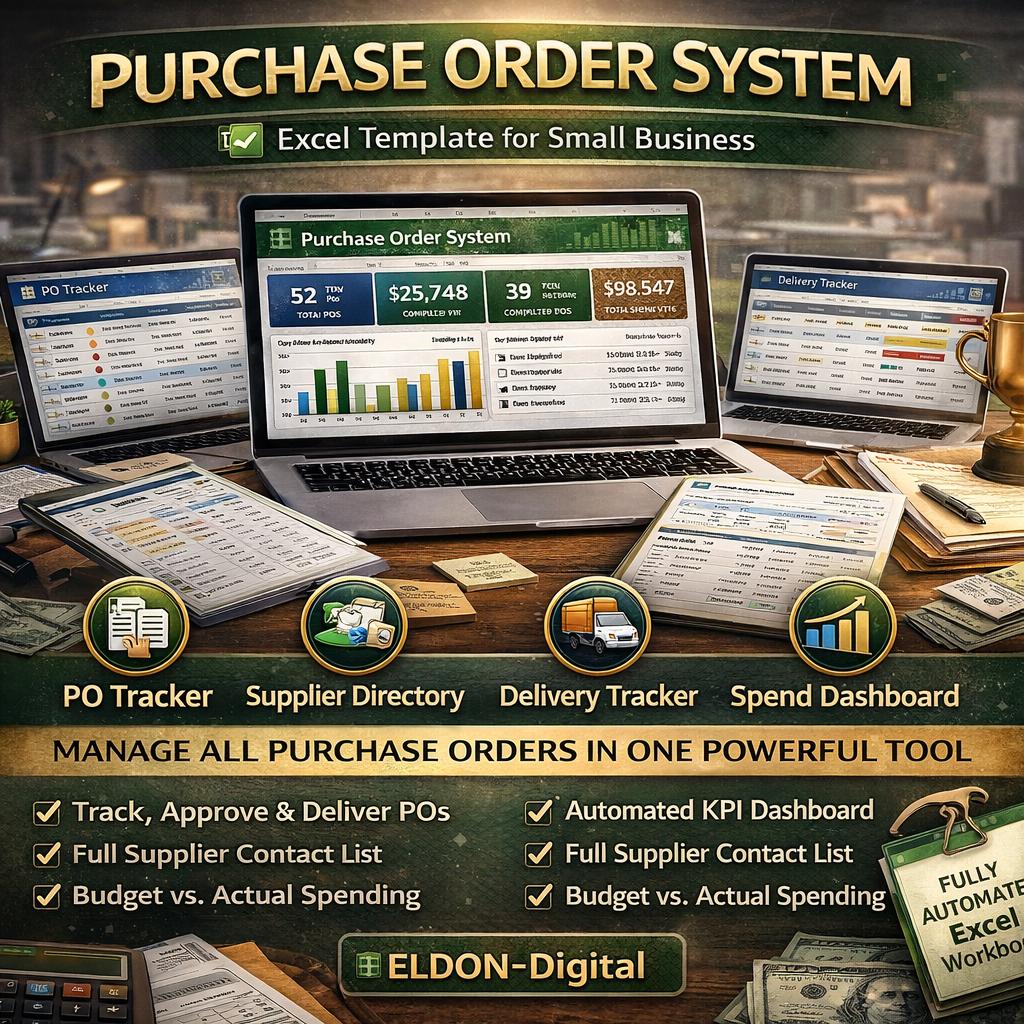
Purchase Order System Excel Template | PO Tracker, Supplier Directory, Delivery Tracker (Digital Download)
$11.24 $14.99
📝 DESCRIPTION
________________________________________
✦ ELDON-Digital | Purchase Order System -Complete Excel Workbook Template ✦
📦 Stop tracking purchase orders in scattered emails, sticky notes, and messy spreadsheets. This professionally designed Purchase Order System by ELDON-Digital is a fully automated, beautifully formatted Excel workbook that gives your business complete control over every PO -from the moment it's created to the final delivery confirmation. 💼
Built for procurement managers, operations teams, small business owners, and finance departments who need a powerful, organized, and professional PO management tool -without any monthly software fees.
Open it, enter your data, and your entire purchasing process is instantly organized. 🚀
________________________________________
💎 WHAT'S INSIDE -9 FULLY DESIGNED SHEETS:
🏠 Dashboard -Your Command Centre The moment you open the file, your live KPI cards light up with Total POs, Open PO Value, Completed POs, and Total Spend YTD -all pulling automatically from your data. See your top suppliers by spend, a PO status summary table, your most recent orders, and a bar chart -all on one beautiful screen. Navigate to any module with one click. 📊
📋 PO Register -Master Purchase Order Log Your complete register of every purchase order ever created. Each row captures the PO Number, Supplier, Issue Date, Status, Expected Delivery, Actual Delivery, PO Total, Items Count, Received Value, and Payment Terms. The Status dropdown (Draft / Sent / Partial / Complete / Cancelled) automatically color-codes every row so you can see your entire pipeline at a glance. ✅
📄 PO Line Items -Itemized Product Detail Every individual product line across all POs in one place. Track product name, category, unit of measure, quantity ordered, unit cost, line total, quantity received, quantity variance, received value, and percentage received -all with live formulas. The category summary table and bar chart break down your spend by product type automatically. 📦
🏭 Supplier Directory -Complete Vendor Database A full supplier contact directory with name, contact person, email, phone, location, payment terms, and category. The best part: total POs, total spend, and average PO value pull live from the PO Register -no manual entry needed. Star ratings and on-time performance rates included. 🌟
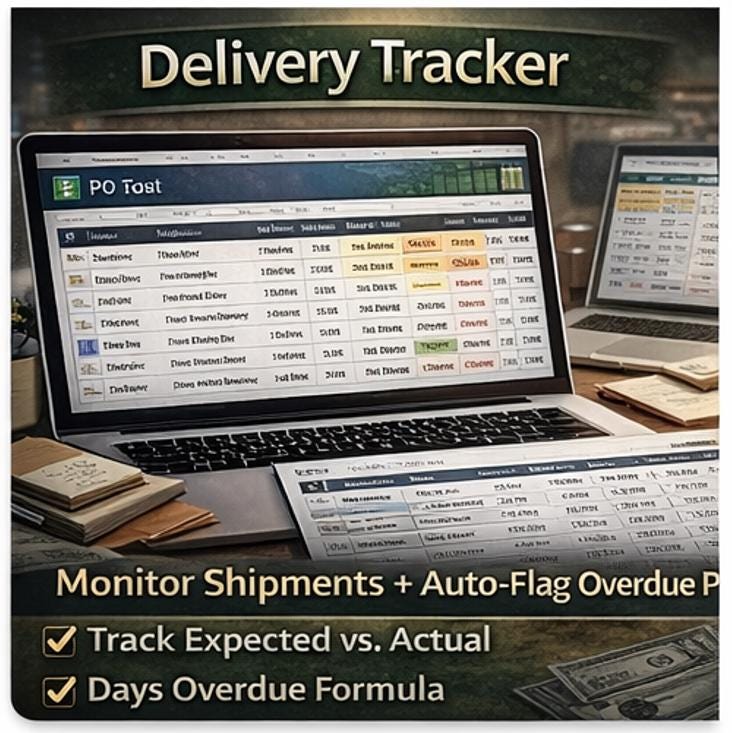
🚚 Delivery Tracker -Monitor Every Shipment Never miss a late delivery again. Compare expected vs. actual delivery dates with an automatic Days Variance formula. Any PO past its expected delivery date is instantly flagged with a 🔴 OVERDUE alert. Track carrier, tracking number, delivery status, and percentage received -all in one sheet with a performance metrics panel. 📅
💰 Spend Analysis -Monthly Budget vs. Actuals A full 12-month spend table with total spend, average PO value, completed vs. open amounts, budget, and variance for every month of the year. The live line chart shows your actual spend vs. budget trend at a glance. The supplier spend table below ranks all vendors by total spend using an automatic RANK formula -your procurement leaderboard. 📈
📊 Open PO Dashboard -All Outstanding Orders See only the POs that need your attention right now -Draft, Sent, and Partial orders only. Track days open, outstanding value, overdue status, and an auto-generated action recommendation for every open order. Summary metrics show total open value, total overdue count, and average days open. A horizontal bar chart ranks suppliers by outstanding value. 🔔
⚙️ Settings -Full System Configuration Set up your company name, PO prefix, starting number, default currency, tax rate, and approval thresholds. Manage your registered supplier list, define PO status colors and meanings, and configure payment terms -all in one central settings panel. 🛠️
📖 Instructions -Complete Step-by-Step Guide A full user manual built directly into the spreadsheet. Every sheet, formula, dropdown, and date field is explained in plain language with best practices and pro tips. A keyboard shortcuts reference table is included at the end. No guesswork required. 🎓
________________________________________
⚡ KEY FEATURES AT A GLANCE:
✅ 508 live formulas -professionally verified with ZERO errors ✅ PO Status dropdown -Draft / Sent / Partial / Complete / Cancelled ✅ Auto color-coded rows by PO status (yellow, blue, orange, green, red) ✅ Quantity Ordered vs. Received with automatic variance calculation ✅ Outstanding PO Value formula (PO Total − Received Value) ✅ Days Variance formula (Actual Delivery − Expected Delivery) ✅ 🔴 Overdue auto-flag for any PO past expected delivery date ✅ On-Time Delivery Rate formula calculated automatically ✅ Supplier RANK formula -ranks by total spend automatically ✅ 12-month spend trend with Budget vs. Actual line chart ✅ 9 color-coded sheets -every sheet has a unique color palette ✅ Conditional formatting -color scales & data bars on key columns ✅ 8 built-in charts (bar, horizontal bar, pie, line -one per sheet) ✅ 🏠 Dashboard navigation button on every single sheet ✅ Date validation on ALL date fields across every sheet ✅ Category dropdowns, Status dropdowns, Currency dropdowns ✅ 25 mock POs pre-filled with realistic data -see it working immediately ✅ Arial font throughout -clean, professional, print-ready ✅ Landscape layout -all sheets optimized for printing ✅ Compatible with Microsoft Excel 2016, 2019, 2021, 2024 & Microsoft 365
________________________________________
👥 WHO IS THIS PERFECT FOR?
🔹 Procurement & Purchasing Managers who handle multiple suppliers 🔹 Small Business Owners replacing manual PO processes 🔹 Operations & Supply Chain teams needing delivery visibility 🔹 Finance Departments tracking spend vs. budget monthly 🔹 Retail, Manufacturing, Construction & Distribution businesses 🔹 Freelance Bookkeepers & Virtual Assistants managing client POs 🔹 Startups building their first structured procurement workflow 🔹 Anyone tired of chasing orders across emails and spreadsheets
________________________________________
📥 WHAT YOU RECEIVE AFTER PURCHASE:
📂 1 × .xlsx Excel file -instant digital download 📂 Works 100% offline -no internet, no subscription, no account required 📂 Download immediately after purchase -no waiting 📂 Use on unlimited personal or business devices 📂 Lifetime access -yours to keep forever
________________________________________
🛠️ HOW TO GET STARTED IN MINUTES:
1️⃣ Download your .xlsx file immediately after purchase 2️⃣ Open in Microsoft Excel 2016 or newer 3️⃣ Read the built-in 📖 Instructions sheet first (2 minutes) 4️⃣ Go to ⚙️ Settings -enter your company name, suppliers & preferences 5️⃣ Start logging POs in the 📋 PO Register 6️⃣ Watch your 🏠 Dashboard come alive with real-time data! 🎉
________________________________________
💬 A NOTE FROM ELDON-Digital:
At ELDON-Digital, we believe great business tools shouldn't cost hundreds of dollars per month. Every template we create is built to professional standards -zero-error formulas, beautiful design, and real-world functionality you'll actually use every single day. 💙
We stand behind every product. Have a question before or after purchasing? Send us a message -we're always happy to help!
⭐ Love your template? A review means the world to a small digital shop. Thank you so much! ✨