Paycheck Budget Spreadsheet: Bi-Weekly Bill Tracker, Zero-Based Planner
$5.24 $6.99
📝 PRODUCT DESCRIPTION
________________________________________
💵✨ The Paycheck-to-Paycheck Budget That Tells Every Dollar Where to Go -Before It Disappears
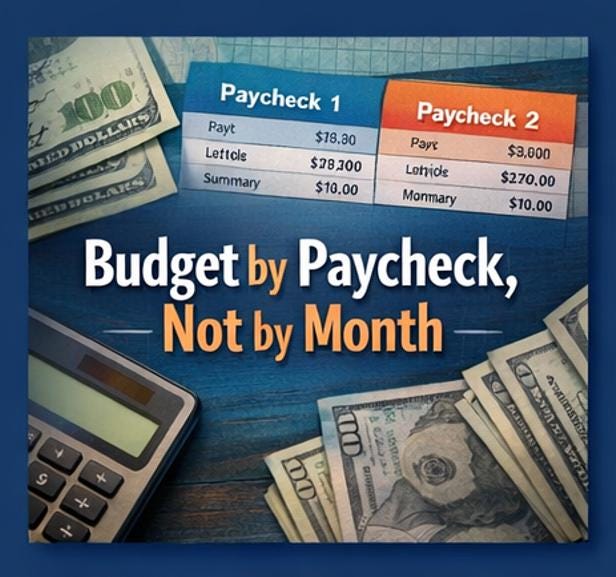
Here's what most budgets get wrong: they think in months, but you get paid in paychecks.
Your rent is due on the 1st. Your car payment hits on the 5th. Your electric bill lands on the 15th. But your money arrives on the 10th and the 24th. And somehow, by the second week, you're wondering where it all went.
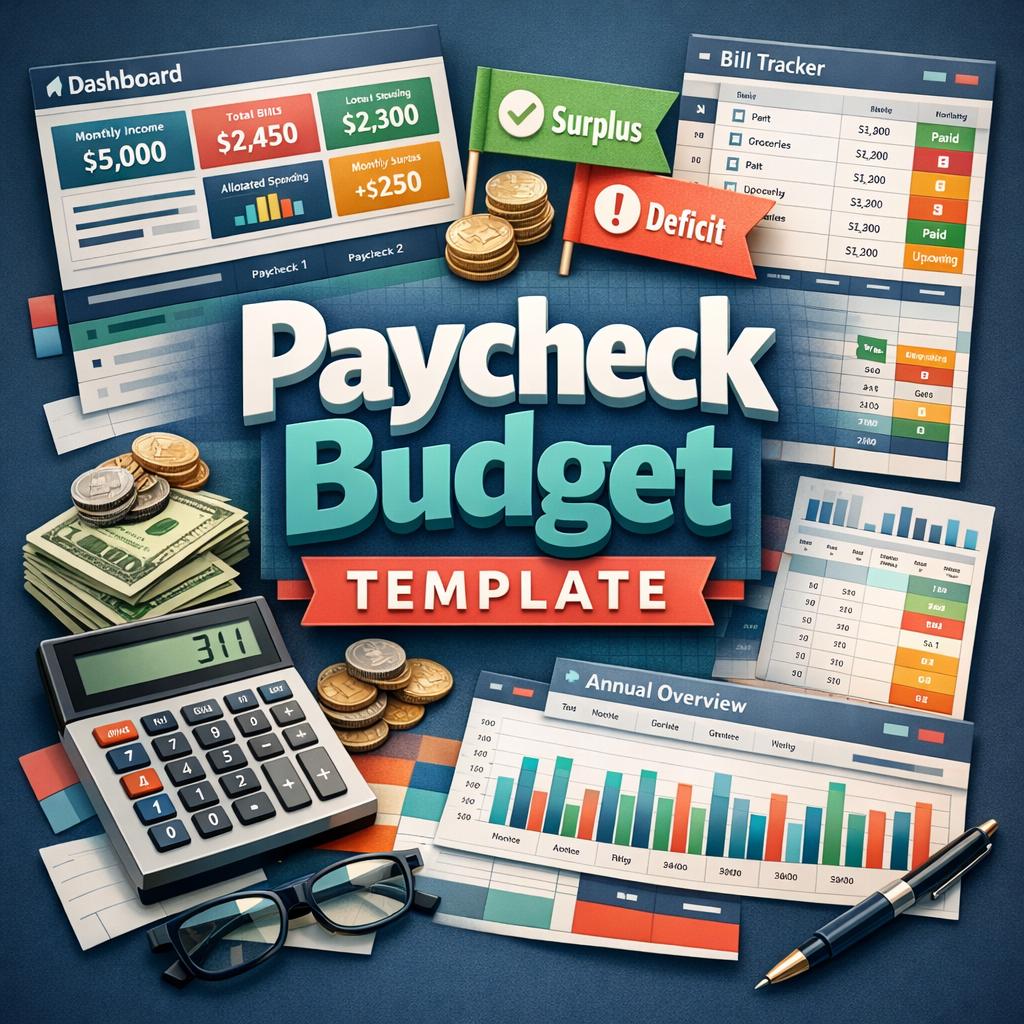
The ELDON-Digital Paycheck Budget Template fixes this. Instead of one vague monthly plan, you get a dedicated budget for each paycheck -with every bill assigned, every dollar allocated, and color-coded flags that instantly tell you whether you're in the green or in the red.
No more overdrafts. No more "I'll figure it out next month." Just two clean, organized paycheck plans and a dashboard that keeps you in control from pay day to pay day.
________________________________________
🗂️ WHAT'S INSIDE -7 PROFESSIONALLY DESIGNED TABS
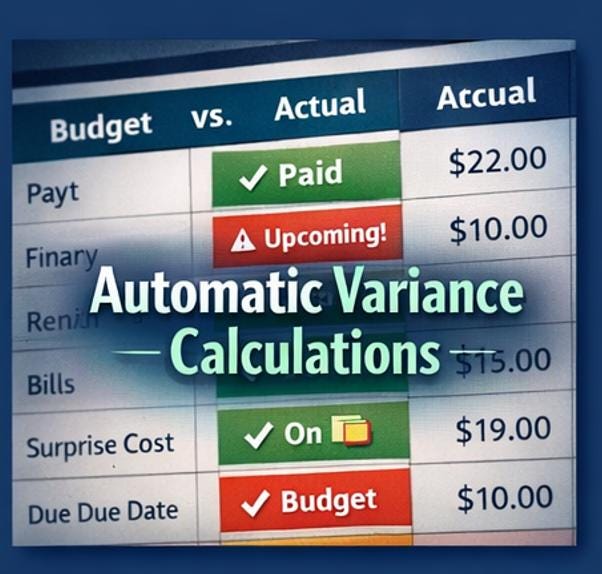
💚 Dashboard -Your complete financial command center. Four bold KPI cards show your monthly income, total bills, total allocated spending, and monthly surplus or deficit at a glance. Below, a side-by-side paycheck comparison reveals budgeted vs. actual amounts for both pay periods -with automatic variance calculations and status flags that read "Under Budget," "Over Budget," or "On Budget." A full bill-by-category breakdown shows exactly where your fixed costs live, from housing and utilities to subscriptions and loans.
🔷 Pay Setup -Configure your entire income picture in one place. Enter your employer name, pay frequency (Weekly, Bi-Weekly, Semi-Monthly, or Monthly), take-home pay per check, and your next pay date. Add optional secondary income from a side hustle, freelance work, or any other source. The sheet auto-calculates your estimated monthly and annual income and shows a Quick Reference panel with your bill total, budget total, and surplus or deficit -all updating in real time.
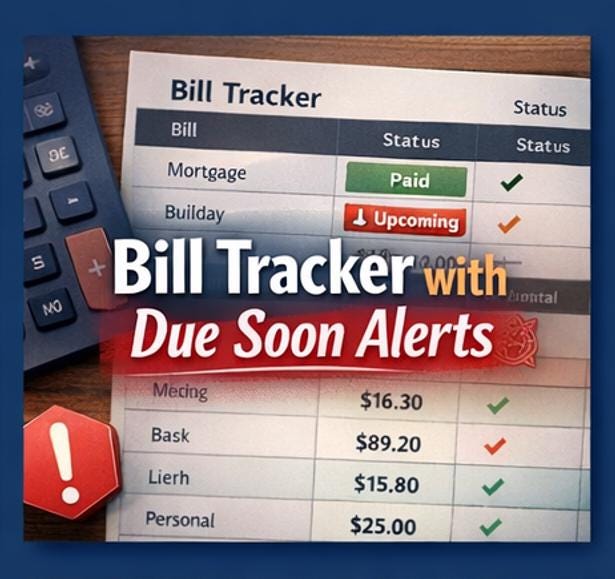
🔴 Bill Tracker -A 30-row command center for every recurring bill and fixed obligation in your life. For each bill, enter the name, category, due date (day of the month), monthly amount, auto-pay status, and which paycheck it's assigned to. The Status column auto-updates based on today's date -flagging bills as "Paid This Cycle" (green), "Due Soon!" (red), or "Upcoming" (amber). Priority levels let you mark bills as Essential, Important, or Optional -so if money is ever tight, you know exactly what to pay first.
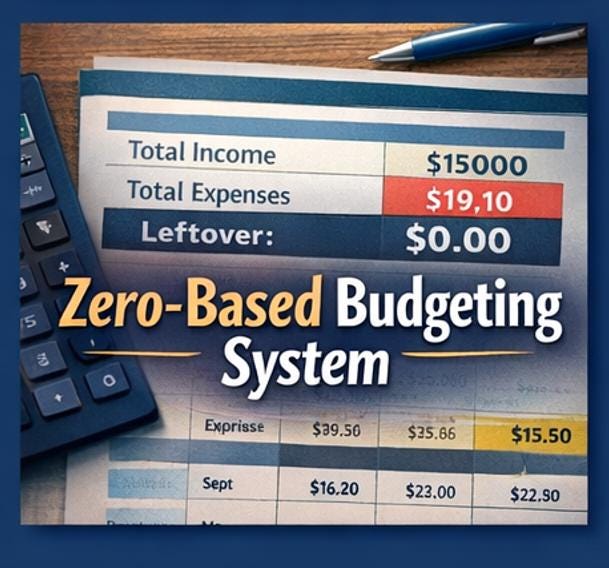
💰 Paycheck 1 -A complete zero-based budget for your first paycheck of the month. Enter your pay date and any rollover from the previous period. The Bills section holds up to 15 assigned bills with budgeted and actual columns and auto-calculated variance. The Variable Spending section covers 10 pre-built categories -groceries, gas, dining out, entertainment, personal care, clothing, household items, savings transfers, emergency fund, and other spending. The Summary Box at the bottom shows your total available, total allocated, surplus or deficit (budgeted), and actual leftover -with conditional formatting that turns green for surplus and red for deficit instantly.
💜 Paycheck 2 -An identical, independent budget for your second paycheck. Same structure, same power, different pay period. Between the two tabs, every dollar of every paycheck has a job.
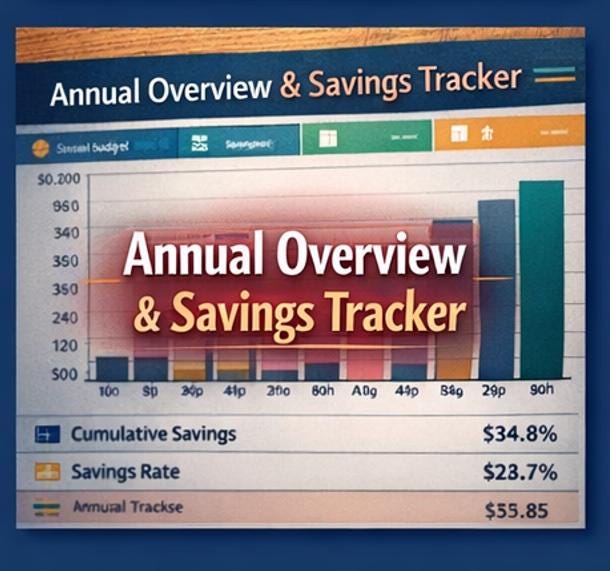
🟠 Annual Overview -A 12-month tracker where you can log monthly income, bills, and variable spending to see your full-year financial trajectory. Auto-calculated rows show total expenses, monthly surplus or deficit, cumulative surplus, and your savings rate -all with conditional color coding. Perfect for spotting seasonal trends and planning ahead.
🟢 Instructions -A friendly, thorough welcome guide that walks you through every tab in minutes, including a complete color legend so you never wonder which cells to edit and which to leave alone.
________________________________________
🧮 SMART FEATURES BUILT INTO EVERY CELL
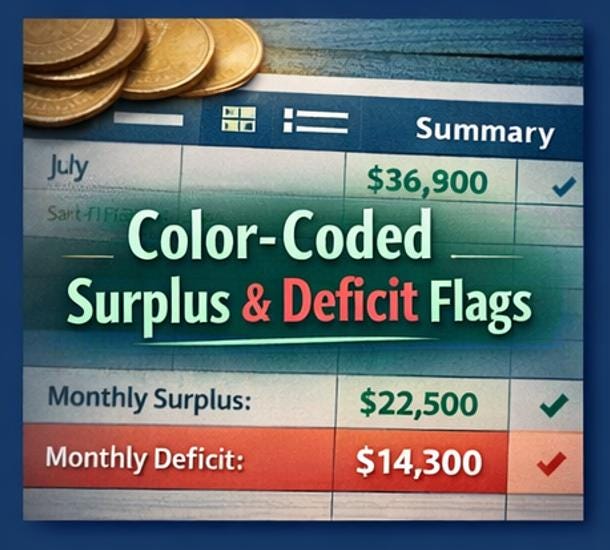
✅ Budget by paycheck, not by month -finally aligns your plan with how you actually get paid ✅ Auto-allocation per paycheck -assign each bill to Paycheck 1, Paycheck 2, Either, or Split ✅ Bill-due reminders -status column auto-flags "Due Soon!" in red, "Upcoming" in amber, and "Paid" in green ✅ Leftover rollover field -carry surplus from one pay period to the next so nothing gets lost ✅ Color-coded surplus/deficit flags -green when you're ahead, red when you're over, everywhere it matters ✅ Budgeted vs. Actual columns -track what you planned against what you actually spent ✅ Auto-calculated variance -instantly see which bills and categories came in over or under ✅ Zero-based budgeting structure -every dollar gets assigned before you spend it ✅ 30-row bill tracker with categories, auto-pay status, priority levels, and notes ✅ 10 pre-built spending categories per paycheck -groceries, gas, dining, savings, and more ✅ Monthly and annual tracking -see the big picture without losing pay-period detail ✅ Bill category breakdown on the dashboard -know exactly where your fixed costs go ✅ Paycheck comparison table -side-by-side Paycheck 1 vs. Paycheck 2 analysis ✅ Dropdown menus everywhere -pay frequency, categories, paid status, priority, auto-pay ✅ 311 pre-built formulas -all tested, all protected, absolutely zero errors ✅ Works in Microsoft Excel AND Google Sheets
________________________________________
🎨 DESIGNED TO KEEP YOU IN CONTROL -VISUALLY
Budgeting shouldn't feel like staring at a wall of numbers. That's why every tab in this template uses a modern navy, teal, and warm amber palette with clean headers, alternating row stripes, and smart conditional formatting that does the thinking for you.
When you're under budget, the cell turns green. When you're over, it turns red. When a bill is due in 3 days, it lights up with a warning. You don't have to scan columns of numbers and do mental math -the colors tell the story.
Blue text marks every cell you can edit. Everything else calculates automatically. It's impossible to break and effortless to use.
________________________________________
👩💼 BUILT FOR PEOPLE WHO
🔹 Get paid bi-weekly or semi-monthly and struggle to align bills with pay dates 🔹 Want a zero-based budget where every dollar is assigned before it's spent 🔹 Are tired of generic monthly budgets that don't match their pay schedule 🔹 Need to see at a glance whether they're in surplus or deficit after each paycheck 🔹 Want bill-due reminders without downloading another app 🔹 Live paycheck to paycheck and need a system that prevents overdrafts 🔹 Are couples managing a household budget across two incomes 🔹 Are freelancers or gig workers with irregular pay dates who need structure 🔹 Have tried budgeting apps but prefer the control and flexibility of a spreadsheet 🔹 Believe that being organized with money shouldn't cost a fortune
________________________________________
📥 WHAT YOU'LL RECEIVE
📎 1 instant-download .XLSX file -compatible with Microsoft Excel (desktop & online) and Google Sheets 📎 Pre-loaded with realistic sample data -12 sample bills and full spending examples across both paychecks so you see exactly how the system works before entering your own numbers 📎 Ready to use in under 10 minutes -clear the samples, enter your pay info, and start allocating
________________________________________
🖥️ HOW TO USE -IN 6 STEPS
1️⃣ Download the file after purchase 2️⃣ Open in Excel or upload to Google Sheets 3️⃣ Go to Pay Setup -enter your pay frequency, take-home amount, and next pay date 4️⃣ Go to Bill Tracker -list every bill with its due date and assigned paycheck 5️⃣ Open Paycheck 1 and Paycheck 2 -allocate bills and variable spending for each pay period 6️⃣ Watch your Dashboard light up with surplus/deficit flags and spending insights 🎉
After each pay period: Enter the "Actual Leftover" from the current paycheck as the "Rollover" in the next one. That's it -your budget flows seamlessly from paycheck to paycheck.
________________________________________
💡 PRO TIPS FOR PAYCHECK BUDGETING SUCCESS
🌟 Front-load your essentials. Assign rent, utilities, and insurance to whichever paycheck arrives first. Stack the big bills early so you're never caught short.
🌟 Use the rollover field religiously. If Paycheck 1 ends with $47 leftover, that $47 becomes fuel for Paycheck 2. Never let surplus float -give it a job.
🌟 Check the variance column weekly. It tells you exactly which categories you overspent and which ones have room. Adjust mid-period instead of waiting until it's too late.
🌟 Treat savings like a bill. The Variable Spending section includes "Savings Transfer" and "Emergency Fund" rows. Budget them like they're non-negotiable -because they are.
🌟 Review the Annual Overview on the 1st of every month. Enter last month's totals and watch your cumulative surplus and savings rate evolve over time.
________________________________________
⚠️ PLEASE NOTE
📌 This is a digital download no physical product will be shipped 📌 This spreadsheet is for personal budgeting and does not constitute financial advice 📌 Works best in Microsoft Excel for desktop; fully functional in Google Sheets 📌 Pre-built formulas power the template -do not edit black-text cells 📌 The sample data is illustrative -clear it and enter your own numbers to get started
________________________________________
💬 FROM ELDON-DIGITAL
We built this template because we've lived the paycheck-to-paycheck reality -and we know that the problem isn't how much you earn. It's knowing exactly where every dollar goes between pay days.
This spreadsheet gives you that clarity. Not next month. Not next year. Starting with your very next paycheck.
If it helps you avoid even one overdraft, cover even one bill you used to stress about, or save even one extra dollar -then it did its job.
We'd love to hear how it's working for you. And if you have a moment, a ⭐⭐⭐⭐⭐ review means the world to our small digital shop.
Questions? We respond to every message -don't hesitate to reach out!