
Social Media Content Calendar Excel Template | Planner, Scheduler, Analytics
$9.74 $12.99
📝 PRODUCT DESCRIPTION
________________________________________
📱✨ STOP WINGING YOUR CONTENT -PLAN LIKE A PRO WITH THE ULTIMATE SOCIAL MEDIA SYSTEM
Are you posting inconsistently, scrambling for ideas last minute, or spending hours every week trying to figure out what to post and where? Are you creating content but have absolutely no idea whether it's actually working? This template was built to solve every single one of those problems -permanently. 🙌
Introducing the ELDON-Digital Content Calendar & Social Media Planner -the most complete, done-for-you social media management system available in a single beautifully designed Excel file. Whether you're a solo content creator, a small business owner, a social media manager, or a growing brand, this is the command center you've been looking for. 🚀
________________________________________
💎 WHY THIS IS DIFFERENT FROM EVERY OTHER CONTENT CALENDAR OUT THERE
Most "content calendar templates" are just a basic grid with days of the week and a few text boxes. This is not that. This is a fully automated, 10-tab, formula-driven content planning and analytics system with live-linked dashboards, automatic engagement rate calculations, a pre-built hashtag library, a 12-month analytics dashboard with charts, and an annual year-at-a-glance planner -all in one single file that works in Microsoft Excel and Google Sheets. 💻
You enter your content once. Everything else updates automatically. No double entry, no complicated setup, no learning curve. Just open it, read the instruction tab, and start planning. ✅
________________________________________
📋 WHAT'S INSIDE -10 POWER-PACKED TABS
🏠 Tab 1 -Branded Cover Page A professional branded cover page where you enter your brand name, content manager, primary platform, and planning year. Perfect for freelancers presenting to clients or teams sharing the planner across departments.
📋 Tab 2 -Full Instructions Guide A comprehensive step-by-step guide that gets you fully set up in under 10 minutes. Includes a 5-step quick start, a complete tab directory explaining every section, a full color-coding key, and 10 professional pro tips for getting the most out of the template. You will never feel confused or lost. 🎯
⚙️ Tab 3 -Settings & Brand Configuration This is your planner's command center. Set up your brand information (name, niche, target audience, brand voice, website, CTAs, branded hashtags). Configure all 7 major platforms -Instagram, Facebook, Twitter/X, LinkedIn, TikTok, YouTube, and Pinterest -with your handle, active status, weekly posting goal, best posting times, primary content format, and monthly target. Customize your 6 content pillars with descriptions, percentage of content mix, key topic ideas, and calls to action. The template automatically checks that your content mix totals 100% and flags it for you. Set your monthly posting targets for each platform with an annual total that calculates instantly. 🔧
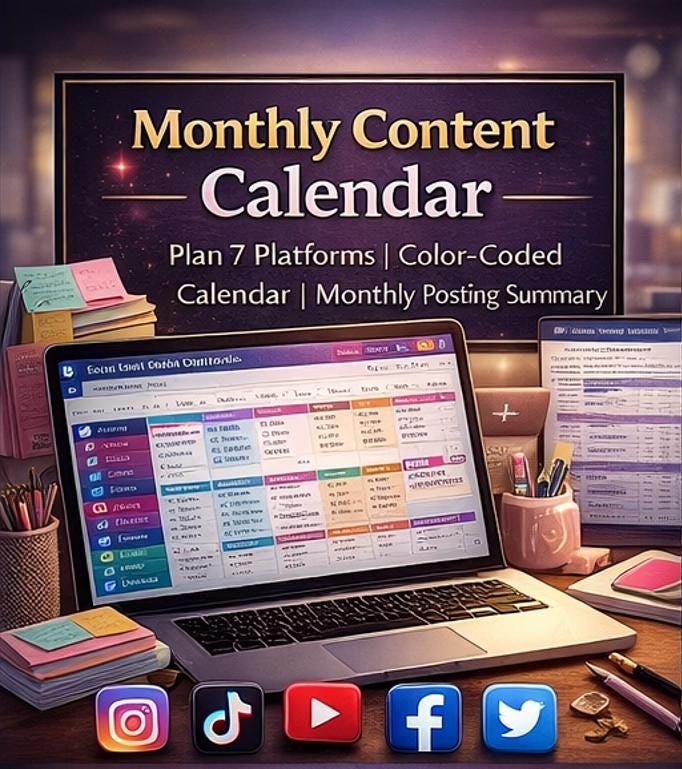
📅 Tab 4 -Monthly Content Calendar A stunning visual monthly calendar view that gives you a bird's-eye view of your entire month's content at a glance. See exactly what's scheduled on each day of the week, broken down by platform with color-coded platform tags for Instagram, Facebook, Twitter/X, LinkedIn, TikTok, YouTube, and Pinterest. A built-in monthly posting summary table at the bottom automatically tracks posts planned, posts published, and completion percentage for every platform. Spot gaps, overloads, and imbalances in seconds. 📅
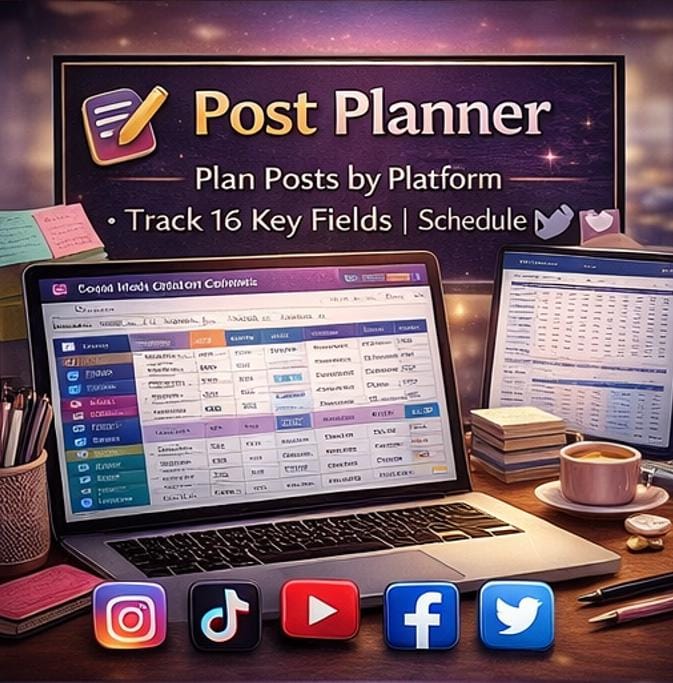
📝 Tab 5 -Post Planner (The Heart of the Template) This is where the magic happens. A detailed, 16-column row-by-row post tracker where every single piece of content gets its own dedicated row. For every post you plan, you can capture the date, platform, post type, content pillar, full caption draft, hashtags, media file name, status, priority rating, scheduled time, published date, post link/URL, visual notes, assigned team member, and general notes. Status badges let you instantly see what's in draft, in review, scheduled, published, or cancelled -all color-coded for instant visual clarity. Priority stars keep your most important content front and center. Sample posts for 10 different content types across all 7 platforms are pre-loaded to show you exactly how to use it. 30 additional blank rows are ready for your content immediately. 🖊️
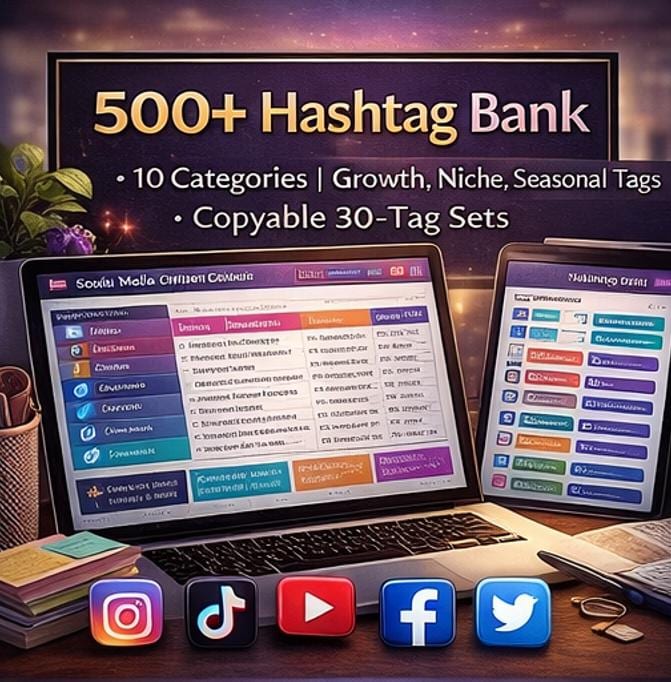
#️⃣ Tab 6 -Hashtag Bank (500+ Hashtags Organized & Ready) Never waste time searching for hashtags again. This tab is a comprehensively organized hashtag library with 10 full categories -Branded, Niche/Industry, Reach & Growth (High Volume), Instagram-Specific, TikTok-Specific, LinkedIn-Specific, Pinterest-Specific, Educational, Engagement Boosters, and Seasonal/Trending -each pre-loaded with high-performing hashtag examples. Every hashtag row includes a platform column, a performance rating column, an average reach field to track what works, and a notes field. At the bottom you'll find 4 ready-to-copy quick-use hashtag sets -a 30-tag growth set, an Instagram Reels set, a LinkedIn professional set, and a TikTok viral set -that you can copy directly into your captions with one click. #️⃣
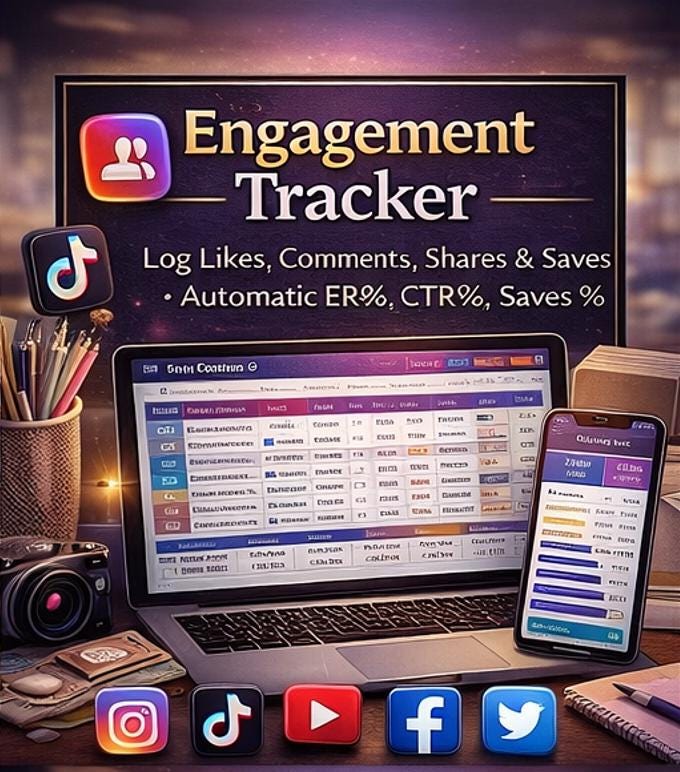
📊 Tab 7 -Engagement Tracker After your posts go live, this is where you record what happened. A powerful 17-column post-by-post performance tracker where you log your likes, comments, shares/retweets, saves, link clicks, reach, and impressions for every single post. The template then automatically calculates your Engagement Rate %, Click-Through Rate %, and Save Rate % using professionally guarded formulas that never produce errors even on empty rows. A color-coded performance rating column lets you quickly tag each post as a 1–5 star performer. At the bottom, a full summary section instantly calculates your total posts, total likes, total comments, total shares, total saves, total reach, average engagement rate, average CTR, and automatically identifies your best-performing post by reach -all updating live as you add data. 📊
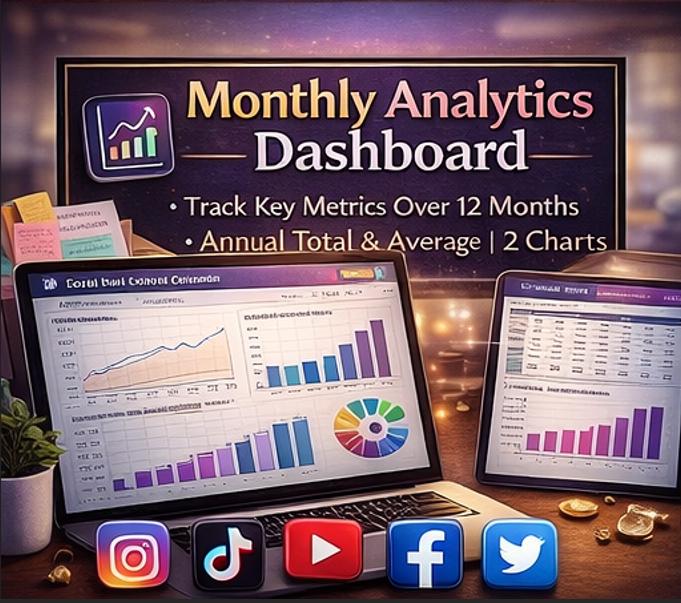
📈 Tab 8 -Monthly Analytics Dashboard The 12-month performance overview tab that serious creators and business owners need. Pre-loaded with a full year of sample benchmark data across 5 platform sections -Overall Performance, Instagram, TikTok, YouTube, and LinkedIn -plus a Content Mix Performance section showing engagement rates by content pillar. Every metric has an annual total or average in the final column (using the correct formula type -SUM for totals, AVERAGE for rate metrics). Two automatically updating charts visualize your Monthly Total Reach (line chart) and Monthly Follower Growth (bar chart) -both updating live whenever you enter your monthly data. Perfect for reporting to clients, stakeholders, or your own performance reviews. 📈
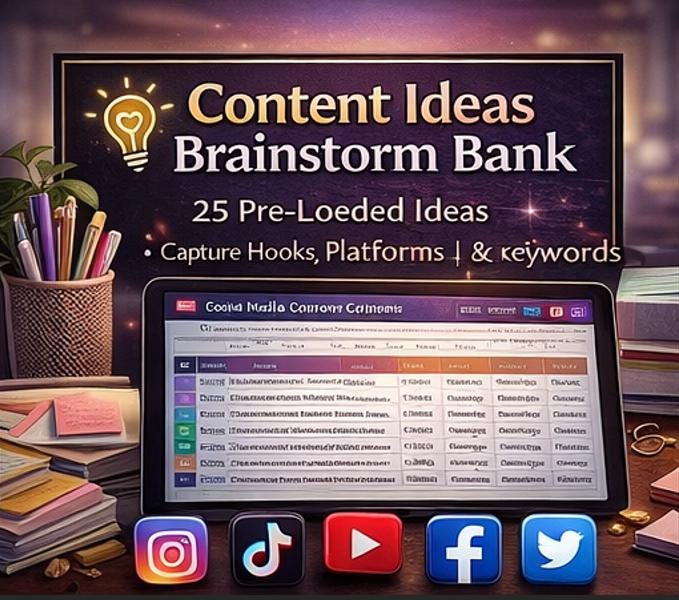
🎯 Tab 9 -Content Ideas Brainstorm Bank The antidote to creative block. A structured brainstorm bank where you capture every content idea the moment it comes to you. Each idea row has fields for the idea title, content pillar, platform(s), a full description and hook, format type, priority rating (⭐⭐⭐ color-coded), and status notes. 20 fully developed, professional-quality content ideas are pre-loaded across all 6 content pillars -from viral TikTok POV concepts to LinkedIn thought leadership threads to Instagram giveaway campaigns -giving you a running head start. 30 blank rows are ready for your own ideas. A live summary at the bottom automatically counts how many ideas you have per content pillar so you can see at a glance where your creativity is concentrated. 💡
📆 Tab 10 -Annual Content Overview The year-at-a-glance strategic planner that keeps your big picture on track. Five powerful sections cover everything you need for annual planning: Posting Targets by platform for all 12 months with automatic monthly totals and annual summaries, Actual Posts Published tracked against targets with automatic variance calculation, Campaigns & Key Themes mapping out your monthly themes, campaign names, start/end dates, and product/service focus for every month of the year, Growth Targets tracking your follower goals, monthly reach goals, and revenue goals month by month, and a Key Dates & Content Notes section mapping holidays, content focus areas, and observations. All annual columns intelligently use MAX for goal/target metrics (showing peak values) and SUM for cumulative metrics. 📆
________________________________________
🔥 EVERYTHING YOU GET AT A GLANCE
✅ 228 live formulas -fully audited, zero errors, professionally verified ✅ 10 beautifully designed tabs -vibrant Pink × Purple × Teal × Gold color palette ✅ 7 platforms covered -Instagram, Facebook, Twitter/X, LinkedIn, TikTok, YouTube, Pinterest ✅ 500+ hashtags organized -10 categories + 4 ready-to-copy sets ✅ Automatic ER%, CTR%, Save Rate% -guarded formulas, no div/zero errors ever ✅ INDEX/MATCH best performer -auto-identifies your top post by reach ✅ 2 auto-updating charts -Reach line chart + Follower growth bar chart ✅ Annual MAX vs. SUM logic -goals use MAX, totals use SUM -mathematically correct ✅ Full instructions tab -step-by-step, color key, pro tips, zero confusion ✅ Settings & brand config -customize everything before you start ✅ Status badge system -6 color-coded post statuses at a glance ✅ Content pillar mix checker -automatically validates your % total = 100% ✅ Freeze panes on all data tabs -headers always visible when scrolling ✅ Print-ready landscape layout -fits to one page wide for reports ✅ Google Sheets compatible -upload to Google Drive and use instantly
________________________________________
👤 WHO IS THIS TEMPLATE FOR?
📸 Content creators managing multiple social media platforms 🏪 Small business owners who want a consistent posting strategy 💼 Social media managers handling client accounts 📣 Influencers and personal brands growing their online presence 🎨 Graphic designers and creative agencies tracking content delivery 📊 Marketing teams that need a structured editorial calendar 🤝 Freelancers presenting professional content plans to clients 🎓 Marketing students and course creators building their brand 🚀 Anyone who has ever stared at a blank screen not knowing what to post
________________________________________
📥 WHAT YOU WILL RECEIVE
Immediately upon purchase you will receive one .XLSX file that opens directly in Microsoft Excel (2016 or later recommended) or can be uploaded to Google Drive to open in Google Sheets. No plugins, no add-ons, no subscriptions, no waiting.
________________________________________
🛠️ HOW TO GET STARTED IN UNDER 10 MINUTES
1️⃣ Download your file instantly after purchase 2️⃣ Open in Excel or upload to Google Drive → Google Sheets 3️⃣ Read the 📋 INSTRUCTIONS tab (takes 5 minutes, saves hours) 4️⃣ Go to ⚙️ SETTINGS and configure your brand and platforms 5️⃣ Start adding content to the 📝 POST PLANNER and planning your calendar
Most users are fully set up and planning their first month's content within 30 minutes. ⏱️
________________________________________
💬 WHAT WILL THIS DO FOR YOUR BUSINESS?
🎯 Consistency -Never go days without posting because you didn't know what to share 📈 Growth -Use the analytics to double down on what's working and cut what isn't ⏰ Time saving -Batch your content planning in one focused session per month 💼 Professionalism -Present beautiful, organized content plans to clients or your team 🧠 Clarity -Know exactly what's going out, when, on which platform, and why 💰 Results -Stop guessing and start making data-driven decisions about your content
________________________________________
⚠️ IMPORTANT NOTES
→ This is a digital download -no physical product will be shipped. → Due to the digital nature of this product, all sales are final. Please review all images and the full description carefully before purchasing. → Licensed for personal and commercial use by the purchasing individual or business. → Resale, redistribution, or reselling of the template file itself is strictly prohibited. → Colors and formatting may vary slightly depending on your version of Excel or Google Sheets settings. → Sample data is included to demonstrate functionality -simply replace with your own content.
________________________________________
💬 QUESTIONS OR NEED HELP?
We genuinely want you to succeed with this template. Send us a message through Etsy and we'll respond within 24 hours. We're happy to help you set it up, answer any questions, or troubleshoot anything you run into. 🙌
________________________________________
© 2026 ELDON-Digital -Premium Content & Business Templates Built by creators, for creators.