Client Project Deliverables Tracker | Agency Billing, Revision Log (Excel Google Sheets)
$11.24 $14.99
📝 DESCRIPTION:
________________________________________
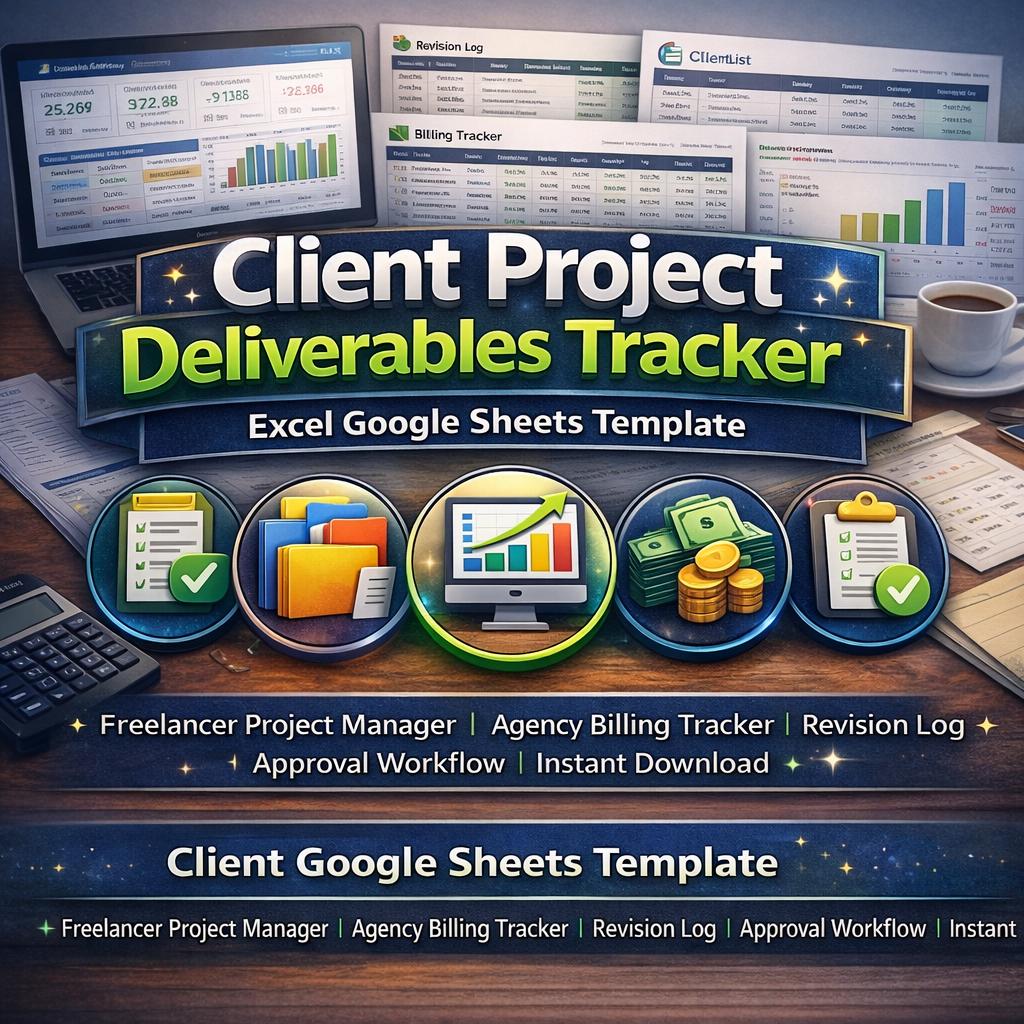
✨ ELDON-Digital Client Project Deliverables Tracker -The Professional System Every Agency & Freelancer Needs to Deliver on Time, Get Paid, and Keep Clients Happy
📦 Do you know exactly where every client deliverable stands right now? Can you instantly see which ones are overdue, which are waiting for approval, how many revisions each went through, and which invoices haven't been paid yet?
If the honest answer is "not really" -this is the template you've been waiting for.
Stop juggling Notion pages, email threads, sticky notes, and separate spreadsheets. This is your complete, professional-grade client delivery management system -built for creative agencies, freelancers, web studios, design firms, and consultants who want total clarity over every project deliverable from first draft to final approval and invoicing.
One Excel workbook. Fully compatible with Google Sheets. Zero monthly fees. Zero learning curve. Just open and start managing like a pro.
________________________________________
🎯 WHAT MAKES THIS UNLIKE ANY OTHER TEMPLATE ON ETSY
Most project templates are glorified to-do lists. This is not that.
This is a fully automated, formula-driven, 9-sheet client delivery system with live dashboards, automatic overdue detection, revision tracking with round-by-round feedback logs, formal approval sign-off records, invoice tracking with amount auto-calculation, and a complete analytics suite -all 9 sheets connected to each other through 410 smart formulas that update the moment your data changes.
It works exactly like the project management and billing software agencies pay hundreds per month for -except you own it completely, forever, for a single one-time price.
________________________________________
📊 9 PROFESSIONAL SHEETS -EACH WITH ITS OWN STUNNING COLOR THEME
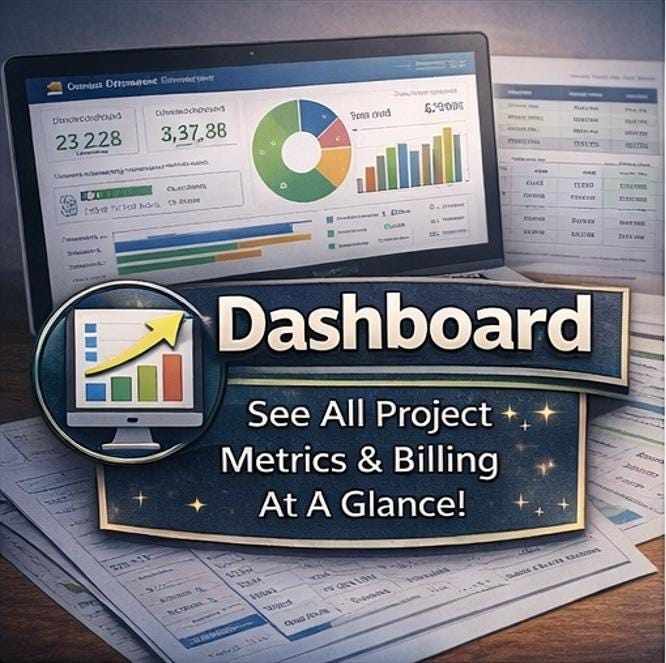
🏠 DASHBOARD -Your mission control. See every critical metric at a glance across 8 live KPI cards: Total Deliverables, Approved Count, In Review Count, Overdue Count, Total Billed, Revenue Collected, Estimated Hours, and Overall Approval Rate -all updating the instant you enter or change data. Plus: a live recent deliverables table, a billing summary panel, a full 12-month billing trend chart, and a deliverable status pie chart.
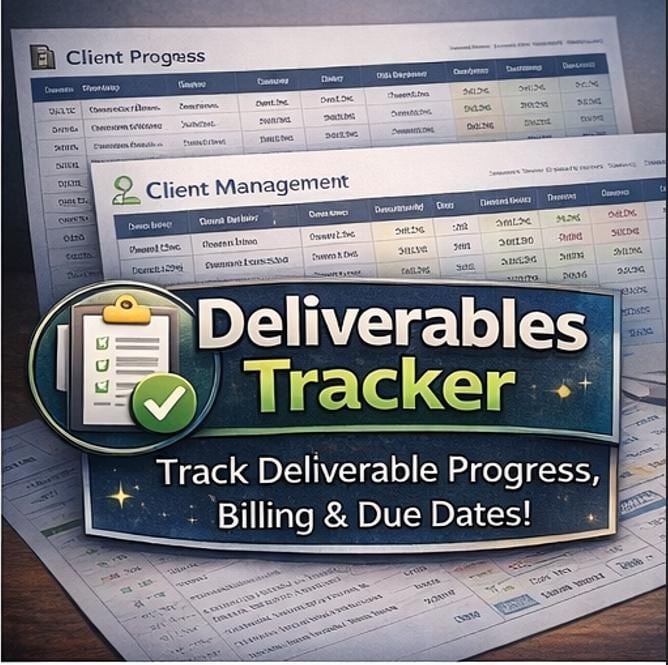
📋 DELIVERABLES TRACKER -The heart of the system. 18 columns per deliverable: Deliverable ID, Client Name, Project, Deliverable Name, Type (dropdown), Due Date, Priority (dropdown), Status (dropdown), Reviewer, Estimated Hours, Actual Hours, Revision Count, Billing Status (dropdown), Billed Amount (auto-calculated), Final Approval Date, Notes -and two powerful auto-formula columns that require zero input from you: an Auto Overdue Flag that turns red automatically when a deliverable is past due and not yet approved, and an Auto Hours Variance showing how over or under budget each item is.
👥 CLIENT MANAGEMENT -Your complete client directory with live auto-calculated intelligence: Total Deliverables per client, Approved count, Completion Rate, Total Billed amount, and Outstanding Balance -all pulled automatically from your data. No manual updates ever.
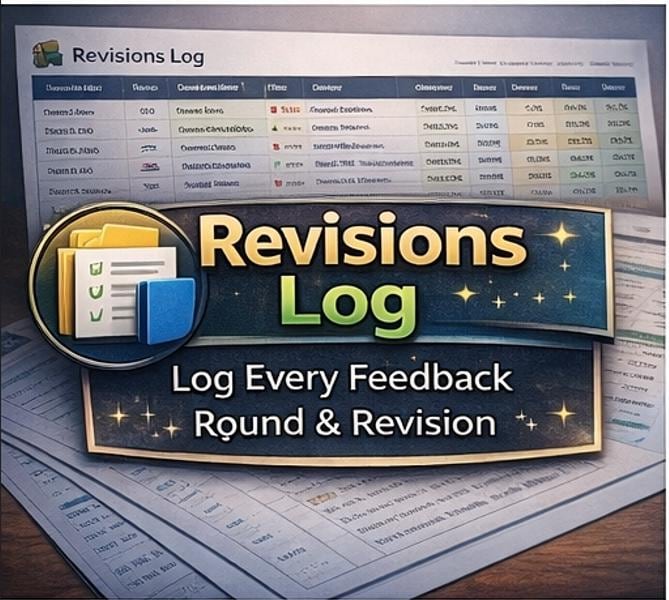
🔄 REVISIONS LOG -Log every feedback round in full detail: Deliverable ID, Client, Revision Number, Date, Reviewer, complete Feedback Summary, Action Required, Status, and Time Spent. Now you have a permanent, searchable record of every change request that was ever made -perfect for scope creep disputes and client communication.
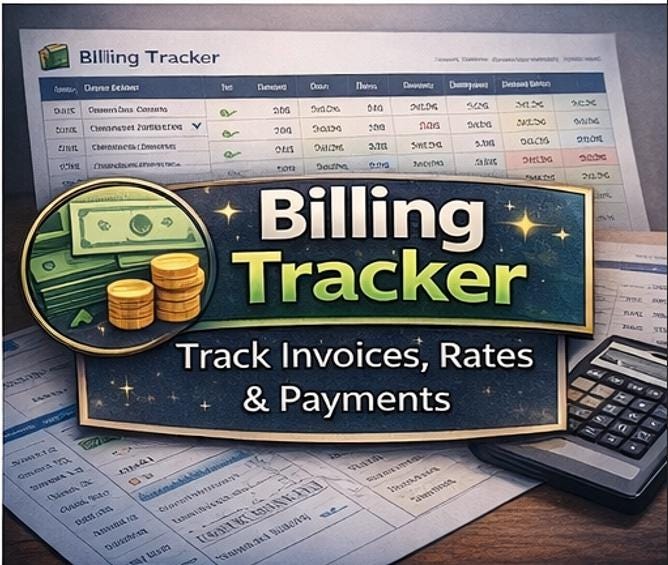
💰 BILLING TRACKER -Track every invoice from creation to payment. Hours and Rate auto-multiply into Amount. Linked to deliverables by ID. Color-coded billing status (Pending / Invoiced / Paid / Partial / Write-Off). A revenue-by-status pie chart shows your cash flow picture instantly.
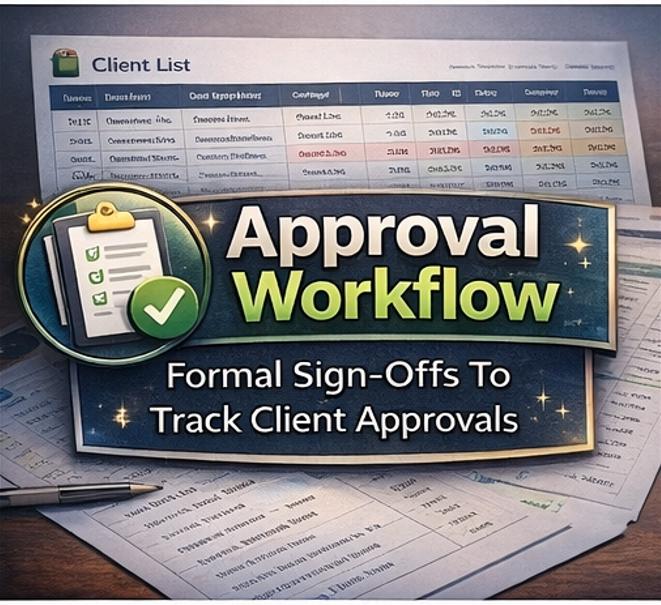
✅ APPROVALS LOG -A formal sign-off record for every approved deliverable. Track approval date, who approved it, the approval method (Email, Video Call, Client Portal, In-Person, Slack), and written notes. Includes a monthly approval trend line chart showing your delivery velocity.
📊 REPORTS & ANALYTICS -Pre-built business intelligence across four report sections: Deliverables by Status (with % share and average hours), Revenue by Client (total billed, paid, outstanding, and deliverable count), Monthly Deliverables Created vs Approved (12-month table with charts), and Team Performance Summary (assignments, approvals, approval rate, and revision hours per reviewer). Everything powered by live formulas and dynamic year filtering.
⚙️ SETTINGS -Your system control panel. Agency name, billing rate, currency, and the master Fiscal Year cell (C16) -highlighted in yellow as your single year-control point. Change this one cell and 84 formulas across all 9 sheets update instantly: every monthly chart, every annual header, every stats bar, every date-sensitive filter, and every section title automatically reflects the new year. Also contains full dropdown source lists for Deliverable Type, Status, Priority, Billing Status, Review Method, and Project Category -edit any list here and the dropdowns update everywhere instantly.
📘 INSTRUCTIONS -A comprehensive, beautifully formatted user guide covering every feature, every formula, every step of setup, and best practices for getting maximum value from the system.
________________________________________
⚡ KEY FEATURES THAT SET THIS APART
🔢 410 smart formulas -every calculation automated 📅 Dynamic Fiscal Year control -84 formulas update instantly when you change one yellow cell 🔴 Auto Overdue Detection -deliverables flag as OVERDUE automatically when past due and not approved 💰 Auto Billing Calculation -Amount = Hours × Rate calculated for every invoice row 👥 Auto Client Intelligence -completion rates, revenue, and balances calculated per client from live data 🔄 Full Revision History -every feedback round logged, counted, and analysed ✅ Formal Approval Records -sign-off log with date, approver, method, and monthly trend chart 📊 7 embedded charts -bar charts, pie charts, and line charts that update with your data 🔗 17 navigation hyperlinks -every sheet has a one-click 🏠 Back to Dashboard button ✅ Drop-down data validation -Type, Status, Priority, Billing Status, Review Method -all validated 🎨 9 unique color themes -every sheet has its own beautiful, distinct color scheme 🔒 Zero formula errors -fully audited with zero #REF!, #DIV/0!, #VALUE!, or #NAME? errors 🖥️ Google Sheets compatible -all formulas use cross-platform standard functions
________________________________________
💡 PERFECT FOR
✔️ Creative and digital agencies managing multiple client deliverables simultaneously ✔️ Freelance designers, developers, copywriters, and photographers ✔️ Web studios tracking design and development handoffs ✔️ Brand consultants managing complex deliverable packages ✔️ Video and content production teams tracking deliverable sign-offs ✔️ Anyone who has ever had a client dispute a revision round or a missed deadline ✔️ Businesses who need a professional system without paying for Basecamp, Monday, or Agency Management Software
________________________________________
📦 WHAT'S INCLUDED IN YOUR INSTANT DOWNLOAD
📁 1 × Excel Workbook (.xlsx) -works in Microsoft Excel 2016, 2019, 2021, 365, and all Google Sheets versions
📁 Pre-loaded with comprehensive sample data including:
• ✅ 20 sample deliverables across 7 clients and 5 projects
• ✅ 7 client records with full contact info and live auto-calculated financials
• ✅ 12 revision log entries with real-world feedback examples
• ✅ 16 billing records with auto-calculated invoice amounts
• ✅ 11 formal approval records with sign-off details
• ✅ All charts pre-populated so you can see exactly what the finished system looks like
Everything is set up so you can explore the fully working system before replacing it with your own data.
________________________________________
⚡ GET STARTED IN 3 EASY STEPS
1️⃣ Download instantly after purchase -no waiting, no shipping, no account required 2️⃣ Open in Microsoft Excel or upload to Google Drive to use in Google Sheets 3️⃣ Go to SETTINGS, confirm your agency name, billing rate, and year -then navigate to the DASHBOARD and start adding your deliverables. You'll be fully set up in under 10 minutes.
________________________________________
🔄 HOW THE YEAR CONTROL WORKS
One of the signature features of this template is the single-cell Fiscal Year control in the SETTINGS sheet.
The yellow-highlighted cell C16 holds your current year (default: 2025). Every single date-sensitive formula across the entire workbook references this one cell. The 12-month billing chart on the Dashboard, the 12-month deliverables report, the monthly approval trend, all "This Year" calculations, all section headers showing the fiscal year, the FY Start and FY End dates -84 formulas in total.
Change 2025 to 2026 and the entire workbook recalibrates in one instant. No find-and-replace. No formula editing. Just one number in one yellow cell.
________________________________________
🛡️ QUALITY GUARANTEE
This template was built, stress-tested, and completely audited by ELDON-Digital -a professional digital agency that manages real client deliverables using this exact system. We ran a comprehensive multi-pass audit that verified every one of the 410 formulas returns zero errors before this was listed.
________________________________________
❓ FREQUENTLY ASKED QUESTIONS
Q: Do I need Excel to use this? A: No. It works in both Microsoft Excel (2016 or later) and Google Sheets. Upload the .xlsx to Google Drive, right-click, and open with Sheets. All 410 formulas are fully compatible.
Q: Can I add more deliverables and clients? A: Absolutely. The system supports up to 1,000 rows per sheet. Just copy any existing data row and paste below it -all formulas, formatting, and dropdowns extend automatically.
Q: How does the overdue flag work? A: The Overdue column in the DELIVERABLES sheet contains an automatic formula: if the Due Date has passed AND the Status is not "Approved" or "Cancelled," the cell automatically shows "OVERDUE" in red. No manual input needed -it rechecks every time you open the file.
Q: Can I change the billing rate for different clients? A: Yes. Each billing row in the BILLING sheet has its own Rate column, so you can enter different rates per deliverable or per client. The Amount column (Hours × Rate) recalculates automatically for each row.
Q: Is this a subscription? A: Absolutely not. One-time purchase, lifetime ownership. Use it for as many clients and years as you want. Share it with your whole team.
Q: Can I rebrand this for my agency? A: Yes. All cells are fully unlocked. Change the agency name in SETTINGS, update the color themes, add your logo -it's entirely yours to customize.
________________________________________
💬 A NOTE FROM ELDON-Digital
We built this because we were living the chaos of managing client deliverables across email threads, shared Google Docs, and basic spreadsheets -and losing track of revisions, missing billing, and spending hours reconstructing what happened on a project. This template is the system we actually use now, and it's completely transformed how we deliver work and get paid. We hope it does the same for you. 🙏