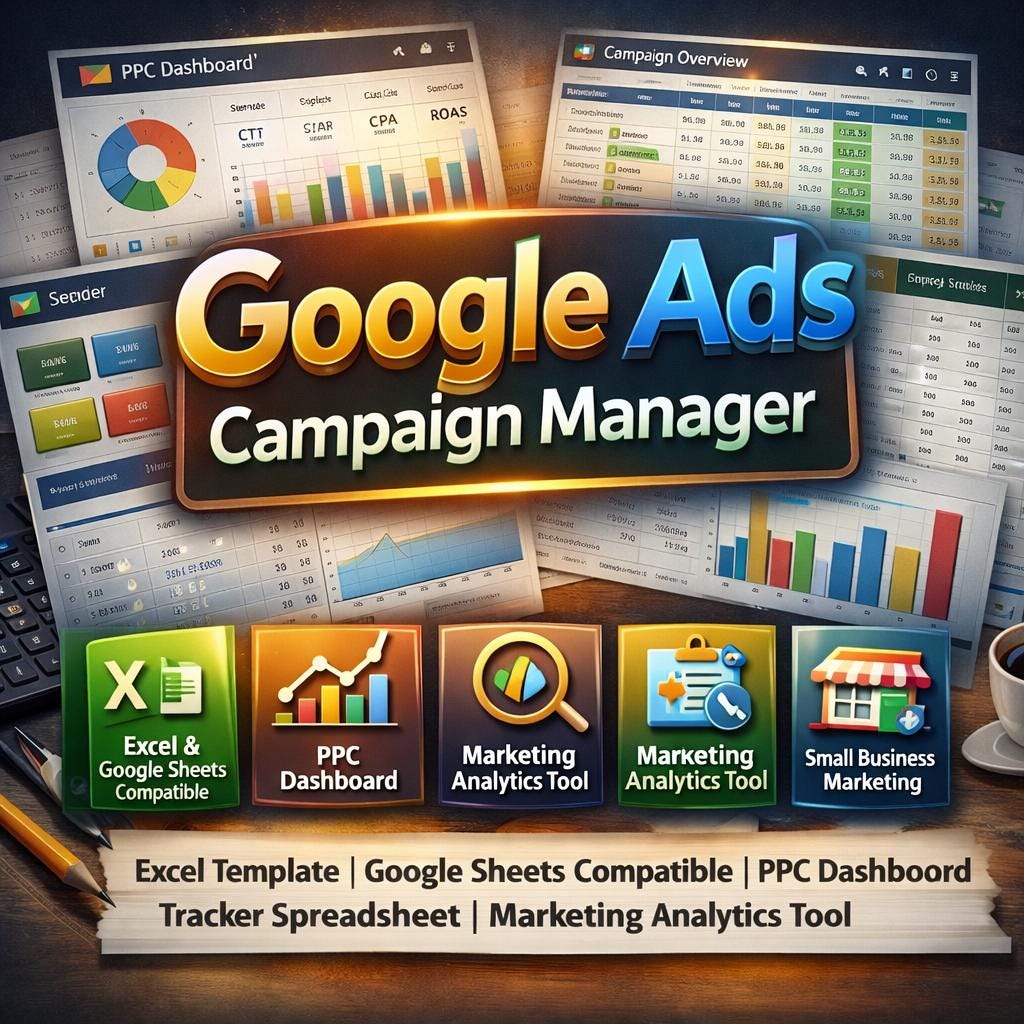
Google Ads Campaign Manager Excel Template | PPC Dashboard Tracker (Google Sheets Compatible)
$18.74 $24.99
📝 LISTING DESCRIPTION:
________________________________________
📊 ELDON-Digital Google Ads Campaign Manager
The Ultimate PPC Command Center for Marketers, Freelancers & Business Owners
________________________________________
🚀 Stop juggling spreadsheets, guessing your ROAS, and losing track of your ad spend. This professional-grade Google Ads Campaign Manager gives you a complete bird's-eye view of every campaign, every keyword, and every dollar -all in one beautifully designed, fully automated workbook.
Whether you're a freelance PPC specialist managing multiple clients, a small business owner running your own ads, or a marketing agency that needs a polished reporting tool you can brand and resell -this template was built for YOU.
________________________________________
✨ WHAT'S INCLUDED
🗂️ 16 fully-built, color-coded sheets -each with its own unique color theme, tab color, and professional design. Every sheet includes a one-click 🏠 Back to Dashboard button so you never lose your place.
________________________________________
📋 SHEET-BY-SHEET BREAKDOWN
1. 📘 Instructions Sheet A detailed, step-by-step guide that explains every feature of the workbook. Perfect for handing off to a VA, a client, or a new team member with zero confusion.
2. ⚙️ Settings Sheet Your control center. Set your business name, reporting year, monthly budget cap, target CPA, target ROAS, target CTR, and conversion rate -and watch every other sheet update automatically. Add your own dropdown options (campaign types, bid strategies, match types, statuses) and they populate into every applicable sheet instantly.
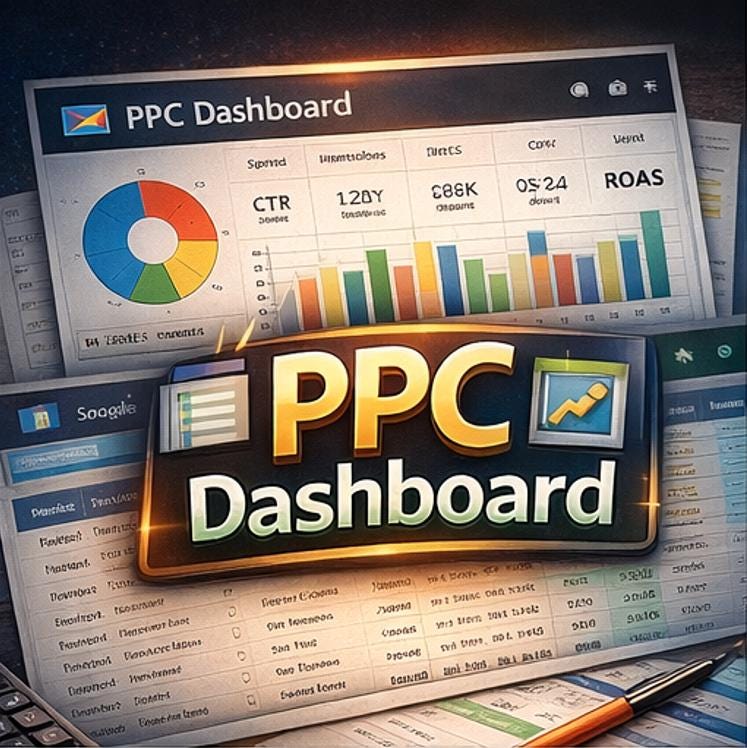
3. 🏠 Main Dashboard A stunning command center with 8 live KPI cards -Total Spend, Impressions, Clicks, CTR, Average CPC, Conversions, CPA, and ROAS -all auto-calculated from your campaign data. Includes a full navigation panel with 14 clickable buttons to jump to any module in the workbook. Two embedded performance trend charts pull live data from your Monthly Charts sheet.
4. 📈 Campaign Overview Dashboard One row per campaign. Every key metric -daily budget, total spend, impressions, clicks, conversions, revenue, and all calculated ratios (CTR, Avg CPC, Conv. Rate, CPA, ROAS) -is auto-calculated the moment you enter your data. Includes a live account totals row at the top, a Pie Chart for Spend by Campaign, and a Bar Chart for Conversions by Campaign.
5. 📋 Campaign Detail Tab The deep-dive configuration sheet. Track campaign type (Search / Display / Shopping / YouTube / Performance Max), bid strategy, match type, daily budget, start/end dates, quality score, bid amount, impression share, and campaign status -all with dropdown menus pulled from your Settings sheet.
6. 👥 Ad Group Performance Table Break your campaigns into their ad groups and track impressions, clicks, CTR, average CPC, cost, conversions, conversion rate, and cost per conversion per ad group. CTR and conversion rate are auto-calculated. Includes conditional formatting to flag underperforming ad groups.
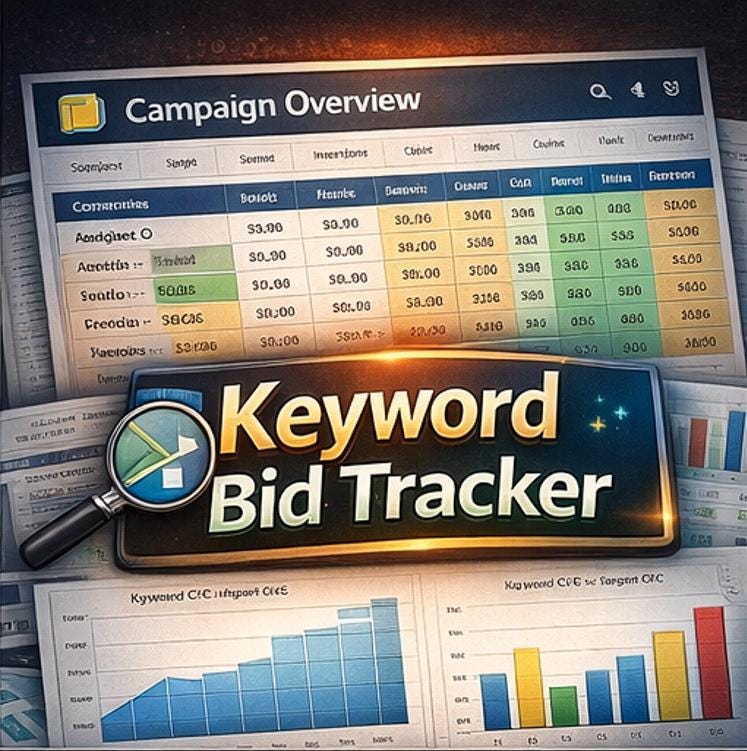
7. 🔑 Keyword Bid Tracker Track your actual CPC vs. your target CPC for every keyword. The ⚠️ FLAG column automatically highlights any keyword where the actual CPC exceeds your target by more than 20% -so you can catch wasted spend before it gets out of hand. Includes a Quality Score column and a live Bar Chart of keyword performance.
8. ⭐ Quality Score Monitor Log quality scores per keyword with Expected CTR rating, Ad Relevance rating, and Landing Page Experience rating. Three-tier conditional formatting automatically highlights rows in 🔴 Red for QS below 6, 🟡 Yellow for scores 6–7, and 🟢 Green for scores 8 and above. Includes a QS Distribution Bar Chart and a status formula column (🔴 Improve / 🟡 Average / 🟢 Excellent).
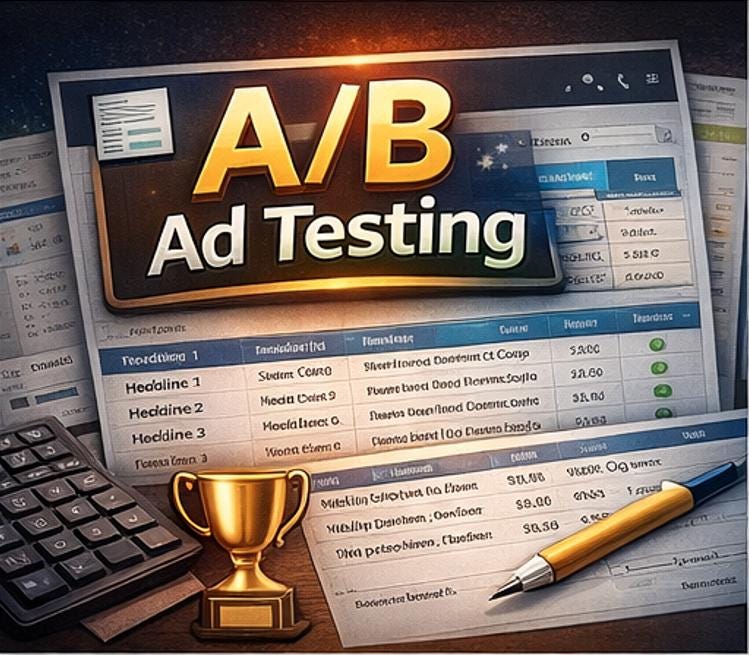
9. 🆎 A/B Ad Copy Testing Log Compare Headline 1, Headline 2, Headline 3, and Description variants by CTR and conversion rate. The 🏆 WINNER column automatically declares the top-performing variant when one headline clearly outperforms the others within the same ad group. Number formats, alternating row colors, and a conditional formatting rule highlight winning rows in green automatically.
10. 🚫 Negative Keyword Library A running master list of 40+ pre-populated negative keywords organized by theme -Brand Protection, Free/Job-Seekers, DIY/Tutorial, Competitor Brands, Low-Intent Researchers, and Geographic Exclusions. Paste directly into your Google Ads campaigns. Add your own themes anytime and the list grows with your account.
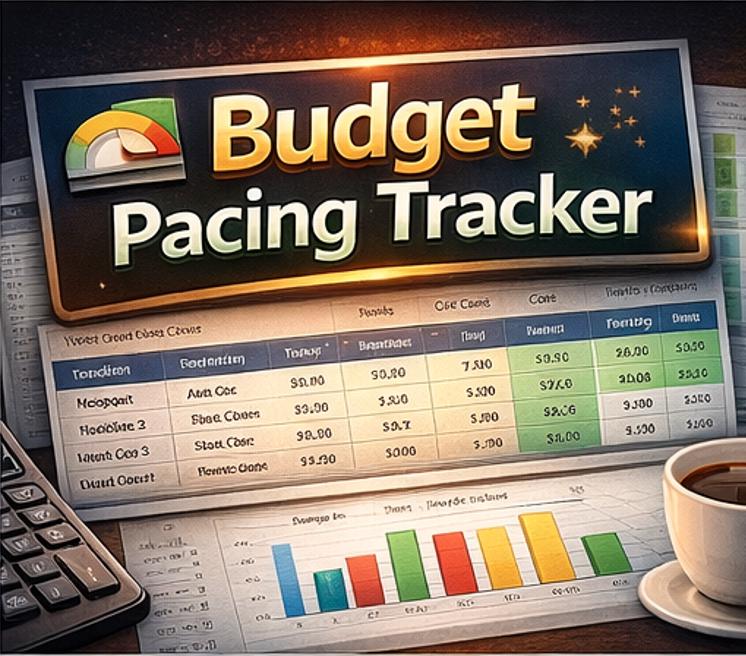
11. 💰 Budget Pacing Tracker Enter your monthly budget cap, MTD spend, days in the month, and days elapsed -and the tracker automatically calculates your projected month-end spend, daily budget target, and budget remaining. The 📊 Pacing Status column auto-flags every campaign as 🔴 OVERPACING, 🟡 UNDERPACING, or ✅ ON TRACK, with conditional formatting coloring the rows accordingly. Covers all 12 months with a Budget vs. Actual Bar Chart.
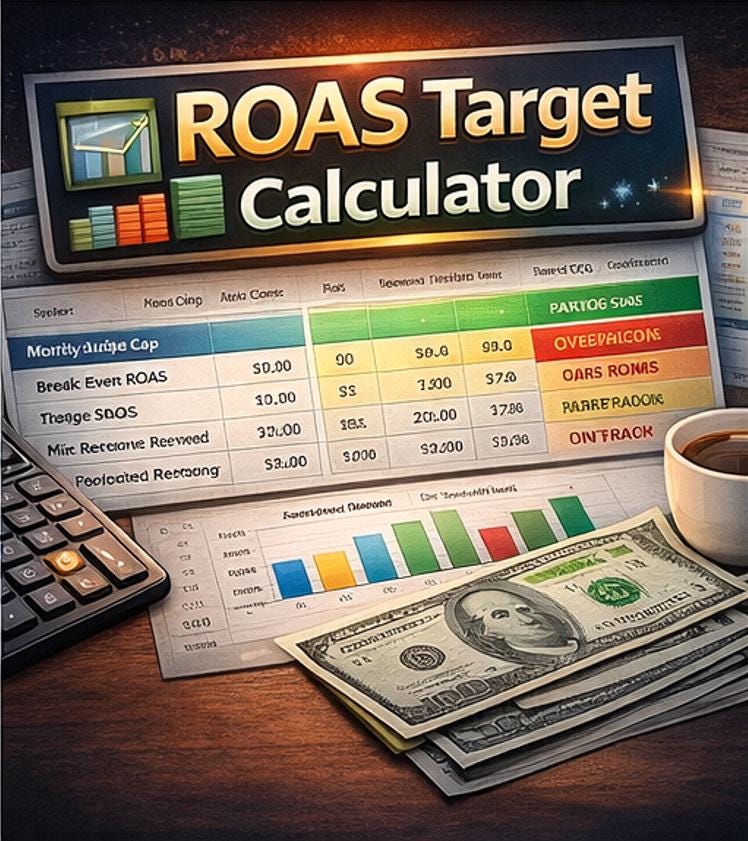
12. 📐 ROAS Target Calculator Enter your Average Order Value, COGS, and target profit margin -and the calculator instantly outputs your Break-Even ROAS, Target ROAS for your profit goal, minimum revenue needed per $1 spent, projected monthly revenue, and actual profit at your current ROAS. Includes a Scenario Planner table showing revenue outcomes at 9 different spend levels and an embedded ROAS Scenario Bar Chart.
13. 🌐 Landing Page Performance Table Match each ad group to its landing page URL and track conversion rate, bounce rate, page speed score, and average session duration. Four conditional formatting rules auto-flag pages with low conversion rates (🔴 below 1%, 🟡 below 2%), high bounce rates, and slow page speed scores. Includes a Conversion Rate by Landing Page Bar Chart.
14. 📅 Month-by-Month Performance Charts Log your monthly performance data (spend, impressions, clicks, conversions, CPA, ROAS, CTR) and watch 4 automatically-generated line charts update instantly -Monthly Spend Trend, Monthly CPA Trend, Monthly ROAS Trend, and Monthly CTR Trend. This sheet also powers the trend section on your main Dashboard.
15. 🕵️ Competitor Ad Intelligence Log Manually log competitor ads you spot in Google Search results. Track the competitor name, their 3 headlines, description, display URL, offer, and your strategic notes. Comes pre-populated with 10 realistic competitor entries to show you exactly how it works. Use it to identify patterns, steal inspiration, and sharpen your own copy.
16. ⌨️ VBA Code Reference Sheet For Excel power users -a full library of ready-to-copy VBA macro code including: GoToDashboard navigation, RefreshAllData recalculation, ExportDashboardPDF one-click PDF export, HighlightOverCPC keyword flagging, and ClearHighlights reset. Step-by-step instructions for installing macros are included on the sheet.
________________________________________
🎨 DESIGN FEATURES
✅ Each of the 16 sheets has a unique color theme -no two sheets look the same ✅ Professional Arial font throughout, 12pt minimum for readability ✅ Color-coded tab system -identify sheets at a glance ✅ Alternating row colors on every data table for easy reading ✅ Merged header cells with gradient-style section dividers ✅ Freeze panes on every data sheet so headers stay visible while scrolling ✅ Fully aligned cells -numbers right-aligned, text left-aligned, headers centered ✅ 12 embedded charts -Bar charts, Pie charts, and Line charts throughout
________________________________________
🔧 TECHNICAL SPECIFICATIONS
⚡ Zero formula errors -every formula was audited with LibreOffice and returns correct values ⚡ 421 formulas using IFERROR protection -no ugly #DIV/0! or #REF! errors ever ⚡ 163 cross-sheet references all verified and working ⚡ 29 navigation hyperlinks -every button tested and confirmed functional ⚡ 10 dropdown validation rules -pull from Settings so you only type once ⚡ 13 conditional formatting rules -automatic color alerts across 5 sheets ⚡ 100% compatible with Microsoft Excel 2016+ and Google Sheets ⚡ Works on Windows, Mac, and in any browser via Google Sheets
________________________________________
👤 WHO IS THIS FOR?
🎯 Freelance PPC managers and digital marketing consultants 🎯 Small business owners running their own Google Ads 🎯 Marketing agencies needing a client-ready reporting template 🎯 In-house marketing teams managing monthly ad budgets 🎯 E-commerce store owners tracking product campaign performance 🎯 Students and beginners learning Google Ads management
________________________________________
📦 WHAT YOU RECEIVE
📁 1 × .xlsx file -works in Excel and Google Sheets 📁 Pre-populated mock data throughout every sheet so you can see exactly how it all works before entering your own numbers 📁 Instructions sheet included inside the workbook 📁 VBA macro code for Excel automation included
________________________________________
🚀 HOW TO GET STARTED IN 5 MINUTES
1️⃣ Download the .xlsx file immediately after purchase 2️⃣ Open in Excel or upload to Google Drive and open in Google Sheets 3️⃣ Go to the Settings sheet and enter your business name, year, and targets 4️⃣ Navigate to Campaign Overview and start entering your campaign data 5️⃣ Watch your Dashboard KPIs update automatically in real time
________________________________________
❓ FREQUENTLY ASKED QUESTIONS
Q: Does this work in Google Sheets? A: Yes! Upload the .xlsx file to Google Drive, right-click and open with Google Sheets. All formulas, dropdowns, and conditional formatting are fully compatible. (VBA macros are Excel-only but navigation buttons work in Google Sheets.)
Q: Do I need any coding or Excel skills? A: None at all. Every formula is already built. You only enter data into the blue-highlighted input cells -everything else calculates automatically.
Q: Can I customize it with my own branding? A: Absolutely. You can change the business name in Settings, edit any text, adjust colors, and add your logo.
Q: Does it work for multiple campaigns? A: Yes. The data tables support up to 100 campaigns in Campaign Overview and up to 200 keywords in the Keyword Bid Tracker, with room to expand further.
Q: What version of Excel do I need? A: Excel 2016 or newer is recommended. Most features work in Excel 2013+ as well.
________________________________________
⭐ SATISFACTION GUARANTEE
Every formula, hyperlink, and function in this workbook has been individually audited and verified before publishing. If you encounter any issue with the file, please message us and we will resolve it within 24 hours. Your satisfaction is 100% guaranteed. ⭐
________________________________________
© ELDON-Digital. This template is for personal and commercial use by the buyer only. Redistribution or resale of the template itself is not permitted.