Digital Teacher Lesson Planner 2026-2027 | PDF, GoodNotes, Notability (Digital Download)
$9.74 $12.99
📝 LISTING DESCRIPTION
________________________________________
✨ The Ultimate Digital Planner for Teachers Who Want to Teach Less Chaos and More Magic ✨
Say goodbye to scattered notebooks, overflowing binders, and lesson plans written on sticky notes. This Premium Teacher Lesson Planner is everything you need to plan, organize, track, and reflect -beautifully -all in one stunning digital file.
Whether you're a classroom teacher, homeschool educator, tutor, or special education specialist, this planner was built for you -with love, color, and every single section you've ever wished existed in one place. 🍎
________________________________________
📦 WHAT YOU'LL RECEIVE
When you purchase, you will instantly receive a ZIP file containing:
📄 Teacher_Lesson_Planner_Premium.pdf -Your full 46-page fully hyperlinked, color-coded, editable planner 🎬 Teacher_Planner_Guide_Video.mp4 -A step-by-step HD walkthrough video showing you exactly how to import, navigate, and use every section of the planner on your tablet
Simply download, unzip, and you're ready to plan your best year yet! 🎉
________________________________________
📋 WHAT'S INSIDE -46 BEAUTIFULLY DESIGNED PAGES
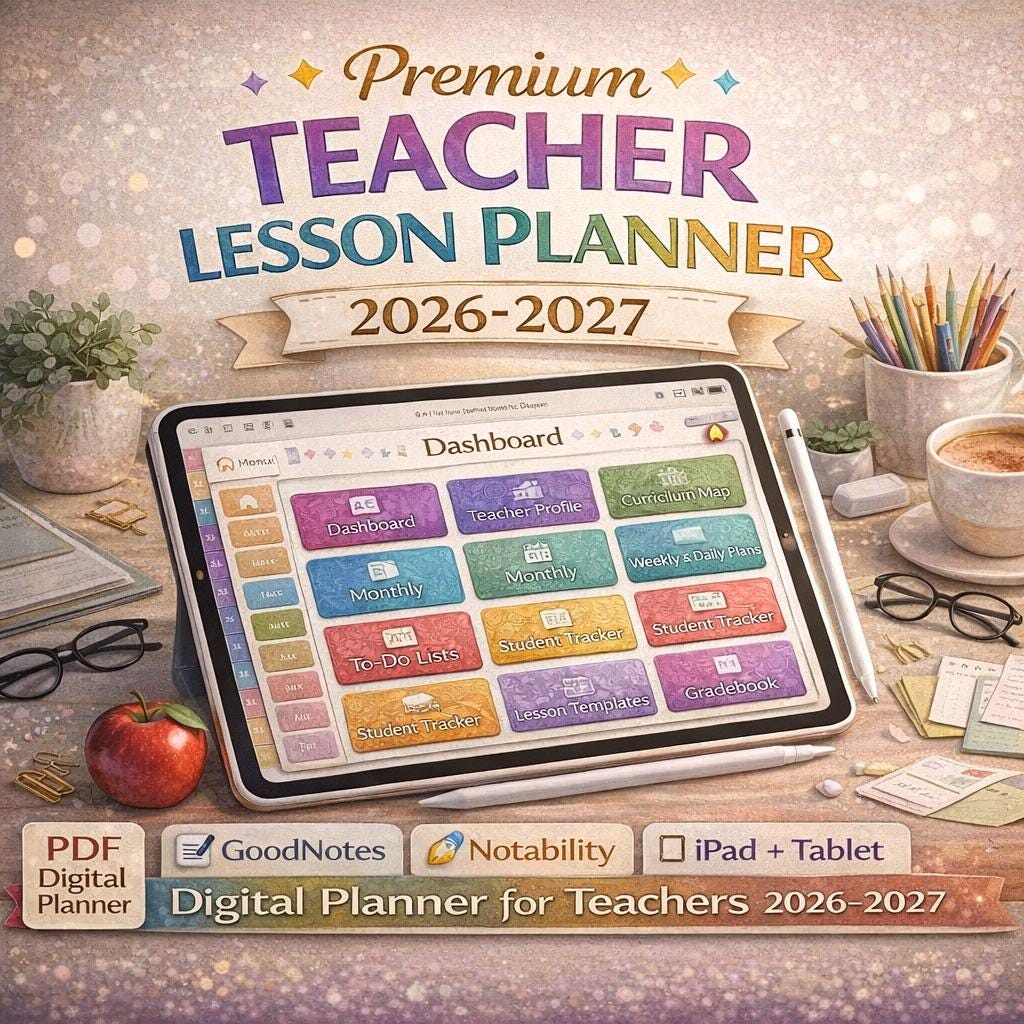
🏠 Dashboard (Main Navigation Hub) Your central command center. Tap any of the 16 colour-coded navigation buttons to jump instantly to any section. Includes a school year and teacher name bar at the top.
🚀 Quick Start Guide 8 illustrated steps to get you set up in under 60 seconds. Includes import instructions, how to fill fields, how to handwrite, and pro tips for power users.
👩🏫 Teacher Profile Store your school info, key contacts, important dates, and professional goals all in one place. Fill it once -reference it all year long.
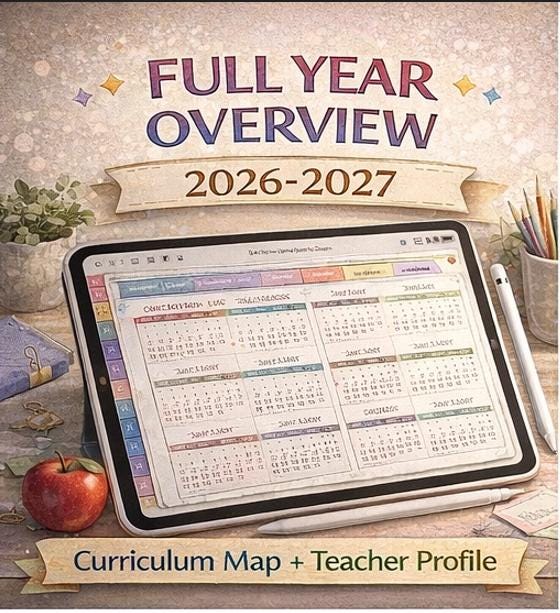
📅 Year at a Glance A complete 12-month overview (August through July) with a mini calendar grid for every month. Perfect for mapping out your entire academic year at a glance.
🗺️ Curriculum Map Plan your units, standards, vocabulary, assessments, and resources across all four quarters in one organized spread.
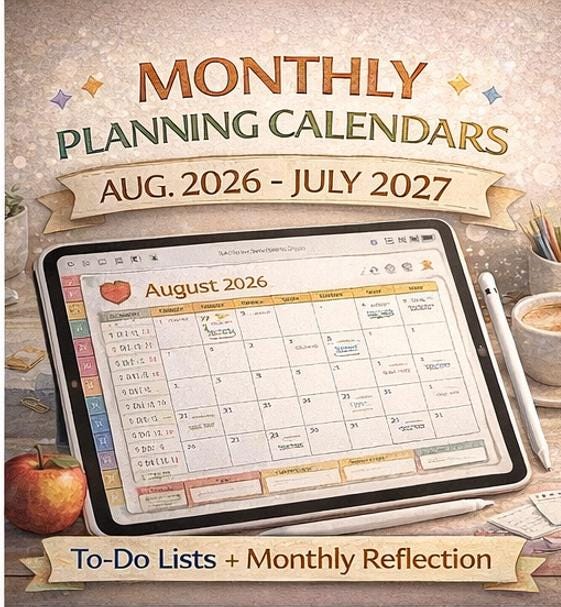
📆 Monthly Planners × 12 Months (August – July) Each month includes a full 7-day calendar grid with day cells for notes and events, plus three dedicated panels at the bottom for Grading Reminders, To-Do Lists, and Monthly Reflection. A Priority bar and Focus Theme at the top keep you intentional every month.
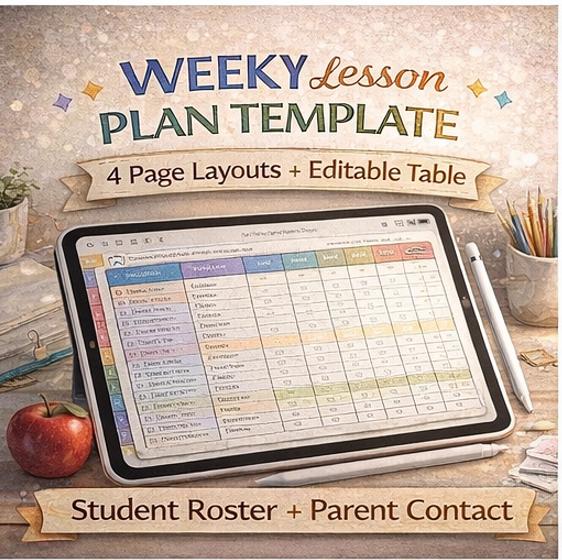
📋 Weekly Lesson Planners × 4 Templates A structured day-by-day lesson planning grid with 8 row categories per week: Objectives, Warm-Up & Hook, Lesson Activity, Guided Practice, Independent Work, Assessment & Closure, Homework & Notes, and Materials. Includes a Weekly Wins and Follow-Up strip at the bottom.
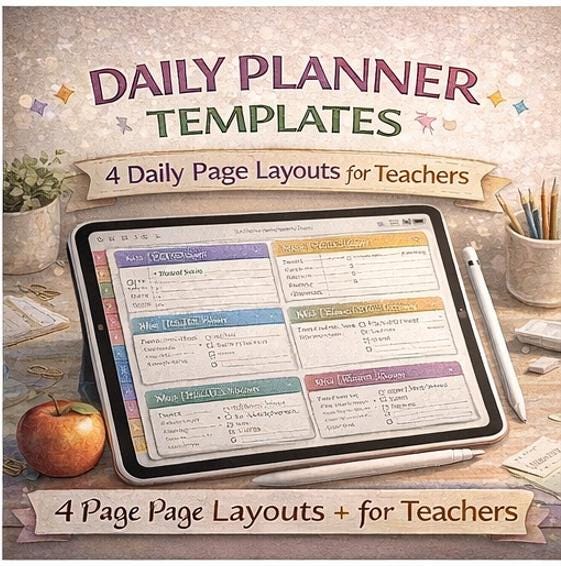
☀️ Daily Planners × 4 Templates Hourly schedule blocks from 7:00 AM to After School, a top priority field, a right-side checklist for daily prep tasks, student follow-up, next-day prep, and a reflections panel. Never start a day unprepared again.
📖 Detailed Lesson Plan Templates × 4 Pages A fully standards-aligned lesson planning template with fields for Subject, Grade, Date, Duration, Lesson Title, Learning Objectives, Standards, Success Criteria, Materials, Vocabulary, Differentiation, Technology, Grouping Strategy, Assessment, and a complete Lesson Flow section (Opening, Mini Lesson, Guided Practice, Independent Work, Closure, and Homework). Includes an After-Lesson Reflection bar at the bottom.
📌 Class Schedule A master timetable with 9 period slots for Monday through Friday, plus planning notes panels at the bottom for planning periods, lunch duty, and bell schedules.
👩🏫 Student Tracker A full roster with 28 student rows, daily Monday–Friday attendance checkboxes, three assignment completion columns, and a notes column -everything you need for a quick attendance and progress check.
✏️ Assignment Tracker A detailed log for homework, projects, and assessments with Date, Class, Title, Due Date, Type, Score, and Notes columns. Keep every assignment accountable.
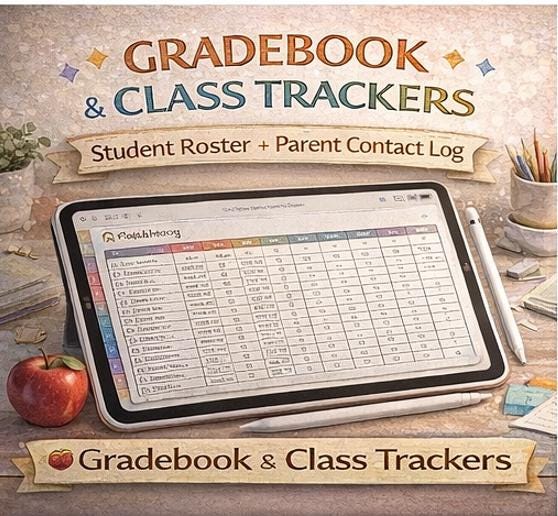
📊 Grade Tracker / Gradebook A 30-student gradebook with 6 scored assessment columns plus a highlighted FINAL grade column. Clear, color-coded, and easy to scan at a glance.
📞 Parent Communication Log Track every phone call, email, and conference with columns for Date, Student, Parent/Guardian, Contact Method, Topic & Notes, and Follow-Up checkbox.
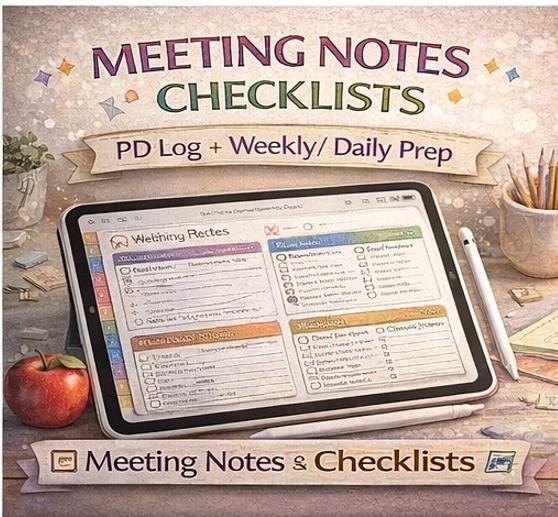
🤝 Meetings & Professional Development Log A meeting notes section with attendees, agenda, and action items, plus a full PD log with 14 rows for professional development events, hours, and notes.
🏫 Classroom Management Document your routines, procedures, classroom jobs, and substitute notes all in one organized page. Includes a supply checklist.
📝 Notes Pages × 4 Styles Choose from Lined Notes (with red margin), Cornell Notes (Cue column + Notes + Summary), Dot Grid, and Blank pages. Every notes page includes a topic and date header.
✅ Teacher Checklists × 4 Sets Start of Term, End of Term, Weekly Reset, and Daily Prep checklists -each with 9 tick-box items. Stay on top of every recurring task without forgetting a thing.
🌟 Reflection & Review Pages × 4 Templates Six guided reflection prompts per page: What Worked Well, What to Improve, Lesson Ideas to Try, Student Growth Notes, Goals for Next Period, and Wins Archive. Includes a star rating bar and one-word period summary.
________________________________________
⚡ KEY FEATURES
✅ Fully Hyperlinked -Every section tab and HOME button is a real clickable link. Navigate in seconds. ✅ 1,880+ Editable Form Fields -Every box is a real PDF text field. Type or handwrite. ✅ Zero Overlaps -Every element is precisely laid out with no visual conflicts. ✅ Color-Coded Sections -11 distinct accent colors make every section instantly recognizable. ✅ 46 Pages -One complete academic year, all in a single file. ✅ Print-Friendly -Every page prints cleanly on US Letter (8.5 × 11 inches). ✅ Landscape & Portrait Ready -Optimized for iPad landscape or portrait use.
________________________________________
📱 COMPATIBLE DEVICES
This planner works beautifully on:
📱 iPad (all models) -The ultimate experience with Apple Pencil 📱 iPhone -Access your plans anywhere 💻 Android Tablets -Samsung Galaxy Tab, Lenovo Tab, and more 💻 Mac -Preview, Adobe Acrobat, or PDF Expert 🖥️ Windows PC -Adobe Acrobat Reader, Foxit Reader, PDF-XChange 🖨️ Any Printer -Prints cleanly on standard Letter paper
________________________________________
🛠️ COMPATIBLE SOFTWARE
This planner is optimized for use with any of the following apps:
🟢 GoodNotes 5 / GoodNotes 6 (Recommended for iPad -best experience) 🔵 Notability 🟡 Noteshelf 🟠 Xodo PDF Reader & Editor (Free -Android & Windows) 🔴 Adobe Acrobat Reader (Free -all platforms) ⚫ PDF Expert (Mac & iPad) 🟣 Foxit PDF Reader (Windows) ⚪ Apple Preview (Mac -built-in, free) 🔷 LiquidText 🟤 Microsoft Edge (Built-in PDF viewer -Windows)
________________________________________
📲 HOW TO IMPORT & USE
On iPad with GoodNotes: 1️⃣ Download the ZIP file and extract the PDF 2️⃣ Open GoodNotes → Tap the + button → Select Import 3️⃣ Navigate to your Downloads folder and select the PDF 4️⃣ Your planner opens -tap any button to navigate! 5️⃣ Use the keyboard to type in form fields, or switch to your Apple Pencil to handwrite anywhere
On iPad with Notability: 1️⃣ Extract the PDF from the ZIP file 2️⃣ Open Notability → Tap + → Import → select the PDF 3️⃣ Tap any white box to start typing, or use your stylus to write
On Android: 1️⃣ Extract the PDF → Open with Xodo or Adobe Acrobat 2️⃣ Tap the edit/pen icon to enable annotation and form filling 3️⃣ Tap any field to type
On Mac / Windows: 1️⃣ Extract the ZIP → Open the PDF in Adobe Acrobat Reader (free) 2️⃣ Click any form field and start typing immediately 3️⃣ Save your changes with Ctrl/Cmd + S
Pro Tip 💡 -To add extra weekly or daily pages, simply hold the page thumbnail in GoodNotes and tap Duplicate.
________________________________________
📌 PLEASE NOTE
🔒 This is a digital download only -no physical item will be shipped. 📧 Your download link will be sent to your Etsy email immediately after purchase. 🚫 Due to the digital nature of this product, refunds are not available after download -please read the description fully before purchasing. 🔁 You may use this planner for your personal classroom use only. Please do not redistribute, resell, or share the file.
________________________________________
💛 WHY TEACHERS LOVE IT
"I've tried so many digital planners and this is the first one where everything actually makes sense and looks beautiful at the same time."
This planner was designed with real teachers in mind -not just pretty boxes, but a genuine planning system that flows from your year overview all the way down to your daily schedule, student tracking, and end-of-term reflection. Every page connects. Every button works. Every field is there because a teacher needs it.
You deserve a planner that's as hardworking as you are. 🍎✨
________________________________________
🌈 PERFECT FOR
👩🏫 Elementary & Primary School Teachers 🏫 Middle & High School Teachers 🏠 Homeschool Parents & Educators 📚 Special Education Teachers 🎓 University & College Instructors 🧑💼 Tutors & Private Educators 🌍 International Teachers (works with any curriculum)
________________________________________
Thank you so much for supporting a small digital creator. Your purchase means the world. Happy planning! 💛