
Mobile Google Sheets Mileage Tracker | Gas Fuel Log, Tax Deduction (Digital Download)
$7.49 $9.99
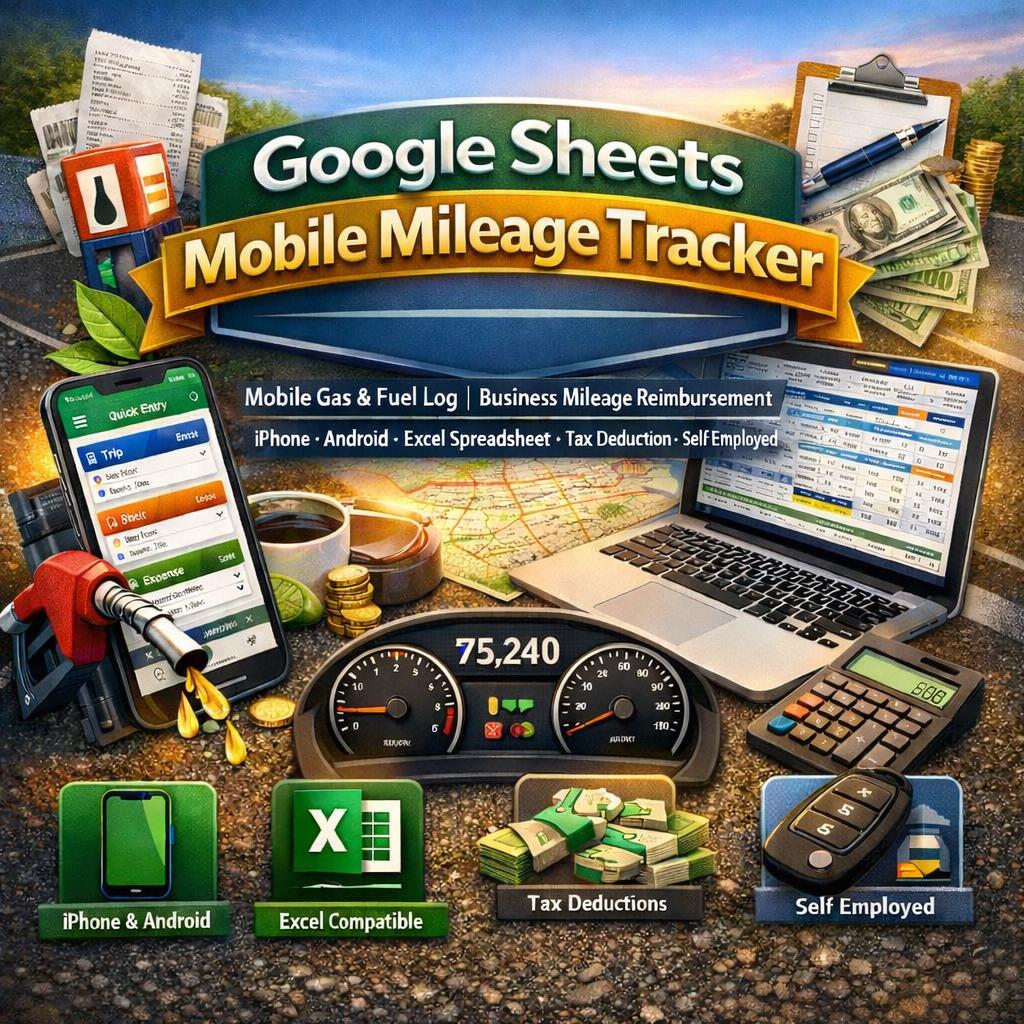
⛽ TRACK EVERY MILE. SAVE EVERY DOLLAR. 📱 The only mileage tracker designed to work beautifully on your phone -while you're on the road.
________________________________________
Are you a freelancer, delivery driver, realtor, or self-employed professional leaving money on the table at tax time? Do you scribble mileage on receipts, forget to log fuel stops, or lose track of what your vehicle is actually costing you?
This premium Google Sheets Gas & Mileage Tracker changes all of that -instantly.
Built from the ground up for real people with busy lives, this is not your basic spreadsheet. It is a fully automated, mobile-first tracking system that works on your iPhone, Android phone, tablet, or desktop computer -so you can log a trip at a red light, record a fuel purchase at the pump, and check your reimbursement total from anywhere in the world.
________________________________________
📲 WORKS ON EVERY DEVICE YOU ALREADY OWN
✅ iPhone -open in the free Google Sheets app, tap to enter, done ✅ Android -full compatibility with Google Sheets on Android ✅ iPad & Android Tablets -beautiful wide-screen layout ✅ Mac & Windows Desktop -powerful full-screen dashboard experience ✅ Microsoft Excel -fully importable as a .xlsx file for Excel users ✅ Google Sheets -native format, no conversion needed
💡 No subscription. No monthly fees. No app to download beyond the free Google Sheets app.
________________________________________
🗂️ WHAT'S INCLUDED -10 POWERFUL SHEETS IN ONE FILE
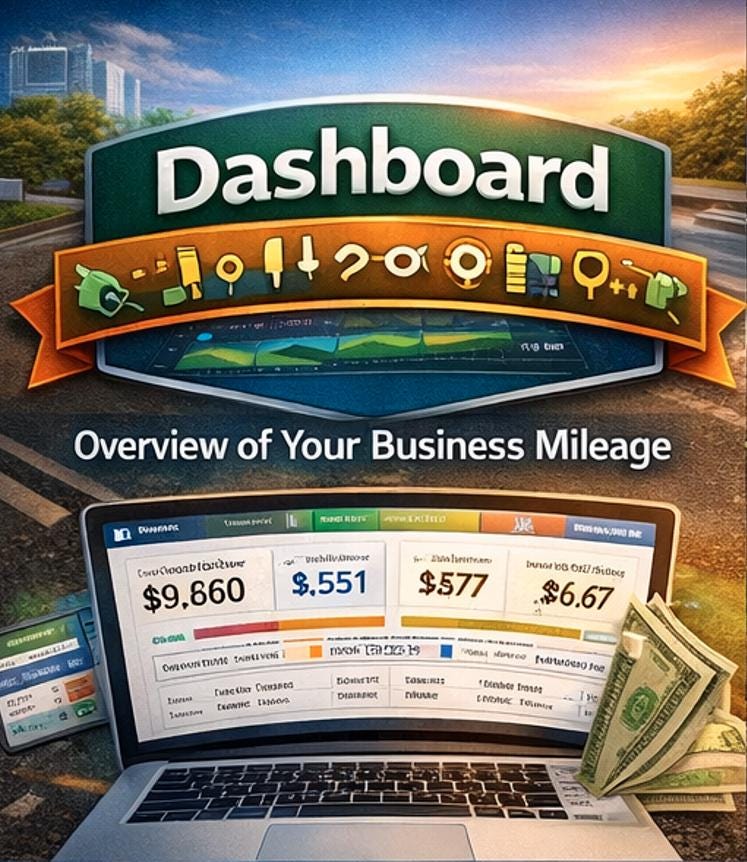
🏠 1. Dashboard
Your command center. See your entire year at a glance -total miles logged, business vs. personal split, total fuel spend, other vehicle expenses, reimbursement due, trip count, and average trip distance. All numbers update automatically the moment you add a new entry. The dashboard also displays your active tax year and current mileage rate pulled directly from your Settings.
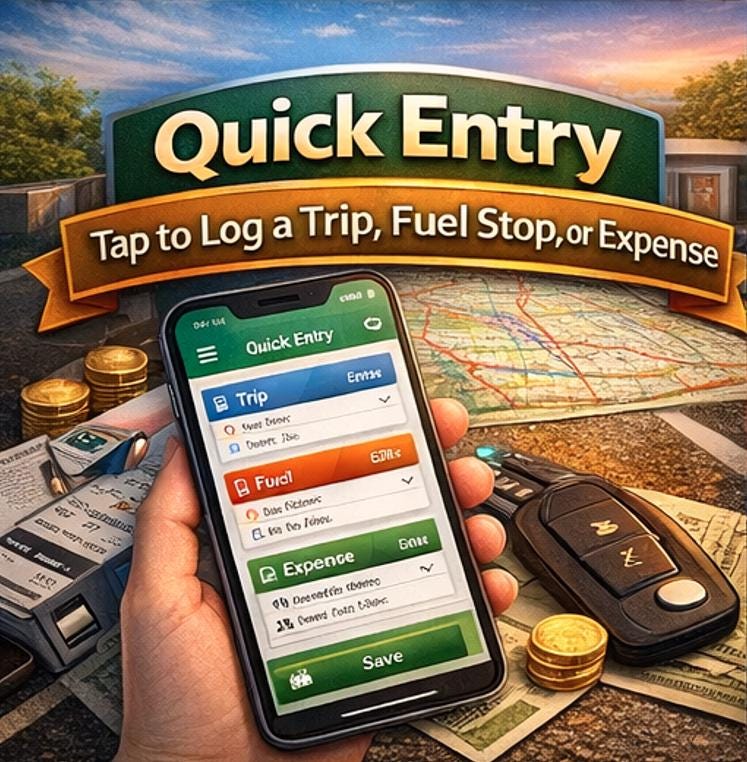
✏️ 2. Quick Entry (your most-used sheet on mobile)
This is the sheet you will open every single day. Three compact, touch-friendly entry blocks let you log a trip, fuel purchase, or vehicle expense in under 60 seconds. Large input fields, pre-built dropdowns, and smart layouts mean less typing and fewer mistakes -even when you're parked in a client's driveway or standing at a gas pump.
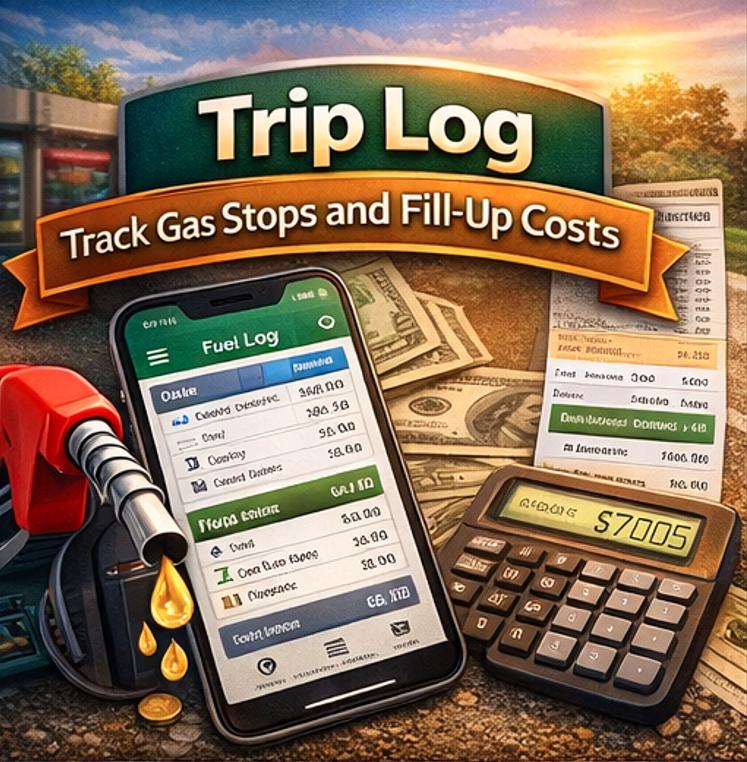
📍 3. Trip Log
A full 500-row mileage database with automatic mile calculation (End Odometer minus Start Odometer), odometer validation flags, and fields for start/end location, purpose, client name, trip type, and business vs. personal classification. Negative mileage entries and suspiciously large jumps are automatically flagged with a ⚠️ warning so your records stay clean.
⛽ 4. Fuel Log
Track every gas stop with station name, fuel type, quantity, total cost, and automatic cost-per-gallon calculation. Supports regular, mid-grade, premium, diesel, E85, and EV charging. Compatible with both gallons and liters, both miles and kilometers.
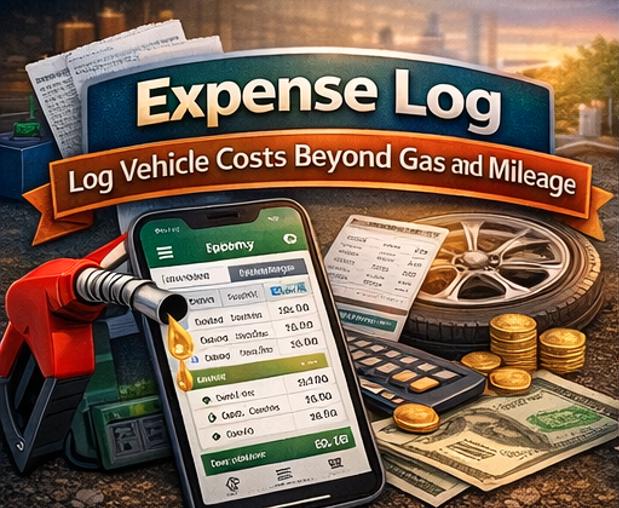
💳 5. Expense Log
Goes far beyond a basic mileage log. Record tolls, parking, oil changes, tire replacements, repairs, insurance, registration, inspections, car washes, and more -all automatically tagged by month for clean reporting.
📅 6. Monthly Summary
A full January through December rollup that pulls automatically from all three log sheets. See total miles, business miles, personal miles, trip count, fuel cost, fuel stops, other expenses, total spending, and reimbursement due -for every single month of your tax year. One number change in Settings updates the entire year.
🚗 7. Vehicle Summary
Track up to five vehicles simultaneously. Each vehicle shows its own total miles, business miles, fuel cost, fuel stops, other expenses, total cost, and cost-per-mile. Perfect for business owners, fleet managers, and households with multiple vehicles.
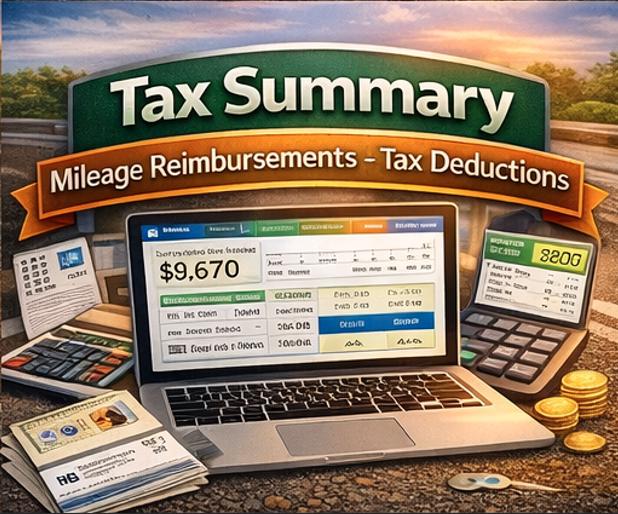
💼 8. Reimbursement & Tax Summary
This sheet is worth the price of the template on its own. Enter your IRS standard mileage rate (or your company's reimbursement rate) once in Settings -and every month's reimbursement amount calculates automatically. Annual total reimbursement is tallied at the bottom, ready to screenshot or export for your accountant or employer.
⚙️ 9. Settings (your control panel)
This is where the power lives. Change the Tax Year and every month label across every sheet updates instantly. Set your vehicle names and they populate every dropdown in the tracker. Adjust your mileage reimbursement rate, currency symbol, distance unit, and fuel unit -and every formula in the file recalculates. You never have to hunt through the spreadsheet making manual changes.
📖 10. Instructions
A friendly, detailed guide built right inside the file. Covers how to use the tracker on mobile and desktop, how to customize every setting, best practices for on-the-road logging, and a troubleshooting section for common questions.
________________________________________
💰 HOW MUCH COULD THIS SAVE YOU?
The IRS standard mileage deduction rate is $0.67 per mile for 2025. If you drive just 10,000 business miles per year, that is a $6,700 tax deduction -or a reimbursement check of the same amount from your employer. Most people who don't track their mileage leave thousands of dollars on the table every single year simply because they had no easy system.
This tracker is that system.
________________________________________
🙋 WHO IS THIS PERFECT FOR?
🚗 Delivery Drivers -DoorDash, Instacart, Amazon Flex, UPS, FedEx 🏠 Real Estate Agents -track client visits, open houses, broker meetings 🔧 Field Technicians & Mobile Service Providers -log every job site visit 📦 Freelancers & Self-Employed Workers -clean records for Schedule C deductions 🛍️ Etsy Sellers & Small Business Owners -supplier runs, post office trips, client meetings 🏥 Medical Mileage -track drives to appointments for medical deductions 🚐 Uber, Lyft & Rideshare Drivers -separate business and personal miles instantly 🔑 Property Managers -log every property visit with client and purpose 💼 Sales Professionals -track client visits, territory mileage, and reimbursable trips 🌐 Traveling Consultants -multi-vehicle, multi-city expense tracking in one file
________________________________________
⚡ WHY THIS BEATS EVERY OTHER MILEAGE LOG ON ETSY
Feature Basic Mileage Logs This Tracker
Mobile-optimized layout ❌ ✅
Works on iPhone & Android ❌ ✅
Fuel purchase tracking ❌ ✅
Vehicle expense log ❌ ✅
Auto reimbursement calc ❌ ✅
Settings control panel ❌ ✅
Year changes all sheets ❌ ✅
Up to 5 vehicles ❌ ✅
Auto mile calculation Sometimes ✅ Always
Works in Excel too Sometimes ✅ Always
500 entries per log ❌ ✅
________________________________________
🛠️ HOW TO GET STARTED IN 3 STEPS
Step 1 -Download & Open After purchase you will receive a Google Sheets file link. Click it and select File → Make a Copy to save your own fully editable version to your Google Drive. For Excel users, go to File → Download → Microsoft Excel (.xlsx).
Step 2 -Set Up in 2 Minutes Go to the ⚙️ Settings sheet. Enter your vehicle name(s), set your tax year, and enter your mileage rate. Everything else in the tracker updates automatically.
Step 3 -Start Logging Open the ✏️ Quick Entry sheet on your phone and log your first trip. You're done. The dashboard, summaries, and reimbursement totals all update on their own.
________________________________________
📋 TECHNICAL DETAILS
📁 File Format: Google Sheets (native) + Excel-compatible .xlsx 📱 Mobile App Required: Google Sheets -free on iOS App Store & Google Play 💻 Desktop Compatible: Google Chrome, Safari, Firefox, Microsoft Excel 2016+ 🔢 Capacity: 500 entries per log sheet (1,500 total entries) 🚗 Vehicles Supported: Up to 5 simultaneously 📅 Year Coverage: Any tax year -just change one cell in Settings 💱 Currency: Fully customizable symbol 📏 Distance Units: Miles or Kilometers ⛽ Fuel Units: Gallons or Liters 🔒 No Macros Required: Works on all devices including iOS
________________________________________
❓ FREQUENTLY ASKED QUESTIONS
Do I need to pay for Google Sheets? No. Google Sheets is completely free with any Google account. The app is also free on iPhone and Android.
Can I use this in Microsoft Excel? Yes. Download the file as .xlsx from Google Sheets and open it in Excel 2016 or newer. All formulas are fully compatible.
Can I use this for more than one year? Yes. Simply go to Settings, change the Tax Year to the new year, and the entire tracker updates. You can also make a separate copy of the file for each tax year.
Can I add more than 5 vehicles? Yes. You can manually add more vehicle names to the Settings list and extend the Vehicle Summary sheet with a few extra rows.
Is this good for IRS audit purposes? This tracker captures all the fields recommended by the IRS for business mileage records including date, destination, business purpose, and miles traveled. Always consult your tax professional for specific advice.
________________________________________
🌟 WHAT BUYERS ARE SAYING
"I've tried four different mileage apps and nothing was as easy to use on my phone as this spreadsheet. The Quick Entry sheet is genius."
"As a realtor I drive constantly. This tracker paid for itself in the first week -I found $800 in mileage I would have missed."
"Finally a mileage log that actually works on my iPhone without zooming in. The dropdowns make it so fast."
________________________________________
📩 Questions? Message the shop before or after purchase -we respond within 24 hours and want every buyer to get maximum value from this template.
🔄 Updates: Buyers receive any future updates to this template at no additional charge.
________________________________________
This is a digital download. No physical item will be shipped. Because of the digital nature of this product, all sales are final. Please read the full description and feel free to message with questions before purchasing.