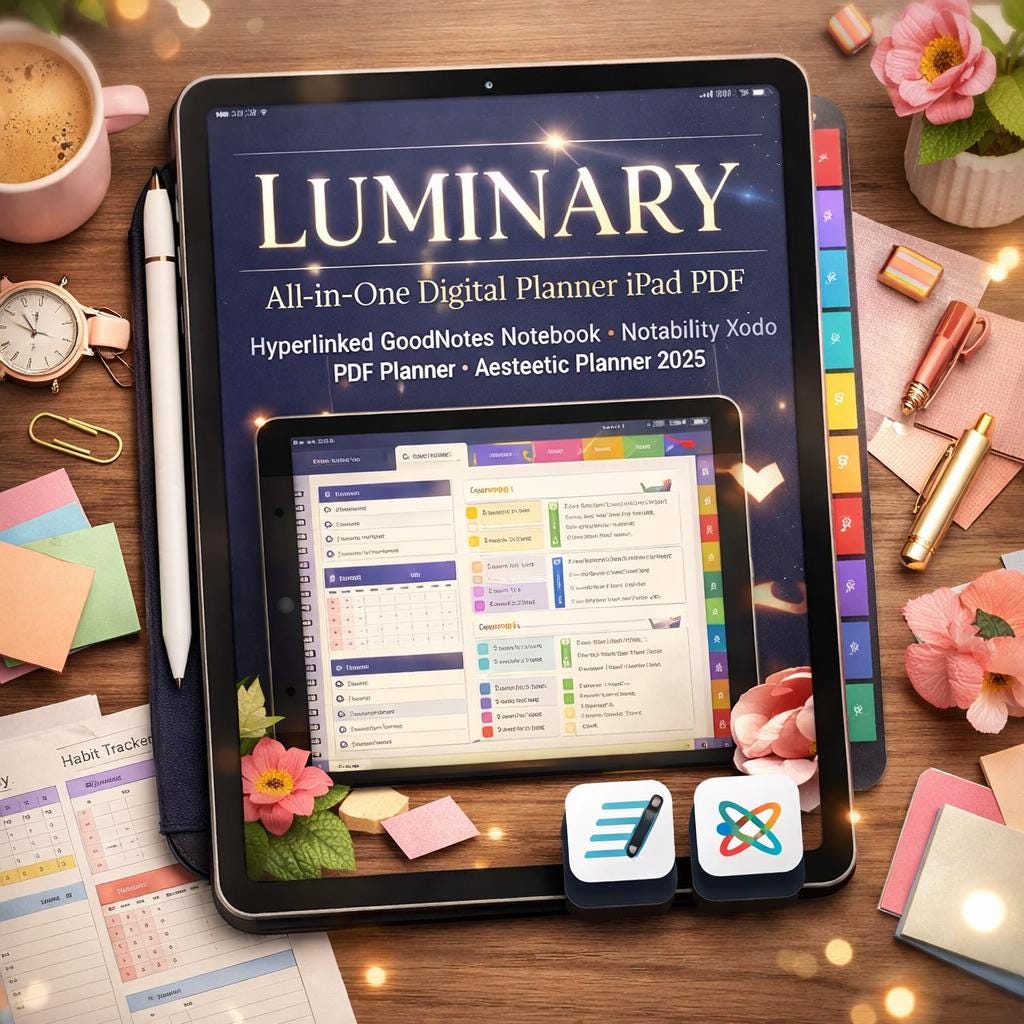
All-in-One Digital Planner iPad PDF | Hyperlinked GoodNotes, Notability, Xodo Planner
$7.49 $9.99
📝 LISTING DESCRIPTION
________________________________________
✨ Meet LUMINARY -Your Complete Digital Life, Beautifully Organized.
Stop switching between five different apps just to stay on top of your life. LUMINARY is the all-in-one hyperlinked digital notebook that brings your notes, plans, goals, journal, finances, wellness, and more into one stunning, fully connected PDF -ready to use on your iPad, Android tablet, Surface, or desktop today.
________________________________________
📦 WHAT YOU'LL DOWNLOAD
You will receive a ZIP file containing:
📄 LUMINARY_Digital_Notebook.pdf -The full 85-page hyperlinked planner, ready to import into your annotation app 📋 LUMINARY_Quick_Start_Guide.pdf -A beautifully designed 4-page guide walking you through every feature step by step 🎬 LUMINARY_Tutorial_Video.mp4 -A full step-by-step video guide showing you exactly how to import, navigate, and use every section of the planner 🎥 LUMINARY_Promo.mp4 -A visual overview of everything included inside
💡 Everything you need to get started is inside the ZIP. No subscription. No login. Just download, import, and go.
________________________________________
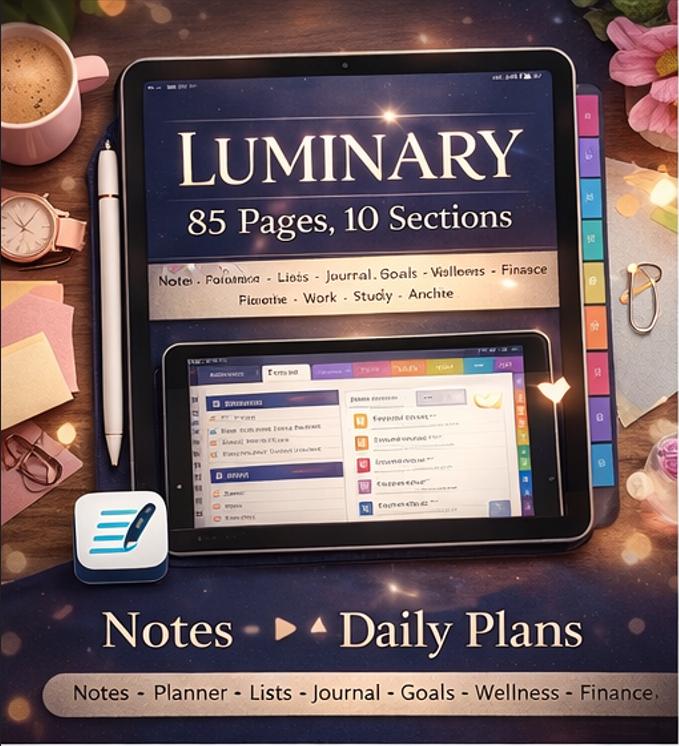
📚 WHAT'S INSIDE -85 PAGES ACROSS 10 SECTIONS
Every section has its own color-coded tab on the right edge of every page. One tap takes you there instantly from anywhere in the notebook.
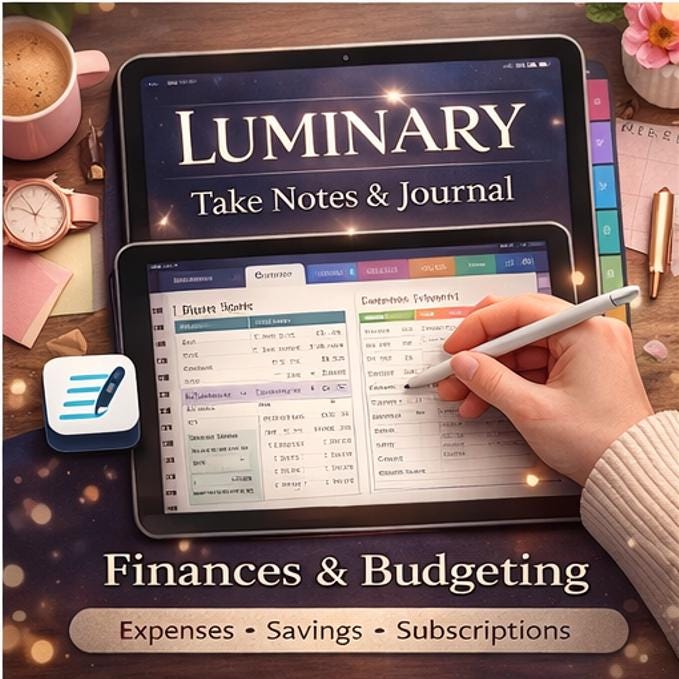
📝 NOTES (12 pages) Lined Notes · Cornell Notes · Dot Grid · Meeting Notes · Brain Dump · Quick Notes (4-quadrant) · Idea Capture
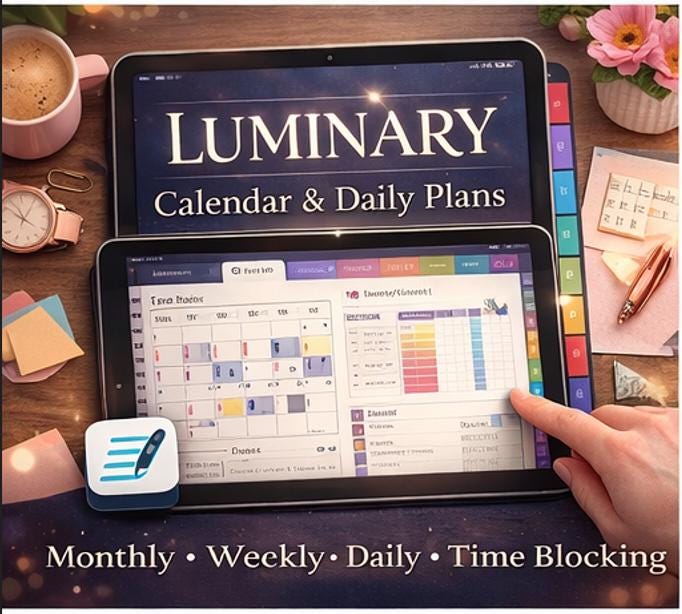
📅 PLANNER (9 pages) Monthly Planner × 2 · Weekly Planner × 3 · Daily Planner × 3 · Time Blocking
📖 JOURNAL (8 pages) Daily Journal × 3 · Gratitude Pages × 2 · Weekly Reflection × 2 · Mind Dump
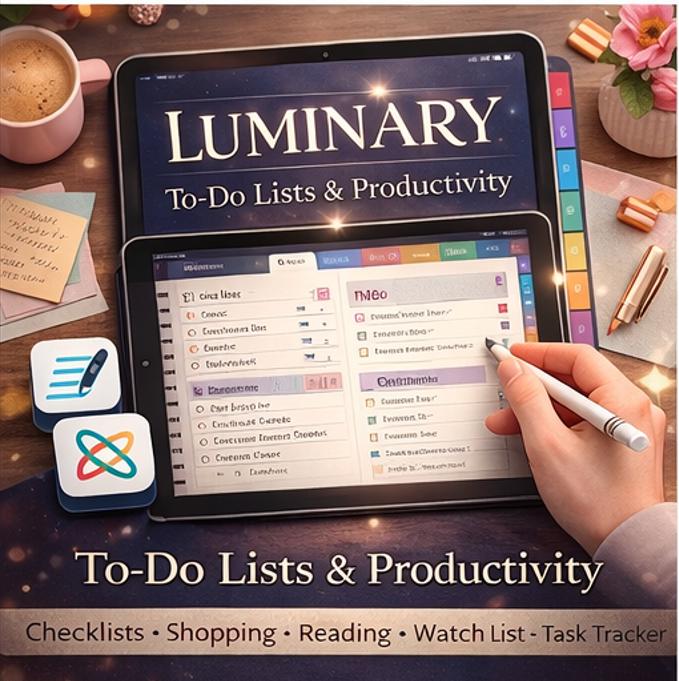
✅ LISTS (9 pages) To-Do Lists · Shopping List · Wish List · Reading List · Watch List · Packing List · Brainstorm · Master Task Tracker
💼 WORK (5 pages) Project Notes · Task Manager · Weekly Work Review
🎓 STUDY (6 pages) Class Notes · Study Session Sheets · Assignment Tracker
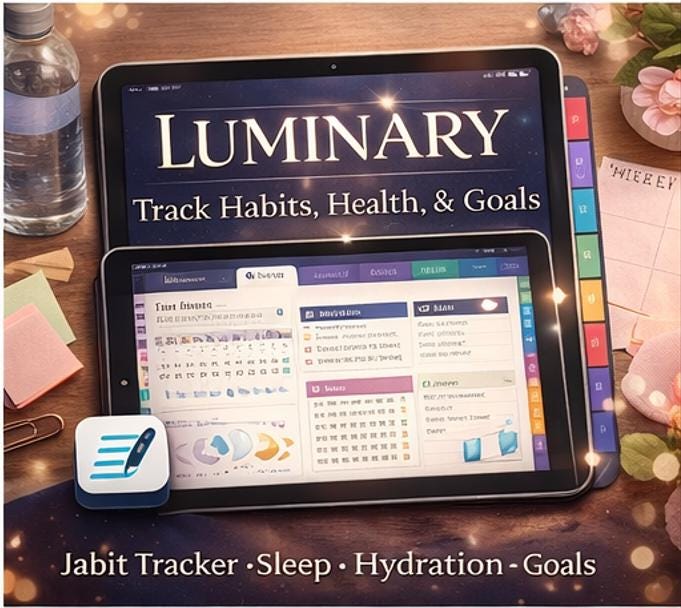
🎯 GOALS (4 pages) Annual Goals (6 life-area cards) · Goal Breakdown × 2 · Habit Tracker (10 habits × 31 days)
🌿 WELLNESS (4 pages) Daily Check-In × 2 · Mood Tracker (31-day grid, 8 moods) · Sleep & Hydration Log
💰 FINANCE (3 pages) Expense Tracker · Savings Tracker · Subscription Tracker
🗂️ ARCHIVE (11 pages) Extra Lined · Dot Grid · Blank Pages for overflow
________________________________________
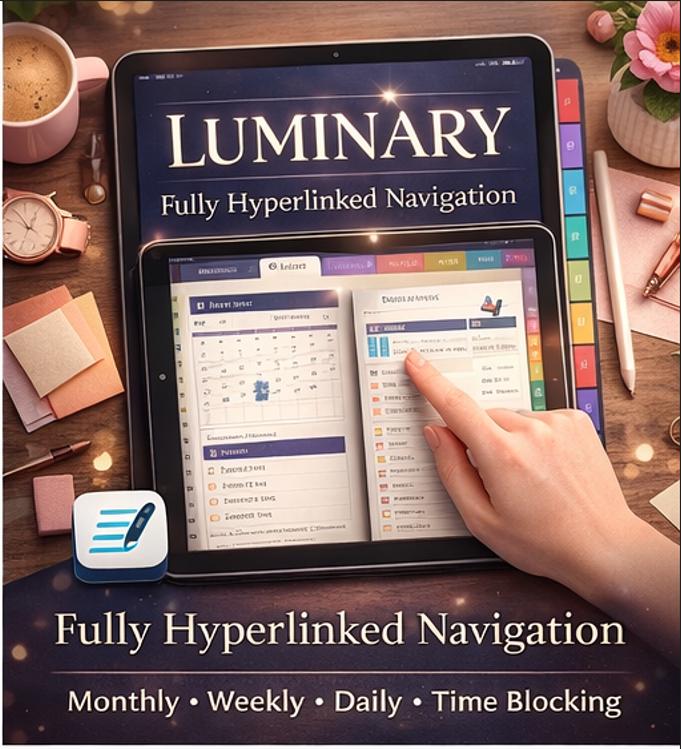
🔗 FULLY HYPERLINKED NAVIGATION
No more endless scrolling. LUMINARY works like an app:
🏠 Every page has a HOME button that brings you back to the Dashboard in one tap 🗂️ 10 side tabs run down the right edge -tap any one to jump to that section instantly 📊 The Dashboard lists every section with clickable links to jump directly to any page 🔗 Every section divider contains a linked page index for that section
________________________________________
✏️ FULLY FILLABLE -TYPE OR HANDWRITE
Every field, box, and line in LUMINARY is designed to be used two ways:
⌨️ Tap any field to type with your keyboard -perfect for quick digital entry ✍️ Write freely with your stylus or Apple Pencil -all pages have a clean, writing-friendly layout 📋 Duplicate any page to reuse templates endlessly -never run out of space
________________________________________
📱 COMPATIBLE APPS
LUMINARY works beautifully in all major annotation apps:
App Experience Platform
GoodNotes 5 / 6 ⭐ Best Experience iPad / iPhone
Notability ✅ Great iPad / iPhone / Mac
Xodo ✅ Full Features Android / iOS / Windows
PDF Expert ✅ Full Features iPad / Mac
Noteful ✅ Great iPad
CollaNote ✅ Good iPad
Samsung Notes ✓ Basic Android
Adobe Acrobat ✅ Full Features All Platforms
ZoomNotes ✅ Good iPad
Microsoft OneNote ✓ Compatible Windows / Mac / iPad
________________________________________
📲 HOW TO IMPORT -STEP BY STEP
On iPad (GoodNotes / Notability): 1️⃣ Download the ZIP file to your device (Files app or iCloud Drive) 2️⃣ Unzip and locate LUMINARY_Digital_Notebook.pdf 3️⃣ Open your annotation app → tap Import or the + button 4️⃣ Navigate to the PDF and open it -all 85 pages and hyperlinks load instantly 5️⃣ Watch the included tutorial video if you need a visual walkthrough
On Android (Xodo / Samsung Notes): 1️⃣ Download and unzip the file on your device 2️⃣ Open Xodo → tap Open File → navigate to the PDF 3️⃣ All hyperlinks and fillable fields are fully active
On Windows / Mac (PDF Expert / Adobe Acrobat): 1️⃣ Unzip the downloaded file 2️⃣ Open the PDF in your preferred app 3️⃣ All navigation, links, and fillable fields work natively
On Surface / PC (Xodo / Adobe): 1️⃣ Same as above -works with touch, stylus, and mouse
💡 Pro Tip: Zoom to 130–150% for the most comfortable writing experience. Use your app's Duplicate Page feature to copy any template and reuse it every week.
________________________________________
🛠️ HOW TO EDIT & CUSTOMISE
While LUMINARY is designed as a ready-to-use fillable PDF, you can personalize it in these ways:
🎨 Change cover -Paste a photo or color block over the cover page in GoodNotes ✍️ Add stickers & stamps -Use your app's sticker library to decorate any page 📌 Add bookmarks -Mark your most-used pages in GoodNotes / Notability 🗒️ Add sticky notes -Use your app's note feature on top of any page 📐 Resize content -Most apps let you move and resize elements on top of pages 🔁 Duplicate sections -Duplicate the entire Notes or Journal section to have unlimited pages
________________________________________
💻 COMPATIBLE DEVICES
✅ iPad (all models) with Apple Pencil ✅ iPhone (limited view, best on tablet) ✅ Android Tablets (Samsung Galaxy Tab, Lenovo, etc.) ✅ Microsoft Surface (Pro, Go, Laptop Studio) ✅ Windows PC / Laptop ✅ MacBook / iMac ✅ Chromebook (via Xodo or Adobe)
________________________________________
🎨 DESIGN HIGHLIGHTS
🌈 10 signature colors -one for each section, consistent throughout 🖋️ Premium typography -Lora serif + Poppins pairing for a clean, editorial feel 🌙 Deep indigo cover with periwinkle accent for a premium first impression 📐 US Letter size (8.5 × 11 in) -maximum compatibility across all apps and devices 🔲 Clean white page backgrounds -easy on the eyes, great contrast for both typing and handwriting
________________________________________
❓ FREQUENTLY ASKED QUESTIONS
Do I need an internet connection to use it? No. Once downloaded, LUMINARY works completely offline in any PDF annotation app.
Can I print it? Yes! The US Letter size is print-ready. We recommend printing on thick paper (90–120gsm) for best results.
Will the hyperlinks work? Yes -all internal navigation links are fully embedded in the PDF and work in GoodNotes, Notability, Xodo, PDF Expert, and Adobe Acrobat.
Can I share it with friends? This listing is for personal use only. Please do not redistribute the files. Each person should purchase their own copy.
What if I need help? Watch the included tutorial video first -it covers every feature step by step. If you still have questions, message us and we'll respond within 24 hours.
________________________________________
📥 YOUR DOWNLOAD INCLUDES
✔️ LUMINARY_Digital_Notebook.pdf (85 pages, fully hyperlinked) ✔️ LUMINARY_Quick_Start_Guide.pdf (4 pages, setup & tips) ✔️ LUMINARY_Tutorial_Video.mp4 (step-by-step how-to video) ✔️ LUMINARY_Promo.mp4 (visual overview of all sections)
All files delivered as a single ZIP download -instantly after purchase.
________________________________________
💛 If LUMINARY brings some calm and clarity to your days, we'd love to hear about it. Leave a review and share a photo of your setup -it means the world to us.
✨ Thank you for choosing LUMINARY.