OneNote Weekly Planner Template – Productivity Time Blocking (Digital Download)
$11.24 $14.99
Description
________________________________________
✨ Welcome to your new favorite planning system.
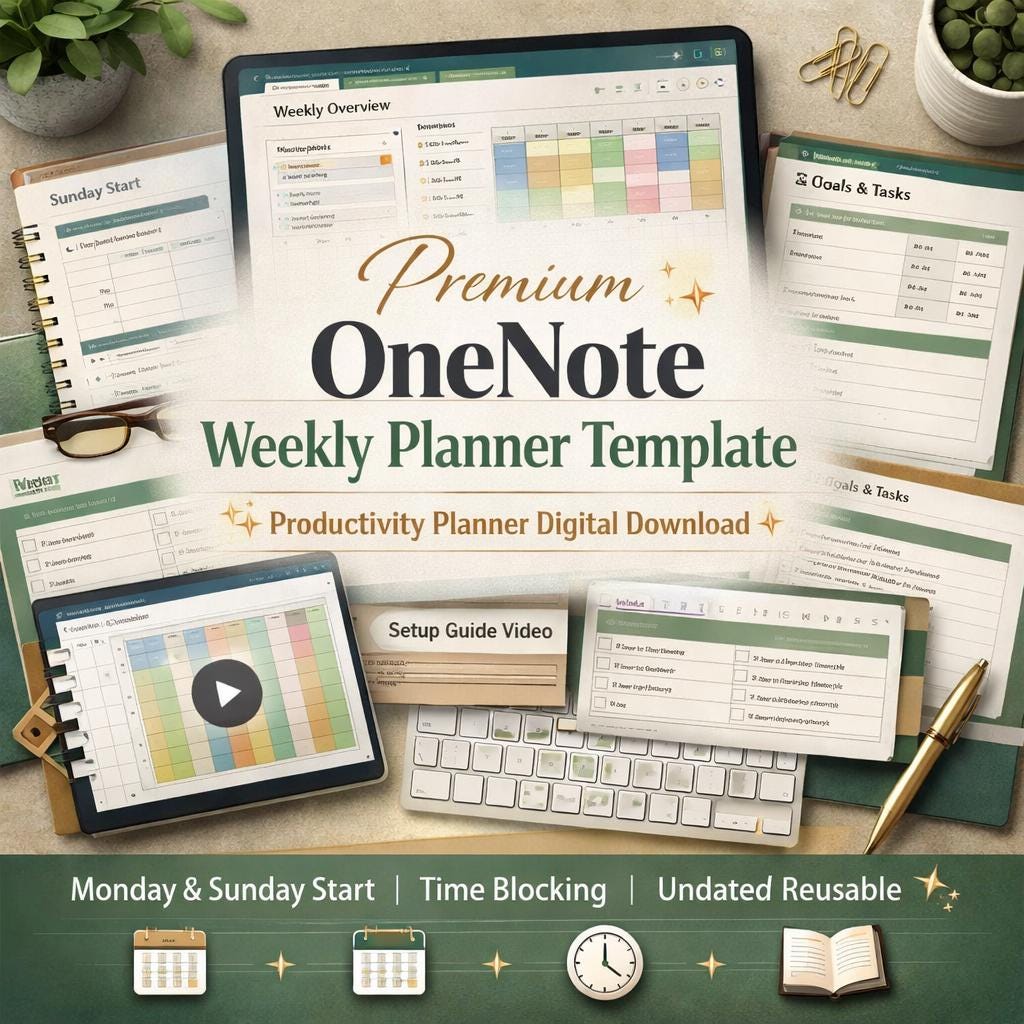
This isn't just a template. It's a complete weekly productivity hub - thoughtfully designed, beautifully laid out, and ready to transform how you plan your work, your goals, and your life inside Microsoft OneNote.
Whether you're a professional juggling meetings and deadlines, a student managing coursework and commitments, a freelancer running your own business, or simply someone who wants to feel more organized and intentional every single week - this planner was built for you.
________________________________________
📦 WHAT YOU'LL RECEIVE
When you purchase, you'll instantly download a ZIP file containing:
🗂️ The full OneNote Weekly Planner template - a complete DOCX reference file with every page layout professionally designed and ready to replicate in OneNote
🎬 A full instructional setup video (MP4) - a step-by-step guided walkthrough showing you exactly how to set up your notebook, build every section, navigate the planner, and use it week after week with confidence
📋 A quick-start guide - everything you need to get up and running in under an hour
________________________________________
🗓️ WHAT'S INSIDE THE PLANNER
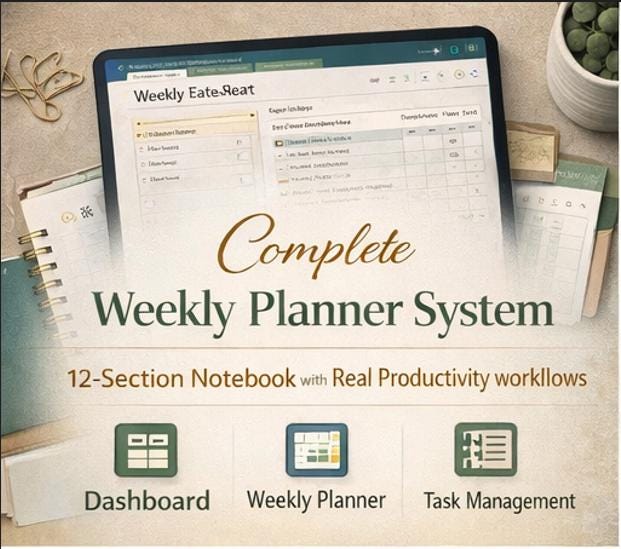
This is a complete 12-section planning system - not a basic notebook, not a bare-bones template. Every section has been designed with real productivity workflows in mind.
📌 Section 00 - Cover & Welcome A polished cover page and warm welcome guide with full setup instructions and notebook structure overview.
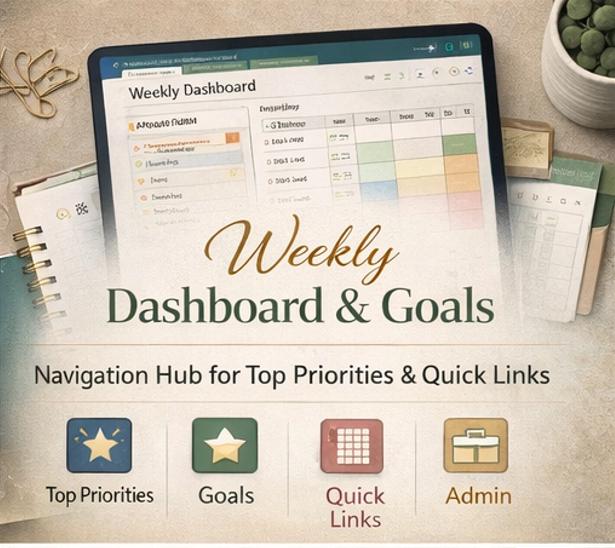
🏠 Section 01 - Planner Dashboard Your central planning hub. Navigate your entire notebook from one clean, organized home screen. Includes a current-week panel, top priorities display, and quick-access links to every section.
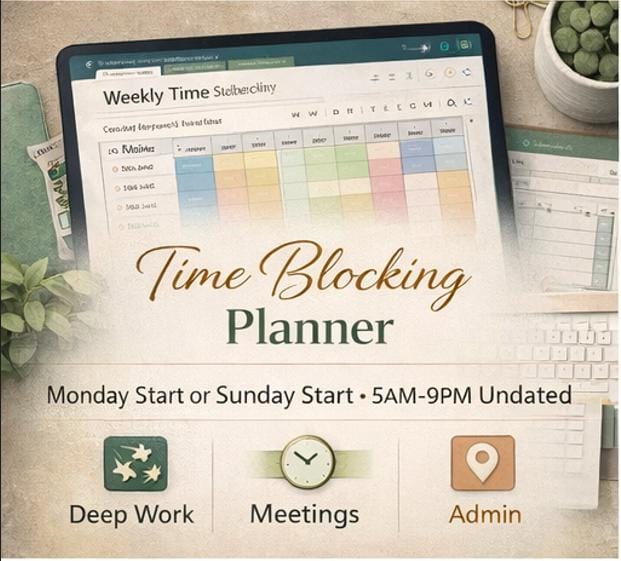
📅 Section 02 - Monday Start Weekly Planner A full Monday-to-Sunday planning system including a strategic weekly overview page, seven individual daily planning pages, and a dedicated time-blocking spread.
📅 Section 03 - Sunday Start Weekly Planner An identical complete planning system starting on Sunday - perfect for those who like to plan their week from the weekend. Both editions are equally polished and fully featured.
🎯 Section 04 - Priorities & Goals A dedicated priority system built around the "one thing" focus method. Includes your top 3 must-do priorities, work priorities, personal priorities, follow-up tracking, delegated tasks, quick wins, and a weekly goals panel.
🗓️ Section 05 - Appointments & Schedule A structured appointment tracker table plus a full meetings and calls log. Capture time, location, purpose, contact name, virtual or in-person indicator, and follow-up actions all in one place.
✅ Section 06 - Task Management A complete weekly task system with six categorized task columns - work tasks, personal tasks, errands and admin, follow-up tasks, waiting-on items, and quick wins. Never lose track of what needs doing.
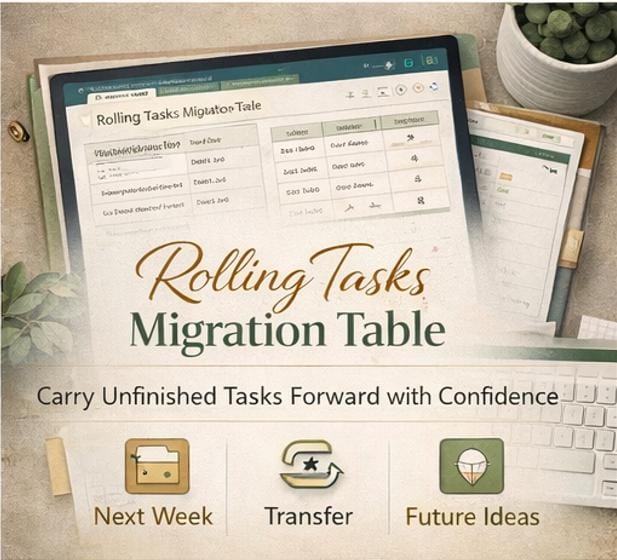
🔄 Section 07 - Rolling Tasks The feature that separates a great planner from a forgotten one. A dedicated migration table to carry unfinished tasks forward week to week, with columns for task name, the week it came from, and where it's being moved to. Includes a next-week transfer list and a someday/future ideas section.
🧠 Section 08 - Notes & Brain Dump A generous, unstructured capture zone for everything that doesn't fit elsewhere. Includes a full brain dump page, ideas list, project notes, meeting notes, must-remember capture, and a follow-up inbox.
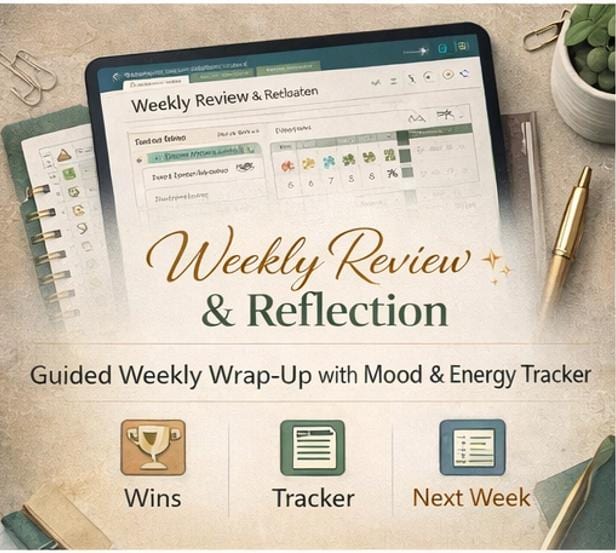
🌟 Section 09 - Weekly Review & Reflection A guided weekly review page to help you close out the week with intention. Record your biggest win, your biggest challenge, what went well, lessons learned, incomplete tasks to carry forward, a five-day mood and energy tracker, and your next-week preparation notes.
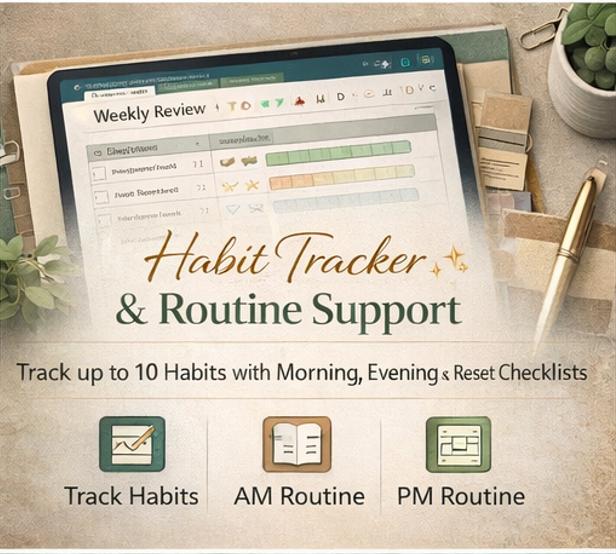
💚 Section 10 - Habit & Routine Support A clean seven-day habit tracker for up to ten habits, a morning routine checklist, an evening routine checklist, and a weekly reset checklist so you always start the week fully prepared.
📄 Section 11 - Blank Templates A complete library of reusable blank page templates - weekly overview, daily page, notes page, meeting notes, goal planner, and more - ready to duplicate any time you need a fresh page.
________________________________________
⏱️ TIME-BLOCKING LAYOUT
Every weekly edition includes a dedicated time-block planner running from 5:00 AM to 9:00 PM in 30-minute increments across all seven days. Color-code your blocks for deep work, meetings, admin, personal time, and buffer time. This is the tool that turns a good week into a truly productive one.
________________________________________
💻 SOFTWARE & COMPATIBILITY
This planner is designed for Microsoft OneNote.
✅ Microsoft OneNote for Windows (desktop app - recommended for full functionality) ✅ Microsoft OneNote for Mac ✅ Microsoft OneNote for iPad and iPhone - works beautifully with Apple Pencil for handwriting directly into your schedule slots ✅ Microsoft OneNote for Android tablets and phones ✅ Microsoft OneNote on the web (OneNote.com)
OneNote is available completely free with any Microsoft account. No Office 365 subscription is required to use this planner.
________________________________________
📲 HOW TO SET IT UP
Your ZIP download includes a full MP4 setup video that walks you through every step:
▶️ How to open OneNote and create your notebook ▶️ How to create all 12 section tabs from the guide ▶️ How to build each page layout using Insert → Table ▶️ How to set up your Dashboard as your navigation home ▶️ How to use the Monday Start and Sunday Start editions ▶️ How to duplicate and update pages for a new week ▶️ How to use the Rolling Tasks system week to week ▶️ How to customize colors, page backgrounds, and tags ▶️ Pro tips for using the planner on desktop, tablet, and mobile
The whole setup takes under one hour - and once it's built, duplicating a new week takes under 60 seconds.
________________________________________
🎨 DESIGN & AESTHETIC
This planner was designed to feel premium, calm, and professional - not childish, not cluttered, not generic.
The palette uses deep slate, warm sage green, and soft gold tones - elegant enough for a boardroom, peaceful enough for a Sunday morning planning session. The layout is clean and spacious, with strong visual hierarchy, clear labels, and consistent styling throughout every single page.
It works equally beautifully for masculine and feminine aesthetics and is designed for the broadest possible appeal.
________________________________________
♻️ UNDATED & REUSABLE - FOREVER
There are no dates pre-filled anywhere in this planner. Every weekly page starts with a blank "Week of:" field that you fill in yourself. This means:
📅 Use it for any week of any year 📅 Start mid-year with no wasted pages 📅 Duplicate and reuse indefinitely 📅 One purchase - a lifetime of planning
________________________________________
💬 PERFECT FOR
👩💼 Professionals and managers 🎓 Students and academics 💻 Remote workers and freelancers 🏠 Parents and homemakers 🚀 Entrepreneurs and side-hustlers 🧘 Anyone seeking more clarity, focus, and intention in their week
________________________________________
❓ FREQUENTLY ASKED QUESTIONS
Do I need a paid Microsoft subscription? No. Microsoft OneNote is completely free with a free Microsoft account. You can download it from the App Store, Google Play, or Microsoft's website at no cost.
Can I use this on my iPad? Absolutely. OneNote on iPad is one of the best ways to use this planner - especially with Apple Pencil for handwriting directly into the schedule and notes sections.
Can I customize the colors and layout? Yes. OneNote lets you change page background colors, apply tags, rename sections, and add or remove pages freely. Make it completely your own.
Do I need to be technical to set it up? Not at all. The included MP4 video guide walks through every single step visually so anyone can follow along, regardless of their experience with OneNote.
Is this a physical product? No. This is a digital download only. No physical item will be shipped. Your ZIP file is available immediately after purchase.
________________________________________
⭐ IF YOU LOVE IT
Please leave a review - it means the world and helps other planners find this system. 🌿
________________________________________
Digital products are non-refundable due to the instant-download nature of the file. Please read the full listing and feel free to message with any questions before purchasing.