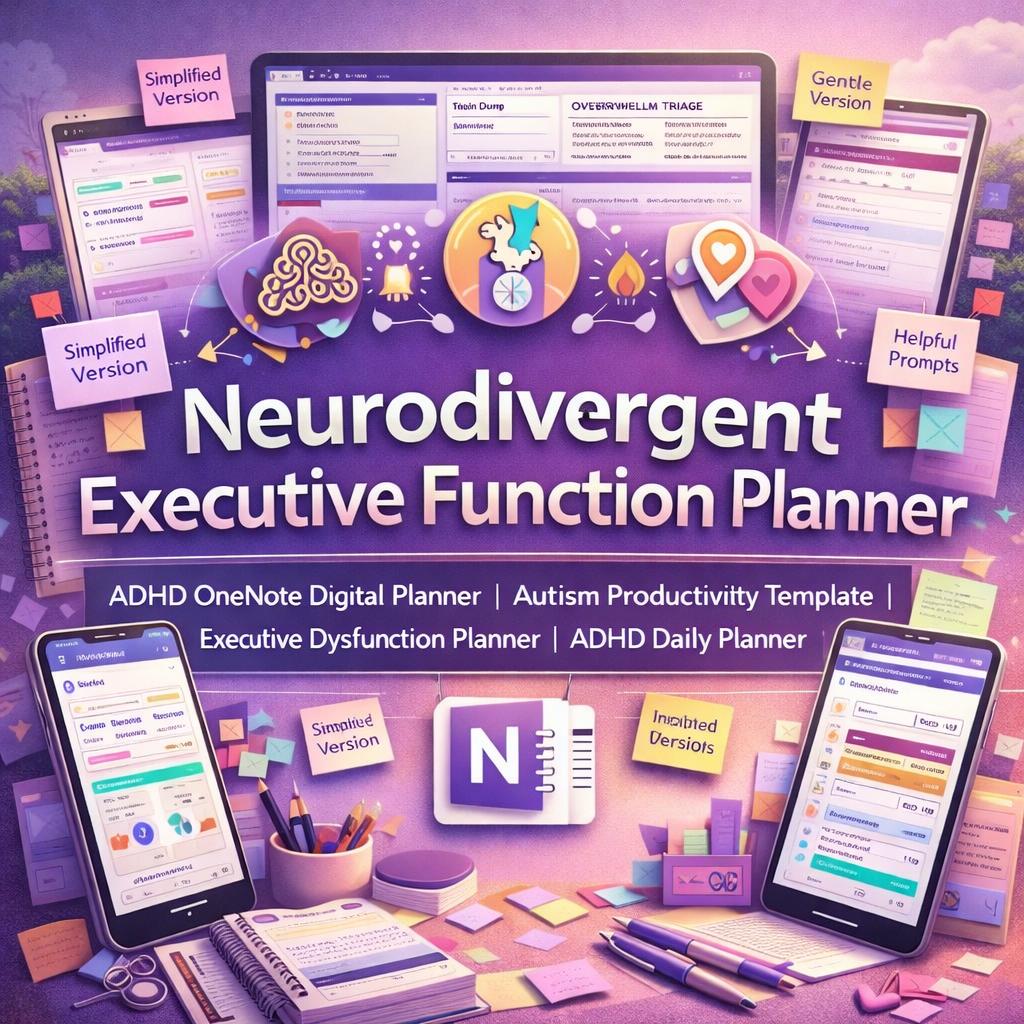
Neurodivergent Executive Function Planner | ADHD OneNote Digital Productivity Template
$11.24 $14.99
📝 LISTING DESCRIPTION
________________________________________
✨ Finally. A planner that was actually built for your brain.
If you've tried every planner, every app, every system - and still feel like the failure - this isn't because you're broken. It's because nothing was ever designed for the way your brain actually works.
Until now.
________________________________________
🧠 INTRODUCING THE NEURODIVERGENT EXECUTIVE FUNCTION PLANNER
A complete, premium digital planning system built specifically for people with ADHD, autism, executive dysfunction, sensory overwhelm, burnout, and fluctuating energy. This isn't a basic to-do list or a pretty calendar. This is a full executive function support system - a compassionate, structured, deeply practical toolkit that helps you plan, start tasks, manage transitions, regulate energy, and recover from hard days without shame.
Designed by someone who understands neurodivergent challenges from the inside. Every prompt is kind. Every page is low-friction. Every section has a simplified version for bad days.
________________________________________
📦 WHAT YOU GET - INSTANT ZIP DOWNLOAD
After purchase you will receive a ZIP file containing three items:
📄 The Planner Reference Document (.DOCX) The complete planner template - all 16 sections and 100+ planning pages, fully written out with every field, prompt, table, checklist, and color-coded layout. Open this in Microsoft Word or any compatible app and copy the templates directly into your OneNote notebook.
📘 The Written Setup & User Guide (.DOCX) A comprehensive 27-page step-by-step instruction document covering how to install the planner in OneNote, how to build the notebook structure, how to use every section, keyboard shortcuts, device-specific tips, a 7-day first-week plan, and a full FAQ.
🎬 The Video Setup Guide (.MP4) A narrated 6.5-minute instructional video walking you through everything - from creating your OneNote notebook on any device to using the Daily Planner, Task Chunking, Brain Dump, Dashboard, and Shutdown Checklist. Watch it once and you'll be set up and planning in under an hour.
________________________________________
🗂️ 16 SECTIONS - EVERYTHING YOUR BRAIN NEEDS
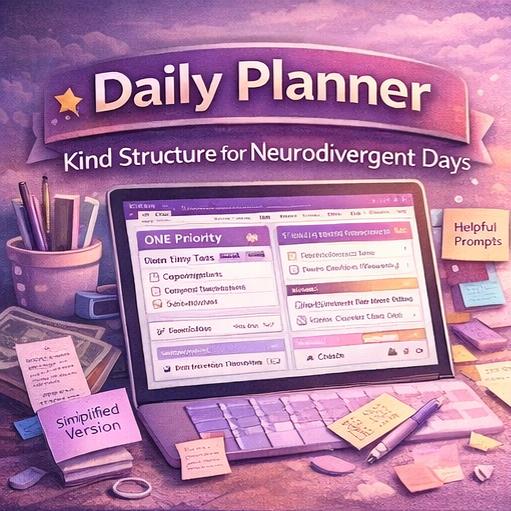
📅 Daily Support Three versions of the daily planner - full, simplified, and low-energy. Morning check-in, ONE priority, tiny starter task, appointment anchors, body & care reminders, shutdown reflection. Includes a High-Capacity Day Plan and a Gentle Daily Reset for off-track days.
🗓️ Visual Schedule Hourly time-blocked layout with built-in transition buffers, simplified big-block version for overwhelmed days, and a dedicated Appointment Day Planner with pre and post care planning.
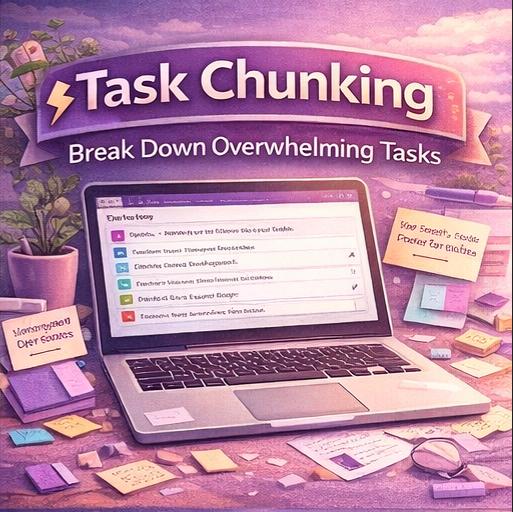
⚡ Task Chunking The most powerful anti-procrastination section in the planner. Break any task down until you find the first step. Includes a Micro-Step Breakdown for frozen states, a Stuck Task Rescue page, a Multi-Step Project Planner, and a Task Sorting Grid with six categories.
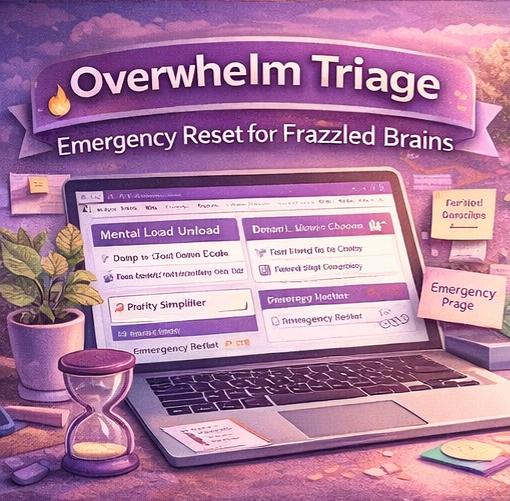
🔥 Overwhelm Triage Three steps: dump, sort, choose one. Plus a Priority Simplifier, Emergency Reset page for total shutdown moments, and a Mental Load Unload page for everything spinning in the background.
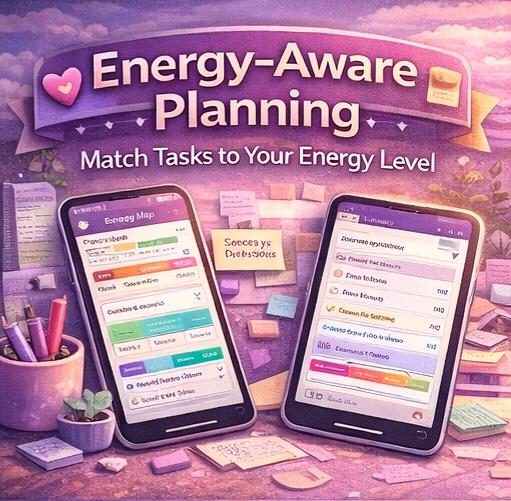
🌊 Energy-Aware Planning Energy Map tracker, Energy-Based Task Matching, Spoon-Based Daily Planner, Burnout Prevention page, Recovery Day Planner, and a Dopamine Menu full of quick resets and motivation boosters.
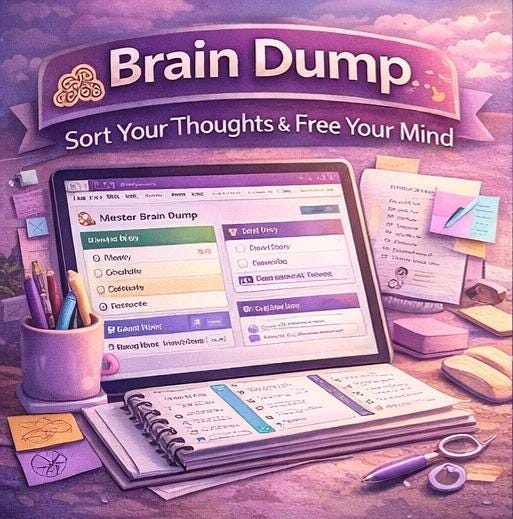
🧠 Brain Dump & Processing A full Master Brain Dump page (no rules, just write) plus a structured Processing page that sorts your dump into six buckets: Do Now, Schedule, Delegate, Release, Reference, and the Idea Parking Lot.
🔄 Routines Routine Builder with full and simplified versions, Morning Launch, Evening Wind-Down, Weekly Reset, Habit Stacking Planner, and a Shutdown Checklist - the single most important routine page in the system.
⏰ Transition Planning Transition Planner, Leaving the House Checklist, Start Work / Start Study sequence, End Work transition, and an After-Social Reset page for decompression after draining interactions.
📌 Reminders & Memory Support Reminder Capture Hub, Follow-Up Tracker, Important Dates & Deadlines log, Forgotten Tasks Recovery page, and a Cue & Trigger Planner to pair reminders with existing habits.
📋 Weekly & Monthly Planning Weekly Executive Function Planner, Weekly Visual Overview, Weekly Review, Monthly Overview, Monthly Reflection, Monthly Life Admin Checklist, and a Theme & Focus page.
💬 Self-Advocacy & Support Accommodation Tracker, Communication Scripts Library (asking for more time, rescheduling, saying no, communicating overwhelm, requesting body doubling), and a Support Network Map.
🆘 Bonus Pages What To Do When I'm Frozen, Time Blindness Support, Body Doubling Session Planner, Missed Week Reset with no-guilt restart script, and a Celebration & Wins Log.
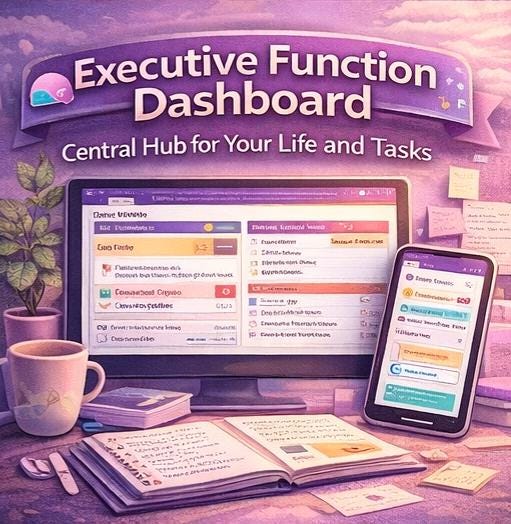
📚 Dashboard & Navigation A fully linked home base with Today and This Week snapshots, 12 quick navigation tiles, daily grounding prompts, and priority shortcuts - your first stop every morning.
🗃️ Template Library 24 clean master copies of every reusable page, clearly labelled and ready to duplicate. Never fill in the master - always copy, rename, and go.
________________________________________
🖥️ SOFTWARE - MICROSOFT ONENOTE (FREE)
This planner is built for Microsoft OneNote, which is completely free to download and use on all devices. No subscription required.
✅ Download OneNote free at onenote.com or from your app store ✅ Sign in with a free Microsoft account (Outlook, Hotmail, or any Microsoft email) ✅ Your notebook saves to OneDrive automatically and syncs across all your devices
________________________________________
📱 COMPATIBLE WITH ALL YOUR DEVICES
This planner works beautifully on every platform:
🖥️ Windows - Full desktop app with navigation pane, keyboard shortcuts, and all formatting tools 🍎 Mac - Full desktop app with Command shortcuts and trackpad support 📱 iPad / Tablet - Optimized for stylus and touch; all pages designed with generous handwriting space. Works with Apple Pencil and Scribble for handwritten entries that convert to text automatically 📲 iPhone / Android - Perfect for quick brain dumps, reminder captures, and checking your Dashboard on the go 🌐 Web Browser - Access and edit your planner at onenote.com on any computer without installing anything
________________________________________
⬇️ HOW TO IMPORT AND USE THE PLANNER
Getting set up takes under 30 minutes. Here's all you do:
1️⃣ Download and unzip the ZIP file after purchase 2️⃣ Open Microsoft OneNote (free) and create a new notebook 3️⃣ Watch the included MP4 setup video - it walks you through everything step by step 4️⃣ Open the DOCX reference file and copy template content into your OneNote pages 5️⃣ Set up your Dashboard with navigation links (takes 10 minutes, works forever) 6️⃣ Duplicate the Daily Planner template and start your first day
The written Setup Guide (.DOCX) also has full written instructions for every device and platform, including keyboard shortcuts, device-specific tips, and a gentle 7-day first-week plan broken down one action per day.
________________________________________
💜 WHO THIS IS FOR
This planner was made for you if you:
💜 Have ADHD, autism, or executive dysfunction 💜 Struggle with task initiation, time blindness, or decision paralysis 💜 Feel crushed by traditional productivity systems 💜 Have tried every planner and felt like you failed them 💜 Are recovering from burnout or navigating chronic low energy 💜 Need planning tools that support imperfect, inconsistent use 💜 Want a system that is compassionate first and productive second
________________________________________
✨ WHAT MAKES THIS DIFFERENT
🚫 No shame-based language 🚫 No perfectionism 🚫 No punishing you for missed days ✅ Every section has a low-energy version ✅ Every page has a simplified option ✅ Designed around real neurodivergent challenges, not productivity-guru fantasies ✅ Recovery pages, reset pages, and self-advocacy tools built in ✅ A complete system, not just pretty templates
________________________________________
📐 WHAT'S INCLUDED AT A GLANCE
📦 File format ZIP containing DOCX + DOCX + MP4
🗂️ Sections 16 fully built sections
📄 Pages 100+ template pages
🖥️ Software Microsoft OneNote (free)
📱 Devices Windows · Mac · iPad · iPhone · Android · Browser
🎬 Video guide 6.5-minute narrated setup walkthrough
📘 Written guide 27-page step-by-step instruction document
💾 Delivery Instant digital download - no physical item shipped
________________________________________
❓ FREQUENTLY ASKED QUESTIONS
Do I need to pay for OneNote? No. Microsoft OneNote is completely free. You only need a free Microsoft account to use it.
Do I need to be tech-savvy to set this up? Not at all. The included video guide and written setup document walk you through every single step. If you can copy and paste, you can set this up.
Can I use this on my iPad with a stylus? Yes. All pages are designed with generous spacing for handwritten entries. OneNote's Draw tab with Apple Pencil or any compatible stylus works beautifully.
Can I customize the planner? Absolutely. Add fields, rename sections, change colors, skip entire sections you don't need. The planner is yours to adapt. The Setup Guide includes a full personalization section.
What if I miss days or weeks? There is a dedicated Missed Week Reset page with a no-guilt restart script. The system is specifically designed for inconsistent use. Missing days is not failure.
Is this a physical product? No. This is an instant digital download. You will receive a ZIP file immediately after purchase. Nothing is shipped.
________________________________________
📬 DELIVERY
After purchase you will receive an instant download link for your ZIP file. The ZIP contains all three files - the planner DOCX, the setup guide DOCX, and the MP4 video. No waiting. No shipping. Use it today.
________________________________________
Your brain is not broken. It just needs the right tools. This planner is those tools. 💜