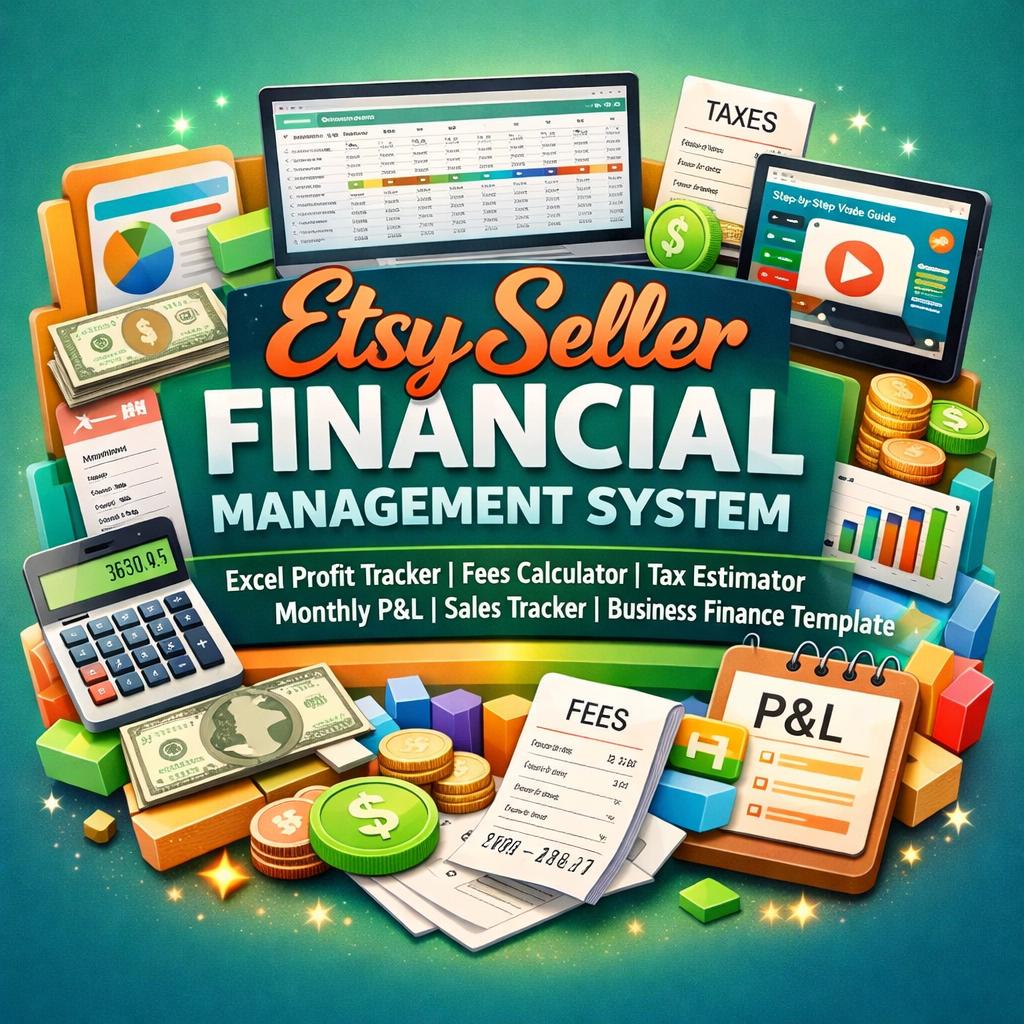


Etsy Seller Financial Management System | Excel Profit Tracker, Fees Calculator (Digital Download)
$11.24 $14.99
📝 LISTING DESCRIPTION
________________________________________
✨ FINALLY -A Financial System Built Specifically For Etsy Sellers ✨
Stop guessing where your money is going. Stop manually calculating Etsy fees on a napkin. Stop dreading tax season because your numbers are scattered across three different apps and a sticky note. This is the complete, professional-grade financial command center your Etsy shop has been waiting for -and it works the moment you open it.
________________________________________
💼 WHAT YOU'RE GETTING
When you purchase, you will instantly receive a ZIP file containing:
📊 The Full Excel Workbook -the complete Etsy Seller Financial Management System (.xlsx file), ready to open and use immediately
🎬 A Full Step-by-Step Guide Video (.mp4) -a beautifully produced, colorful landscape video walkthrough that shows you exactly how to set up and use every single sheet, screen by screen
📄 A 20-Second Promo Overview Video (.mp4) -a quick visual summary of everything the system does at a glance
Simply unzip the file, open the Excel workbook, and you are ready to go. No printing required. No assembly. No setup headaches.
________________________________________
🚀 WHY THIS IS DIFFERENT FROM EVERY OTHER ETSY TRACKER OUT THERE
Most Etsy finance spreadsheets give you a basic income and expense list and call it a day. This system goes 17 sheets deep with 1,277 live formulas that talk to each other automatically. Change one fee rate in Settings and every single transaction in the workbook updates instantly. Log a sale and watch your Dashboard KPIs, Monthly Summary, Tax Estimate, Cash Flow, and Product Profitability analysis all update in real time -without you touching another cell.
This is not a spreadsheet. This is a fully automated Etsy business finance suite.
________________________________________
📋 EVERYTHING INCLUDED IN THE WORKBOOK
17 fully linked, professionally designed sheets:
🏠 Cover Sheet -Enter your shop name, seller name, and tax year once. That year automatically flows through every sheet, every header, every report in the entire workbook
⚙️ Settings Sheet -Your master control panel. Set your Etsy fee rates, income tax rate, self-employment tax rate, opening cash balance, product categories, expense categories, and dropdown lists. Change any rate here and the entire workbook recalculates instantly
📚 Instructions Sheet -A plain-language, section-by-section guide explaining exactly how every sheet works, what to type, what is automatic, and how to get the most out of every feature
📊 Dashboard -Your real-time command center with 16 animated KPI cards showing Gross Revenue, Net Revenue, Total Orders, Units Sold, Average Order Value, Total Etsy Fees, Ad Spend, Total Refunds, Total COGS, Operating Expenses, Gross Profit, Net Profit, Profit Margin %, Estimated Tax Liability, Refund Rate, and Cash Balance -all updating automatically as you enter data. Plus a monthly revenue table, top products by revenue, and one-click navigation buttons to every sheet
🛍️ Product Catalog -Your master listing database. Add every product with its unique ID, category, type (digital or physical), base price, material cost, labor cost, packaging cost, and target margin. This sheet powers the profitability analysis across the entire workbook
💰 Sales Tracker -Log every Etsy transaction with date, product ID, quantity, price, discount, shipping charged, and sales tax. Month, Quarter, and Year auto-populate from the date you enter -you never type those manually. Gross Sale and Net Before Fees calculate automatically
🧾 Fees Tracker -You never have to calculate Etsy fees manually again. This sheet reads your fee rates from Settings and automatically calculates the Listing Fee, Transaction Fee, Payment Processing Fee, Payment Processing Fixed Fee, and Offsite Ads Fee for every single transaction. Includes a monthly fee summary at the bottom so you can see exactly how much Etsy takes each month
📣 Ads & Marketing Tracker -Log your Etsy Offsite Ads campaigns, Facebook, Instagram, Pinterest, and other marketing spend. ROAS (Return on Ad Spend) calculates automatically. See exactly which campaigns are profitable and which are draining your budget
💸 Expenses Tracker -Track every business operating cost with vendor, category, subcategory, description, amount, business use percentage, and deductibility status. Month, Quarter, and Year auto-populate from your entry date. An automatic category summary at the bottom shows your total spend and deductible amount by expense type
🔄 Refunds, Returns & Cancellations -Log every negative event with order ID, product name, refund amount, reason, refund type (full or partial), return shipping cost, and net financial impact. Summary section auto-calculates total refunded, return shipping costs, and net impact on your profits
📦 COGS Sheet -Cost of Goods Sold analysis for every product. Enter your material, labor, packaging, and shipping supply costs per unit. Total Cost per Unit, Total COGS, Sale Price, and Profit Margin % all calculate automatically using live formulas pulling from your Sales Tracker
💵 Cash Flow Tracker -100% formula-driven monthly cash flow statement. Not a single hardcoded number -every cell pulls from your live data. Opening balance comes from your Settings, sales revenue from Sales Tracker, expenses from Expenses sheet, ads from Ads Tracker, and fees from Fees Tracker. See exactly how much cash you have at the end of every month of the year
🏛️ Tax Summary -Estimated federal income tax, self-employment tax, total estimated tax liability, and suggested quarterly payment amounts -all calculated automatically from your actual business numbers. Includes a full deductible expense breakdown by category. For planning purposes -always consult a qualified tax professional
📅 Monthly Summary -A full 12-month Profit & Loss overview with Revenue, Fees, Expenses, Ad Spend, Refunds, COGS, Net Profit, Profit Margin %, Orders, and Units Sold for every month of the year. All formulas. All automatic. Includes a built-in bar chart comparing monthly revenue against net profit
📆 Quarterly & Annual Summary -Q1 through Q4 rollup plus full annual totals, all pulling live from Monthly Summary. Best quarter auto-identified by formula. Year label in the "ANNUAL 2025" row updates automatically when you change the tax year on the Cover Sheet
🏆 Product Profitability Analysis -Ranks every product by revenue, units sold, gross revenue, discounts given, fee burden, COGS, net profit, profit margin %, average selling price, refund rate, and revenue rank. Revenue Rank uses a live RANK formula so the order updates automatically as you add more sales data. Includes a Portfolio Summary showing total revenue, total net profit, overall margin, and active product count
📄 Reports Sheet -A clean, print-ready annual Profit & Loss summary and Key Metrics report that pulls your shop name and tax year from Settings automatically. Print it at year end for your records or accountant
________________________________________
🔢 THE FORMULAS BEHIND THE MAGIC
🔗 1,277 live Excel formulas across 17 sheets ⚡ Year auto-propagation -change the tax year on the Cover Sheet and it updates in every header, every subtitle, every label throughout the entire workbook 📐 SUMIF, SUMPRODUCT, VLOOKUP, RANK, TEXT, YEAR, MONTH, IFERROR and dozens more advanced functions working together seamlessly 🛡️ Zero #REF! errors. Zero #DIV/0! errors. Zero broken links. Every formula was professionally audited and verified clean 🔒 Input cells are visually distinct from formula cells so you always know exactly where to type and what to leave alone
________________________________________
💻 SOFTWARE & DEVICE COMPATIBILITY
Required Software: ✅ Microsoft Excel 2016 or newer -Windows or Mac ✅ Microsoft Excel 365 -Desktop app (Windows or Mac) ✅ Fully supported ✅ Microsoft Excel for iPad -Compatible for viewing and data entry ✅ Microsoft Excel for iPhone / Android -Compatible for viewing and basic data entry
Not Compatible With: ❌ Google Sheets -Advanced Excel formulas including SUMPRODUCT arrays, RANK, and cross-sheet structured references are not supported in Google Sheets ❌ Apple Numbers -This file is an Excel-native workbook and is not designed for Numbers ❌ LibreOffice / OpenOffice -Some advanced formula functions may not calculate correctly
Best Experience: Microsoft Excel 365 or Excel 2019/2021 on a Windows or Mac desktop or laptop computer. The workbook is optimized for desktop use where all 17 sheets, charts, and navigation buttons work at their full capability.
How to Open: Simply download the ZIP file, extract it to your computer, and double-click the .xlsx file to open it in Microsoft Excel. No installation of add-ins or plugins required.
How to Edit: All blue-highlighted cells are input fields -just click and type. Yellow-highlighted cells contain formulas -leave these alone. Every input field has been clearly marked so there is no guesswork involved.
How to Import Your Existing Data: If you have existing sales data in another spreadsheet, you can paste it into the Sales Tracker starting at row 4, making sure your columns match the layout. The formulas will automatically pick up any data you add.
________________________________________
🎯 WHO THIS IS PERFECT FOR
🌸 New Etsy sellers who want to start their shop finances on the right foot from day one 📈 Growing shops making $500–$10,000+ per month who need to understand their true profit after fees 🧶 Physical product sellers who need to track material costs, packaging, and COGS accurately 🖥️ Digital product sellers who want to see their true margin after Etsy fees and ad spend 🏪 Multi-product shops who want to know which listings are actually making money and which are underperforming 📆 Year-end preparers who need clean numbers for their accountant or tax professional 💡 Side hustlers who treat their Etsy shop like a real business and want real business tools
________________________________________
✅ QUICK START -YOU CAN BE UP AND RUNNING IN UNDER 10 MINUTES
1. Download and unzip the file 2. Open the Excel workbook -it opens directly to the polished Cover Sheet 3. Type your Shop Name, Seller Name, and Tax Year on the Cover Sheet 4. Click "Enter Dashboard" and go to Settings -verify the Etsy fee rates (pre-loaded with current rates) 5. Add your products to the Product Catalog 6. Start logging sales in the Sales Tracker 7. Watch your Dashboard update in real time 🎉
If you get stuck on any step -the included guide video walks you through every single sheet with a clear, colorful, step-by-step visual walkthrough
________________________________________
📦 WHAT'S IN YOUR ZIP FILE
📁 EtsySellerFinancialSystem.zip
├── 📊 Etsy_Seller_Financial_Management_System.xlsx
├── 🎬 Etsy_Seller_Guide_Video.mp4
└── 📄 Etsy_Seller_Template_Promo.mp4
________________________________________
❓ FREQUENTLY ASKED QUESTIONS
Is this a one-time purchase? Yes! Pay once and it is yours forever. You can use it for multiple years -just save a new copy each January and clear the data sheets for the new year.
Does it work on Mac? Yes -as long as you are using Microsoft Excel for Mac (not Apple Numbers). Excel 365 for Mac is fully supported.
Can I customize the categories? Absolutely. The expense categories, product categories, ad platforms, and refund reasons are all editable in the Settings sheet. Change them to match your business and all the dropdown menus throughout the workbook update automatically.
What if I sell both digital and physical products? This workbook is built for exactly that scenario. Each product in the Product Catalog is tagged as Digital, Physical, or Mixed. Digital products have $0 material costs. Physical products have full COGS tracking.
Is my data private? Yes. This is a local Excel file that lives on your computer. No data is sent anywhere, no cloud account is required, and no one else can see your business numbers.
________________________________________
⭐ YOUR ETSY SHOP DESERVES REAL NUMBERS
You work hard on your shop. You deserve to know -down to the dollar -how much you are actually earning after Etsy takes its cut, after your ad spend, after your materials, after your time. This system gives you that clarity, automatically, every single day you use it.
________________________________________
📬 After purchase you will receive an instant download link to your ZIP file. If you have any questions or need assistance, please message me -I respond to all messages within 24