
Kanban Board Spreadsheet Template | Task Management Planner (Excel, Google Sheets)
$7.49 $9.99
DESCRIPTION:
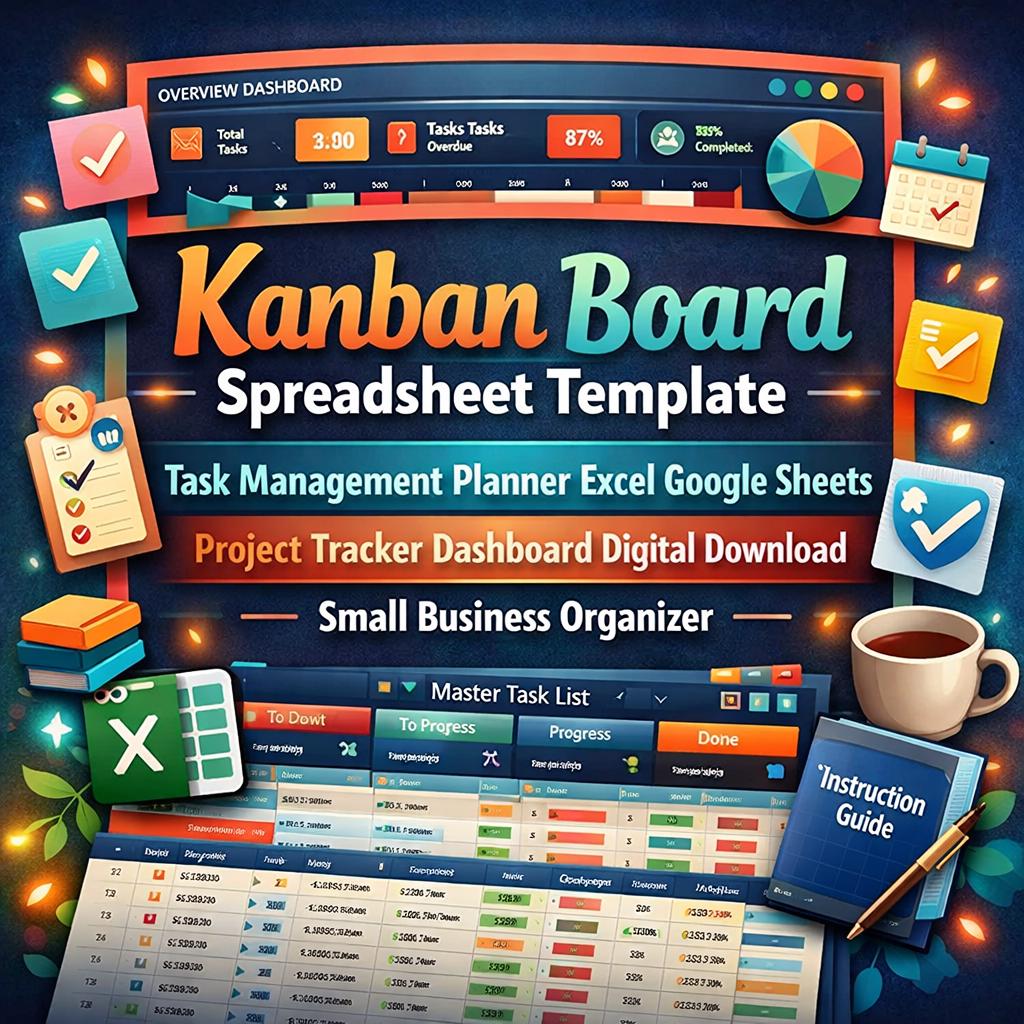
📋✨ Kanban Task Board: Your Complete Digital Project Management System ✨📋
Take control of every task, deadline, and project with this beautifully designed Kanban Board Spreadsheet Template. Built for entrepreneurs, small business owners, freelancers, team leaders, students, and anyone who loves staying organized and getting things done.
This is not just another spreadsheet. It is a fully interactive task management system designed with a stunning navy, teal, and coral color palette, professional formatting, and a smooth user experience that works perfectly in both Microsoft Excel and Google Sheets.
─────────────────────────────
📦 WHAT YOU WILL DOWNLOAD (3 FILES INCLUDED):
🗂 File 1: Kanban Task Board with Sample Data (.XLSX) Hit the ground running! This version comes loaded with 10 realistic sample tasks so you can see exactly how the board works before customizing it with your own projects. Explore every sheet, click every button, and see the formulas and Kanban views in action right away.
🗂 File 2: Kanban Task Board Blank Template (.XLSX) A completely clean slate ready for your tasks. All formulas, hyperlinks, dropdowns, and dashboard stats are fully functional. Just start typing your tasks and watch the magic happen.
🗂 File 3: Instructional Guide (.DOCX) A detailed, easy to follow Word document that walks you through every sheet, every feature, and every tip you need to get the most out of your Kanban Board. Perfect for beginners and spreadsheet pros alike.
─────────────────────────────
🌟 WHAT IS INSIDE YOUR KANBAN BOARD:
📊 Interactive Dashboard Your command center! View real time stats at a glance including total tasks, status breakdowns, high priority count, completion percentage, and overdue task alerts. Bold, colorful navigation buttons link you directly to every sheet in the workbook. Every sheet also includes a Dashboard button to bring you right back to your home base.
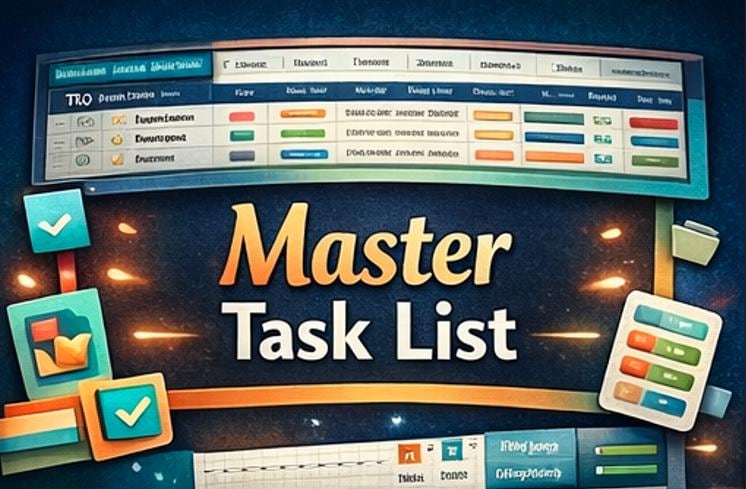
📝 Master Task List The heart of your system. Every task lives here with all the details you need: Task ID, Task Name, Description, Status, Priority Level, Assignee, Start Date, Due Date, Completion Date, and Notes. Dropdown menus for Status, Priority, and Assignee make data entry fast and consistent every single time.
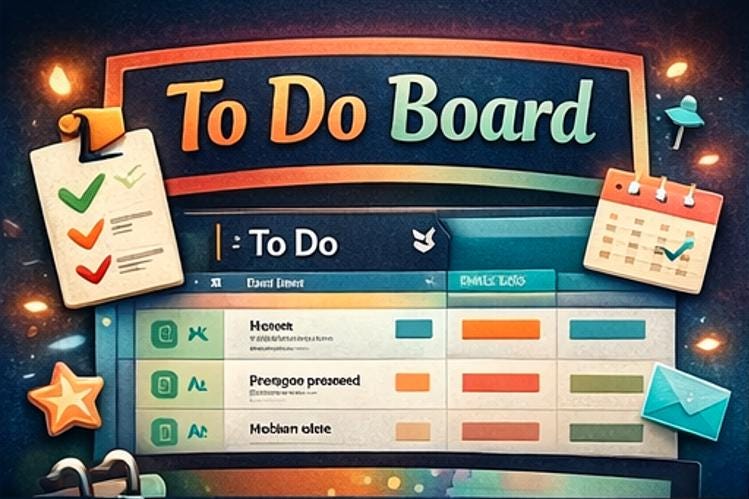
📌 To Do Board Automatically displays every task with a "To Do" status. No manual filtering required. Simply change a task's status on the Task List and it appears here instantly.
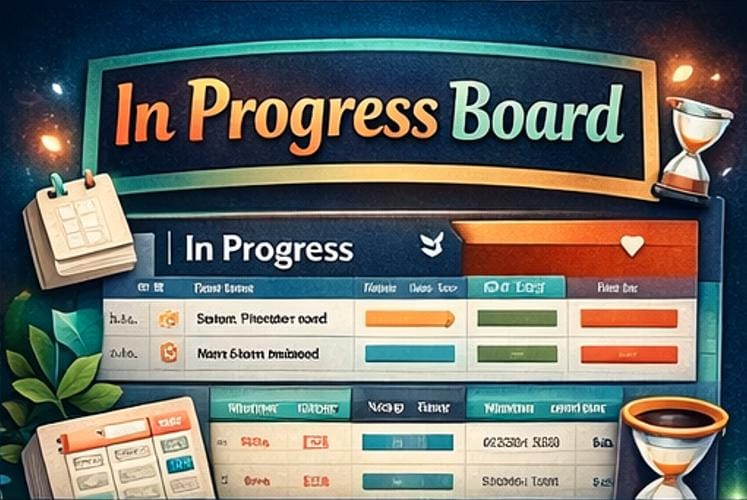
🔄 In Progress Board See exactly what is being worked on right now. This view filters in real time so you always know where your team's energy is focused.
✅ Done Board Celebrate your wins! Every completed task flows here automatically when you mark it as "Done." Track your accomplishments and watch your completion rate climb on the Dashboard.
⚙ Settings and Configuration Sheet Make it yours! Enter your business or brand name, team member names (up to 8 people), customize task statuses, priority levels, default preferences, and more. Your Settings populate dynamically throughout the entire workbook. For example, the Assignee dropdown on the Task List pulls directly from your team member list in Settings.
📖 Instructions Sheet A built in reference guide right inside the workbook that explains every sheet, every field, and the best workflow practices for managing your tasks like a pro.
─────────────────────────────
💎 KEY FEATURES:
🎨 Gorgeous full color background design with no plain white cells anywhere 🔗 Fully working hyperlink navigation buttons on every single sheet 📊 Live Dashboard formulas that update automatically as you work 📋 Dropdown menus for Status, Priority, and Assignee fields 🔄 Kanban views powered by array formulas that filter tasks in real time 👥 Team member list in Settings feeds the Assignee dropdown dynamically 📅 Full date tracking with Start Date, Due Date, and Completion Date columns 🔴🟡🔵 Color coded priority levels for instant visual scanning ⚡ Room for up to 100 tasks with space to grow 🖥 Works beautifully in Microsoft Excel and Google Sheets 🚫 Gridlines hidden for a clean, professional, polished look 📐 Wide, readable columns with proper text wrapping and alignment 🎯 Zero formula errors, fully tested and ready to use out of the box
─────────────────────────────
🖥 COMPATIBILITY:
✅ Microsoft Excel for Desktop (recommended for the best experience) ✅ Google Sheets (simply upload the .xlsx file to Google Drive and open with Sheets) ✅ Works on both Windows and Mac ⚠ Not optimized for mobile spreadsheet apps due to layout complexity
─────────────────────────────
🛠 HOW TO GET STARTED:
1️⃣ Download all 3 files after purchase 2️⃣ Read the Instructional Guide (.DOCX) for a full walkthrough of every feature 3️⃣ Open the Pre Filled version first to explore how everything works 4️⃣ Open the Blank Template when you are ready to start your own board 5️⃣ Go to the Settings sheet and enter your business name and team members 6️⃣ Head to the Task List and start adding your tasks 7️⃣ Use the Dashboard to navigate your board and track your progress every day
─────────────────────────────
💡 PERFECT FOR:
🏪 Small business owners managing shop tasks, launches, and daily operations 🎨 Freelancers and creatives juggling multiple client projects at once 👩💼 Team leaders coordinating workflows and assignments across departments 🎓 Students organizing coursework, group projects, and upcoming deadlines 📱 Content creators planning campaigns, content calendars, and production schedules 🏠 Anyone who wants a beautiful and functional way to stay on top of their to do list
─────────────────────────────
🔎 WHY CHOOSE THIS TEMPLATE?
There are plenty of task trackers out there, but this one was built with care. Every formula has been tested. Every hyperlink has been verified. Every color, font, and cell width has been chosen to create a professional experience that feels as good as it looks. You are not just buying a spreadsheet. You are getting a complete system designed to help you work smarter, stay organized, and actually enjoy the process of checking things off your list.
Plus, the included Instructional Guide (.DOCX) means you will never feel lost. Whether you are brand new to spreadsheets or a seasoned Excel user, the step by step guide walks you through everything from setup to daily use.
─────────────────────────────
⚠ PLEASE NOTE:
This is a digital download and no physical product will be shipped. All 3 files are available for instant download immediately after purchase. Due to the nature of digital products, all sales are final. Please read the full description carefully and review all listing photos before purchasing.
If you have any questions at all before buying, please do not hesitate to send me a message. I am always happy to help!
─────────────────────────────
💌 Thank you so much for visiting my shop!
⭐ If you love your Kanban Board, I would be incredibly grateful for a 5 star review. It truly means the world to small shops like mine and helps other buyers find this template too. Thank you! 💛