OneNote Meeting Notes Template | Editable System, Beginner Guide (Digital Download)
$11.24 $14.99
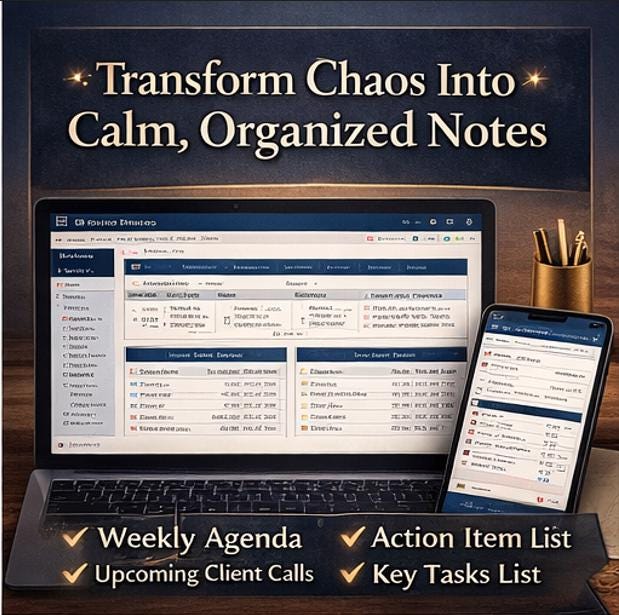
📓 Transform the way you run meetings with this beautifully designed, fully editable Meeting Notes Notebook. Whether you run client calls, lead executive reviews, or keep your team in sync, this premium template turns scattered meeting chaos into a calm, searchable, professional workflow.
🎯 WHAT MAKES THIS DIFFERENT
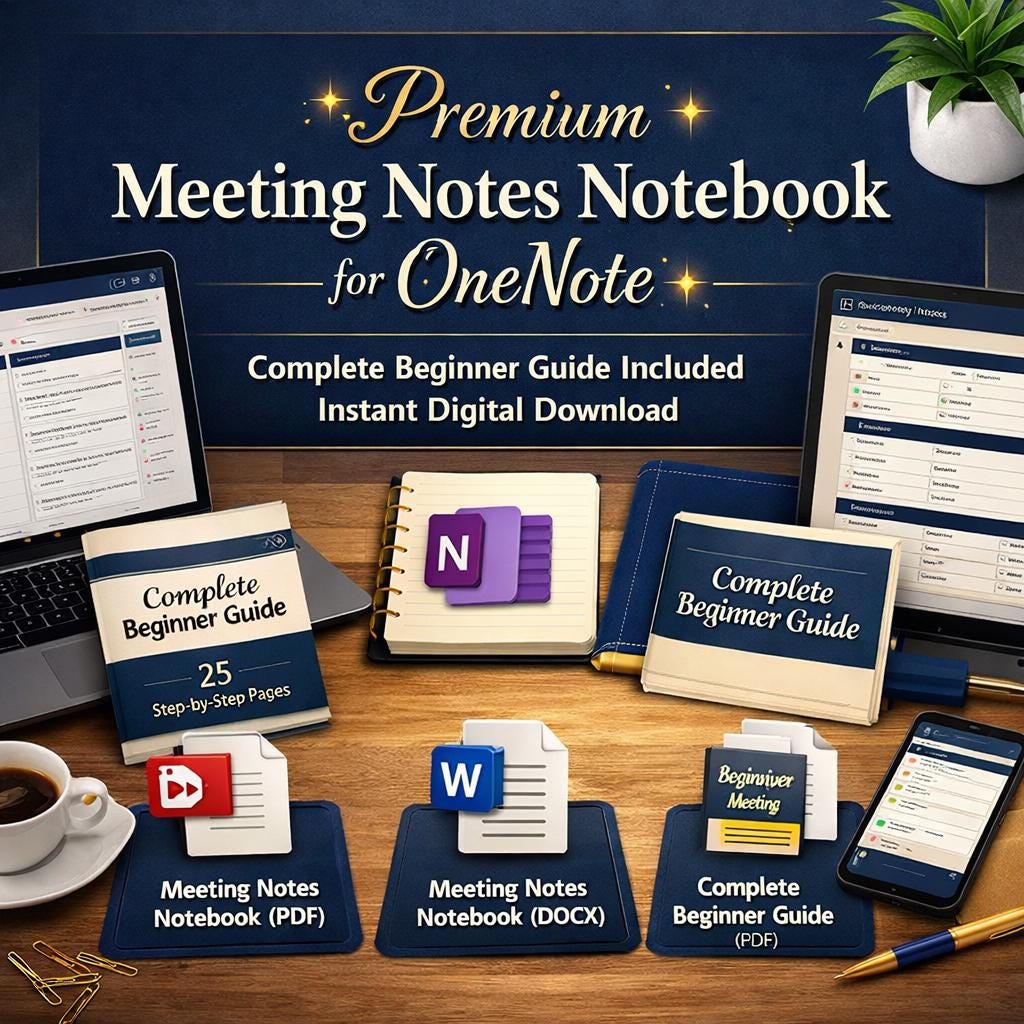
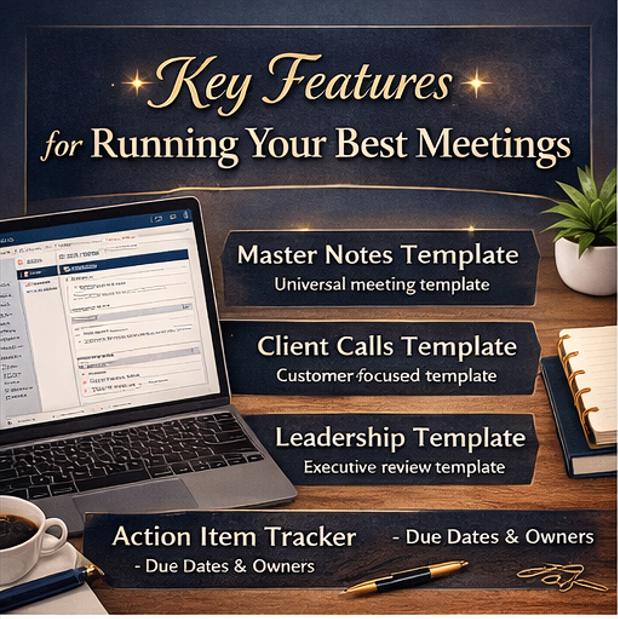
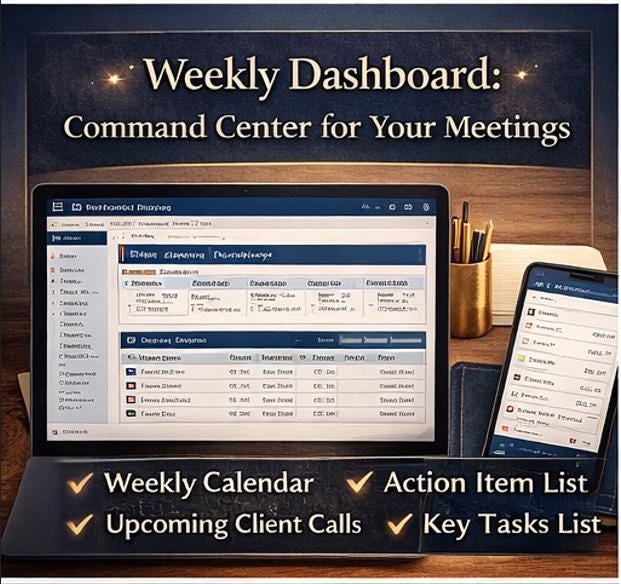
Most meeting templates are one page and leave you guessing. This is a complete system: 12 organized sections, 4 specialized meeting templates, 2 built-in trackers, a weekly dashboard, a clean archive structure, and a full 25 page beginner guide that teaches you how to use it all, even if you have never opened OneNote before.
📥 WHAT YOU WILL DOWNLOAD (3 FILES)
Instant digital download. No waiting, no shipping, no physical product.
📄 1. Meeting Notes Notebook (PDF) A polished, print ready preview of the entire notebook. Use it as a reference, a printout, or a visual guide before you import into OneNote.
📝 2. Meeting Notes Notebook (DOCX) The fully editable master template. Open it in Word, Google Docs, or import section by section into OneNote. Every field, table, and tracker is ready to customize with your own content.
📚 3. Complete Beginner Guide (PDF) A 25 page step by step guide that walks you from zero OneNote experience to confident daily use in under an hour. Includes installation instructions, import methods, daily workflow, troubleshooting, keyboard shortcuts, and a printable quick reference card.
🗂️ WHAT IS INSIDE THE NOTEBOOK (12 SECTIONS)
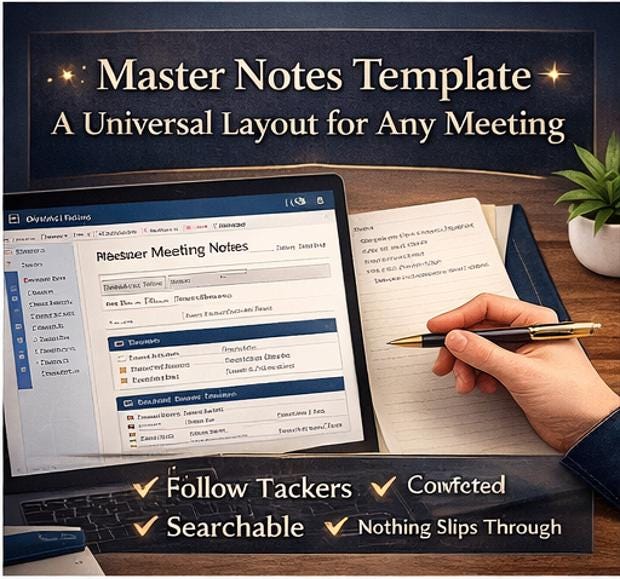
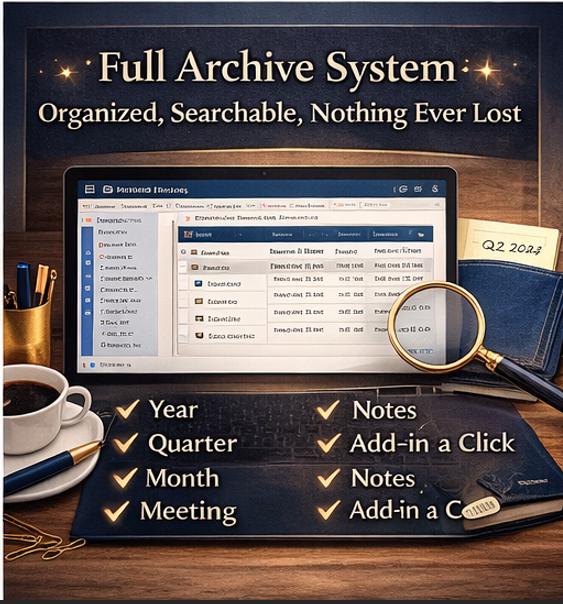
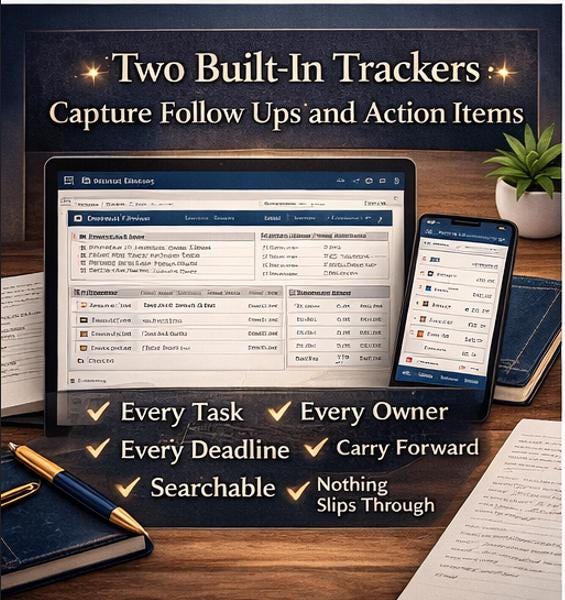
🔸 01 Welcome : Introduction and notebook philosophy 🔸 02 Instructions : Setup guide and status legend 🔸 03 Meeting Dashboard : Your weekly command center 🔸 04 Master Meeting Notes : Universal template for any meeting 🔸 05 Client Calls : Specialized for external client conversations 🔸 06 Leadership Meetings : Strategic and executive reviews 🔸 07 Internal Syncs : Team stand ups and working sessions 🔸 08 Recurring Meetings : Ongoing meetings with carry forward items 🔸 09 Follow Up Tracker : External commitments and awaiting reply items 🔸 10 Action Item Tracker : Every task, every owner, every deadline 🔸 11 Completed Meetings : Staging area for closed notes 🔸 12 Archive : Year, quarter, and month structure
📋 EVERY MEETING TEMPLATE INCLUDES
✅ Meeting title, date, time, location or video link ✅ Full agenda with leads and time allocations ✅ Attendee list with roles ✅ Discussion notes with clean ruled lines ✅ Key decisions table ✅ Action items with owners, deadlines, and status ✅ Risks and blockers ✅ Next meeting details ✅ Post meeting reflection (what worked, what did not, what to improve)
💻 COMPATIBLE SOFTWARE
This template works with all major note taking and document software.
🔹 Microsoft OneNote (recommended for the full notebook experience) 🔹 Microsoft Word (Desktop, Web, or Microsoft 365) 🔹 Google Docs (upload the DOCX to Google Drive) 🔹 Apple Pages (import the DOCX) 🔹 Any PDF reader for the guide and preview file (Adobe Acrobat, Apple Preview, browser PDF viewers)
📱 COMPATIBLE DEVICES
Use the notebook on any device you already own.
🔹 Windows PC and laptop 🔹 Apple Mac and MacBook 🔹 Chromebook (via web browser) 🔹 iPhone and iPad 🔹 Android phone and tablet 🔹 Any web browser through onenote.com or office.com
🪄 HOW TO IMPORT AND EDIT
The included beginner guide explains three simple methods:
🔹 Method A: Copy and paste into OneNote (recommended, 25 to 30 minutes, fully editable) 🔹 Method B: Insert as printout (reference only, takes 5 minutes) 🔹 Method C: Skip OneNote and use Word or Google Docs directly (0 minutes of setup)
No technical skills required. If you can open a Word document, you can use this system. The beginner guide covers every step with clear screenshots and plain language.
🌟 WHY YOU WILL LOVE IT
✨ Premium, cohesive design in a navy, gold, and cream palette ✨ Clean, uncluttered layout that feels calm to work in ✨ Every field placed intentionally for real meeting workflows ✨ Reusable templates you can duplicate endlessly ✨ Two trackers that catch everything that would otherwise slip through the cracks ✨ Clear archive system so nothing is ever lost and nothing clutters the present ✨ 25 page beginner guide means you are never stuck
🎁 PERFECT FOR
🔸 Project managers, account managers, and team leads 🔸 Consultants and agency owners running client calls 🔸 Executives, founders, and small business owners 🔸 Remote and hybrid teams needing a single source of truth 🔸 Students, researchers, and anyone in regular meetings 🔸 Anyone who has ever finished a meeting and thought, "wait, what did we actually decide?"
⚡ INSTANT DIGITAL DOWNLOAD
Files are available immediately after purchase. Download them, save them to your computer, and start using the system today.
📌 IMPORTANT NOTES
🔹 This is a digital product. No physical item will be shipped. 🔹 Due to the digital nature of this product, all sales are final and no refunds can be offered. 🔹 OneNote cannot directly open DOCX or PDF files as notebooks. The included beginner guide explains exactly how to bring the content in. It is easier than it sounds. 🔹 Colors and formatting preserve best when importing from the desktop OneNote app rather than the web version. 🔹 For personal and small business use only. Please do not resell, share, or redistribute any file. 🔹 Colors on your screen may vary slightly from the printed preview.
💌 QUESTIONS?
Feel free to message me any time. I respond within 24 hours and I am here to make sure you love your purchase.
Thank you for supporting my small shop. Happy meetings! 🎉