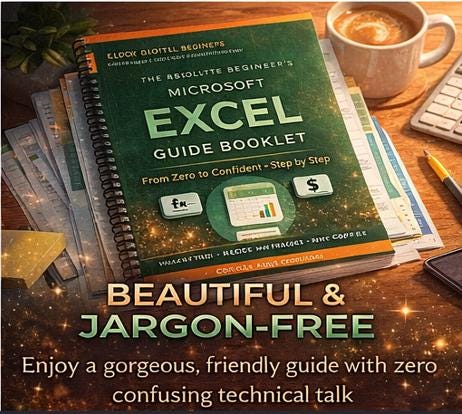
Microsoft Excel Guide Booklet for Beginners – Step-by-Step Learning (Digital Download)
$2.99 $3.99
Have you ever stared at Excel and felt completely lost? 😰 Or avoided opening a spreadsheet because all those cells and buttons looked too technical? 💻 Those days are over!
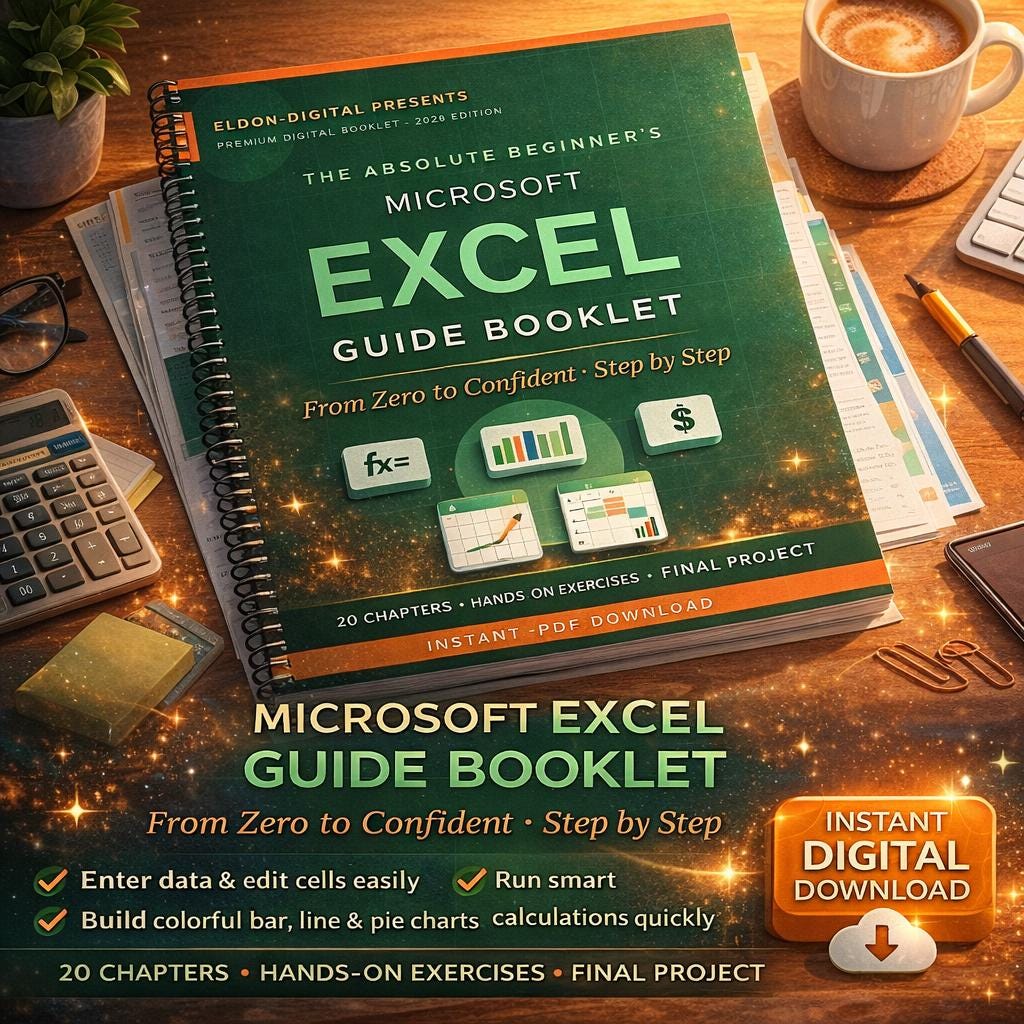
This premium beginner's booklet was lovingly designed for real people who have never used Excel before in their life. No jargon. No assumptions. No feeling stupid. 💚 Just calm, friendly, step by step lessons that take you from total beginner to confident Excel user by the time you finish the last page.
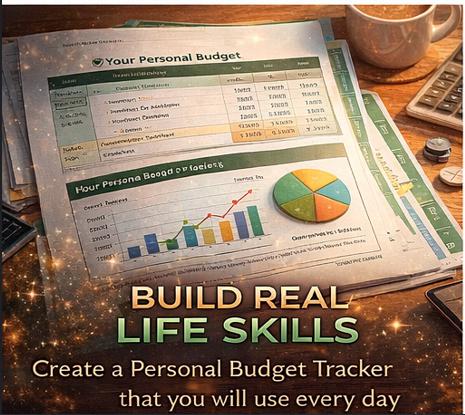
By the end of this booklet, you will open Excel without hesitation, enter your own data, run smart calculations, build colorful charts, and create your very own Personal Budget Tracker from scratch. That is a real life skill, and it stays with you forever. 🏆
________________________________________
📥 INSTANT DIGITAL DOWNLOAD
✅ You will receive 1 beautifully designed PDF file ready to read on any device. 📧 After your purchase, Etsy will email you the download link, and you can also download the file anytime from your Etsy purchases page. No physical item will be shipped.
________________________________________
📚 WHAT IS INSIDE THIS BOOKLET
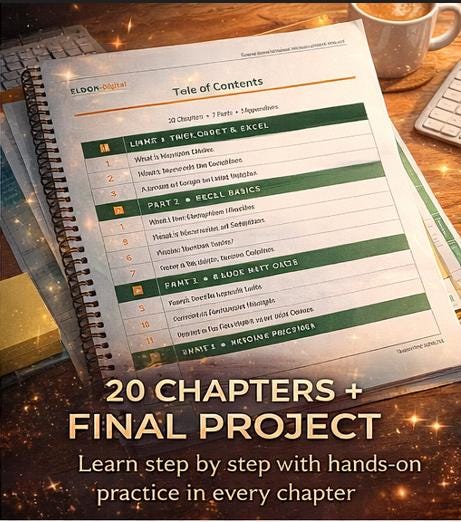
🌿 Part 1 | Welcome to Excel What Excel is, how to open it on your computer, and a calm guided tour of every part of the Excel window.
🧱 Part 2 | Excel Basics Workbooks, worksheets, cells, rows, columns, the ribbon, the formula bar, and how to save your work so you never lose it.
✏️ Part 3 | Working with Data Entering data, editing without fear, formatting text and numbers, and adjusting rows and columns so everything fits.
🧮 Part 4 | Your First Calculations Simple addition and subtraction, then the four most powerful beginner formulas: SUM, AVERAGE, MIN, and MAX.
🗂️ Part 5 | Organizing Your Data Sorting from A to Z, filtering to hide what you do not need, and converting plain data into stunning Excel Tables.
📈 Part 6 | Charts and Printing Build beautiful bar, line, and pie charts in three clicks, and print your spreadsheet so it fits neatly on one page.
💰 Part 7 | Your First Real Project Build your own Personal Budget Tracker from scratch, complete with formulas, totals, savings calculations, and a colorful pie chart.
📖 Appendices Top 10 keyboard shortcuts, common beginner mistakes and their fixes, a 30 term glossary, and ideas for what to learn next.
________________________________________
✨ WHAT MAKES THIS BOOKLET SPECIAL
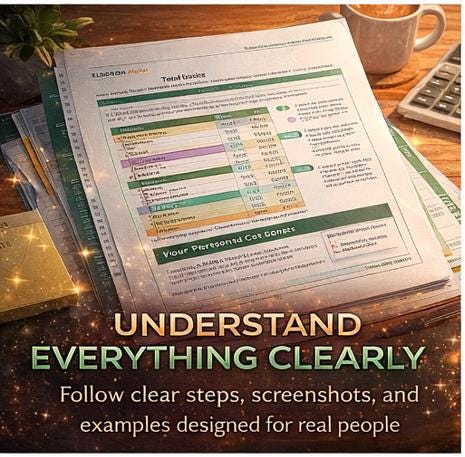
🎨 Premium Etsy quality design with soft green, warm orange, and vibrant accents 📋 20 full chapters covering every Excel basic you need 💡 Hands on exercises after every major section so you can practice right away ⌨️ Keyboard shortcut boxes to help you feel like a pro 🎯 Real sample spreadsheets shown throughout the booklet 🖨️ Formula display boxes that show exactly what to type and what answer to expect 🟢 Color coded callout boxes for Tips, Notes, Warnings, Exercises, Key Points, and Shortcuts 📑 Professional layout with branded headers and footers on every single page
________________________________________
🖥️ SOFTWARE AND DEVICES YOU WILL USE
To follow along with this guide, you will need:
💻 Device: Any Windows PC, Mac computer, Chromebook, iPad, Android tablet, or even your smartphone 📱 PDF reader: Any free PDF viewer such as Adobe Acrobat Reader, Apple Preview, Google PDF Viewer, or your web browser (Chrome, Safari, Edge, Firefox) 📊 Microsoft Excel (any version from 2016 onwards works perfectly), Microsoft 365, or free alternatives such as Excel Online at office.com or Google Sheets at sheets.google.com 🌐 Internet connection: Needed once to download the PDF, and optional for Excel Online
The booklet works with desktop Excel, mobile Excel, web Excel, and Google Sheets. Every concept transfers across all of them. ✅
________________________________________
📂 HOW TO VIEW AND IMPORT THIS TEMPLATE
📄 To view the booklet: Simply double click the downloaded PDF file. It opens in your default PDF reader and looks identical on every device.
💡 To use the examples in Excel: 1️⃣ Open Microsoft Excel (or Excel Online, or Google Sheets) on your computer, tablet, or phone. 2️⃣ Create a blank workbook. 3️⃣ Follow along with the sample spreadsheets shown in each chapter. The booklet tells you exactly what to type in every cell. 4️⃣ For the final Personal Budget Tracker project, just follow the step by step build instructions in Part 7 of the booklet.
📝 To annotate your own copy: 1️⃣ Open the PDF in Adobe Acrobat Reader (free), Foxit PDF Reader, Apple Preview on Mac, or Xodo PDF on mobile. 2️⃣ Use the highlight, comment, or pencil tools to mark up pages as you learn. 3️⃣ On iPad or tablet, apps like GoodNotes, Notability, Noteshelf, or Adobe Acrobat Mobile let you write directly on the PDF pages. 4️⃣ Prefer a printed copy? Print the PDF on any home or office printer for a physical workbook experience.
📤 To import sample data into Excel: The booklet shows you exactly what to type into each cell, so there is nothing to import. You build everything yourself, which is the best way to truly learn. However, if you want to copy text directly from the PDF, simply highlight the text inside your PDF reader, press Ctrl+C (or Cmd+C on Mac), click into Excel, and press Ctrl+V (or Cmd+V).
________________________________________
🌸 PERFECT FOR
👩🎓 Students who need Excel for school assignments or group projects 💼 Professionals starting a new job that requires Excel skills 👨💼 Career changers building new resume worthy skills 🏡 Homemakers tracking household budgets and family plans 🛍️ Small business owners and Etsy sellers managing inventory and sales ⛪ Volunteers organizing church, club, or nonprofit records 👵 Retirees who want to feel confident with modern technology 💪 Anyone who has felt intimidated by Excel and is ready to change that!
________________________________________
💖 WHY CUSTOMERS LOVE THIS BOOKLET
🌟 Written in warm, friendly American English with zero technical jargon 🌟 Every new term explained the very first time it appears 🌟 Over 20 hands on practice exercises so learning sticks 🌟 Beautifully designed with colors that help you read faster, not slower 🌟 Includes a complete capstone project (Personal Budget Tracker) 🌟 30 term glossary for quick reference anytime 🌟 Lifetime access to your downloaded file 🌟 Branded professional layout on every page
________________________________________
⚠️ IMPORTANT NOTES
📌 This is a digital product. No physical item will be mailed to you. 📌 Due to the instant delivery nature of digital downloads, all sales are final and non refundable. 📌 This booklet is for personal use only. Please do not resell, redistribute, share, or repost the file. 📌 Microsoft and Excel are registered trademarks of Microsoft Corporation. This booklet is an independent educational product and is not affiliated with, endorsed by, or sponsored by Microsoft. 📌 All screenshots, examples, and instructions are designed to work with modern versions of Excel, but small menu differences may appear between versions. The core concepts apply to every version.
________________________________________
💬 QUESTIONS OR FEEDBACK?
Send me a message through Etsy anytime! 💌 I usually reply within 24 hours and I am genuinely happy to help you succeed. Your learning journey matters, and I am cheering you on every step of the way. 🌟
________________________________________
🛍️ READY TO FINALLY CONQUER EXCEL?
Add this booklet to your cart today and start learning tonight! 🌙 One good evening with this guide and you will wonder why Excel ever felt scary in the first place. 💪
Your future, more confident self is going to thank you. 💚